
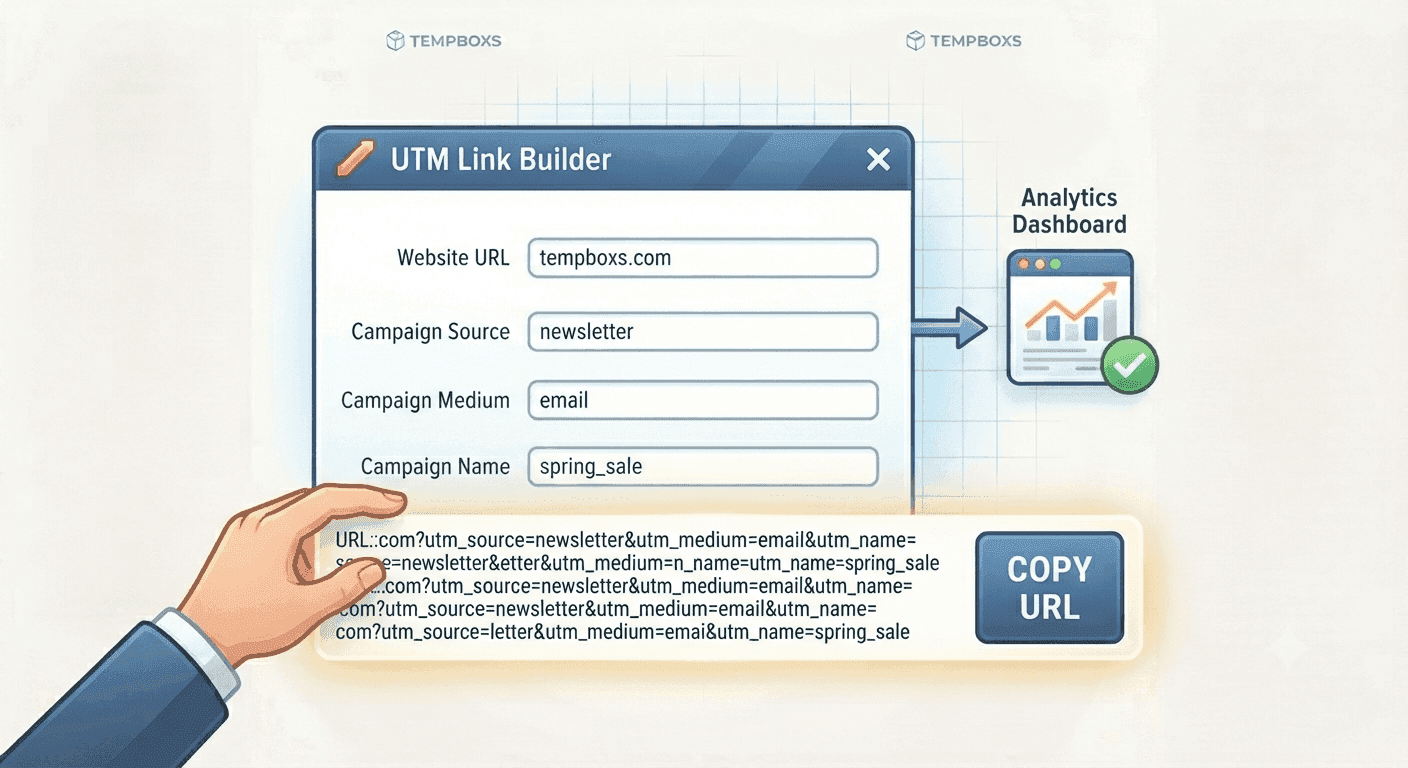
8 min read
UTM Link Builder Guide: Create Campaign URLs Without Breaking Links
Learn what UTM parameters mean, how to name campaign links consistently, and why tracking values should avoid personal data.
Tips on temporary email, signups, and spam.
Learn what UTM parameters mean, how to name campaign links consistently, and why tracking values should avoid personal data.
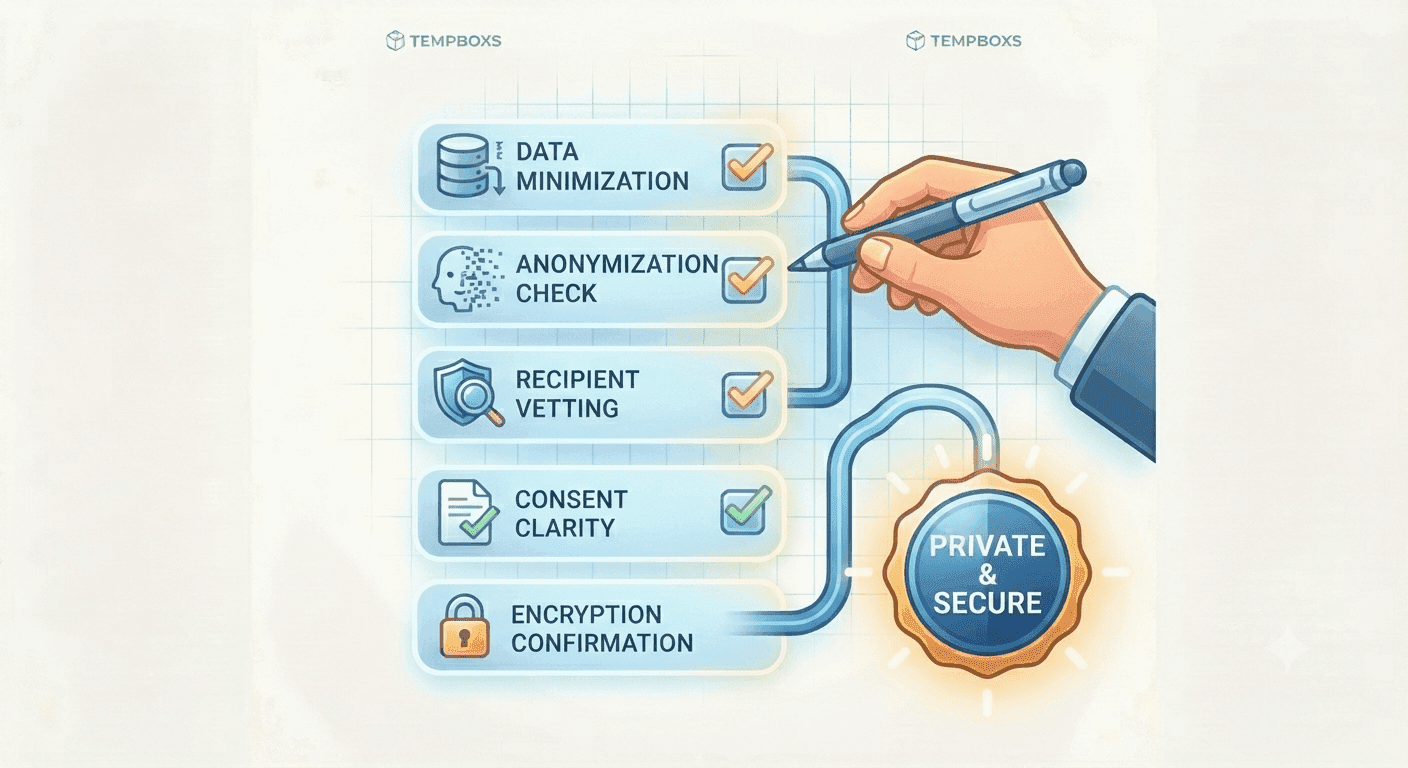
Use a practical checklist before signups, support tickets, link sharing, and publishing so you avoid exposing unnecessary personal data.
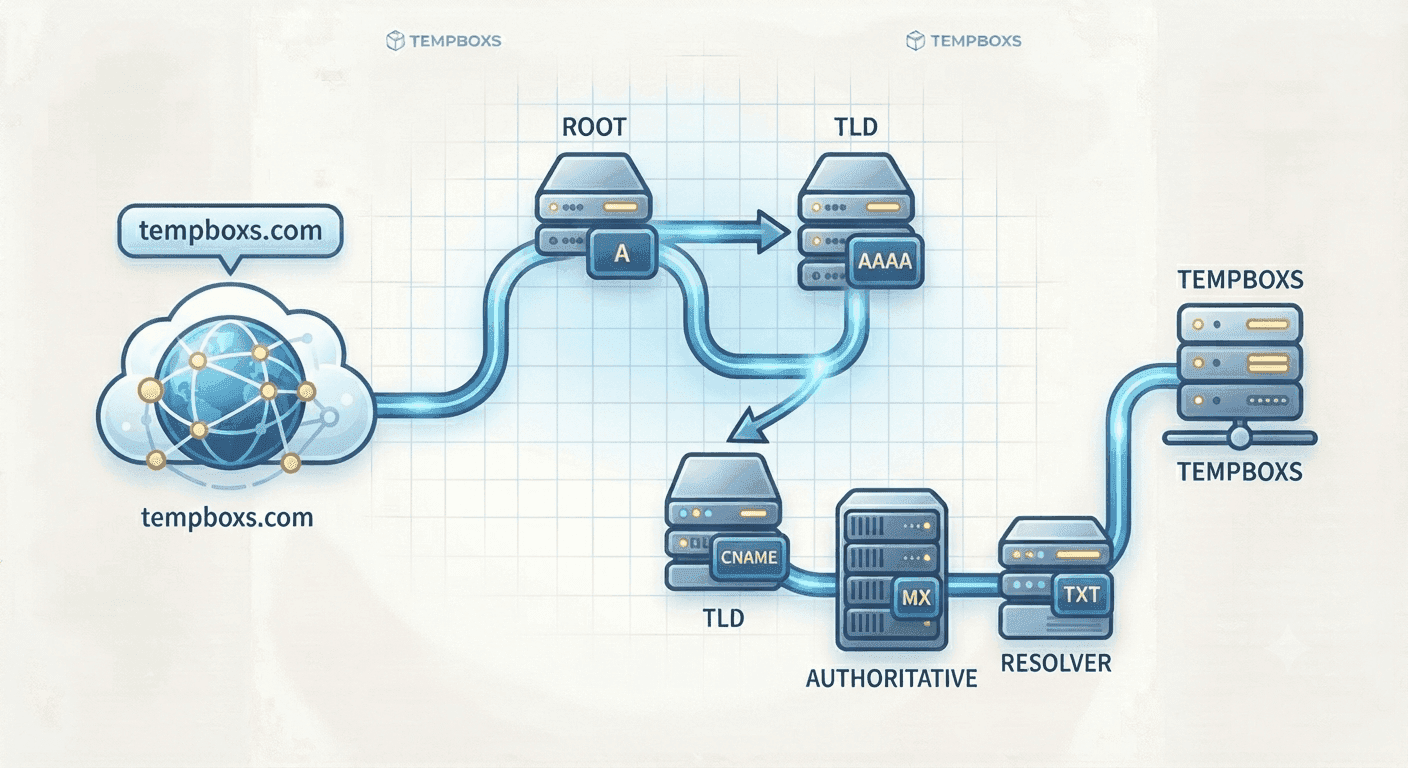
Learn what common DNS records do, how email records work together, and what to check before changing a live DNS zone.
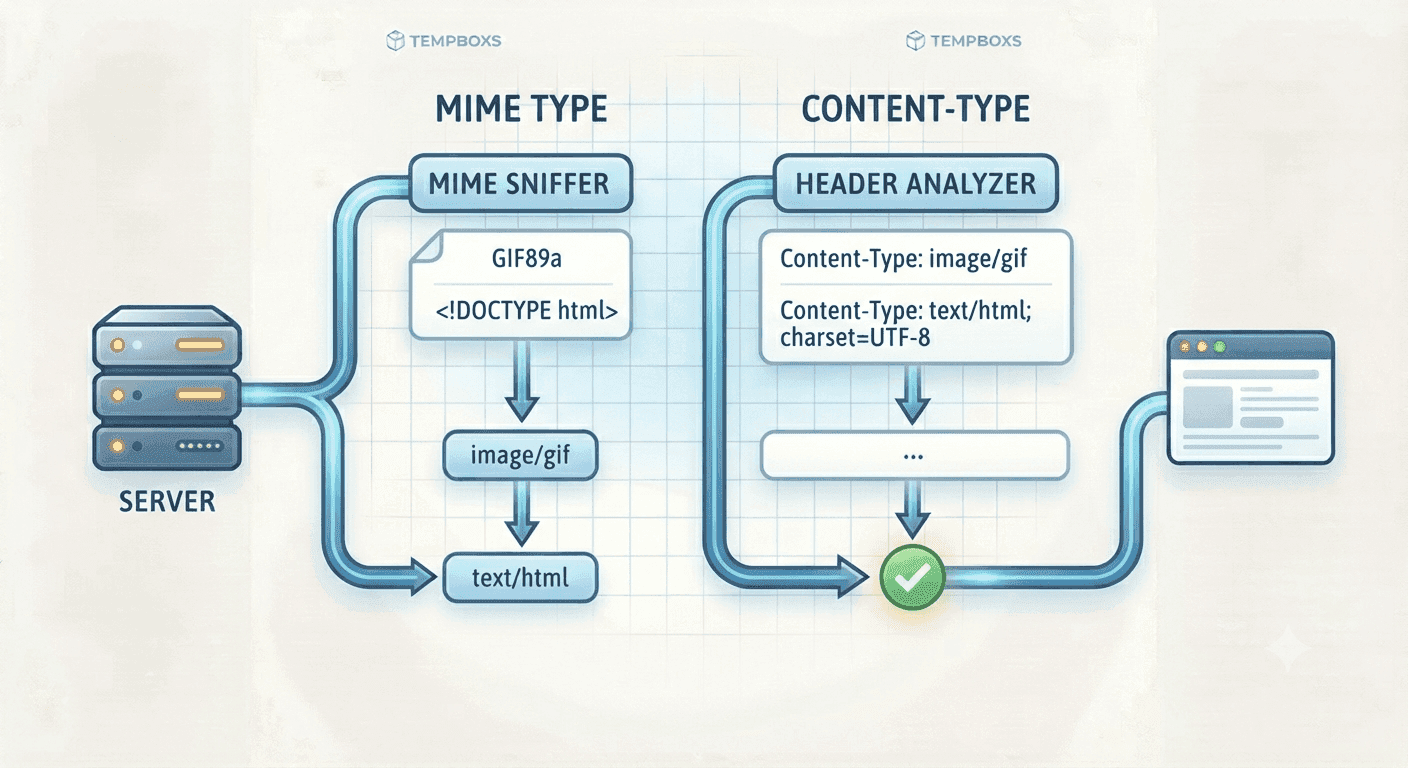
Learn why MIME types matter, how Content-Type affects browsers and APIs, and what to check when uploads or static assets behave incorrectly.
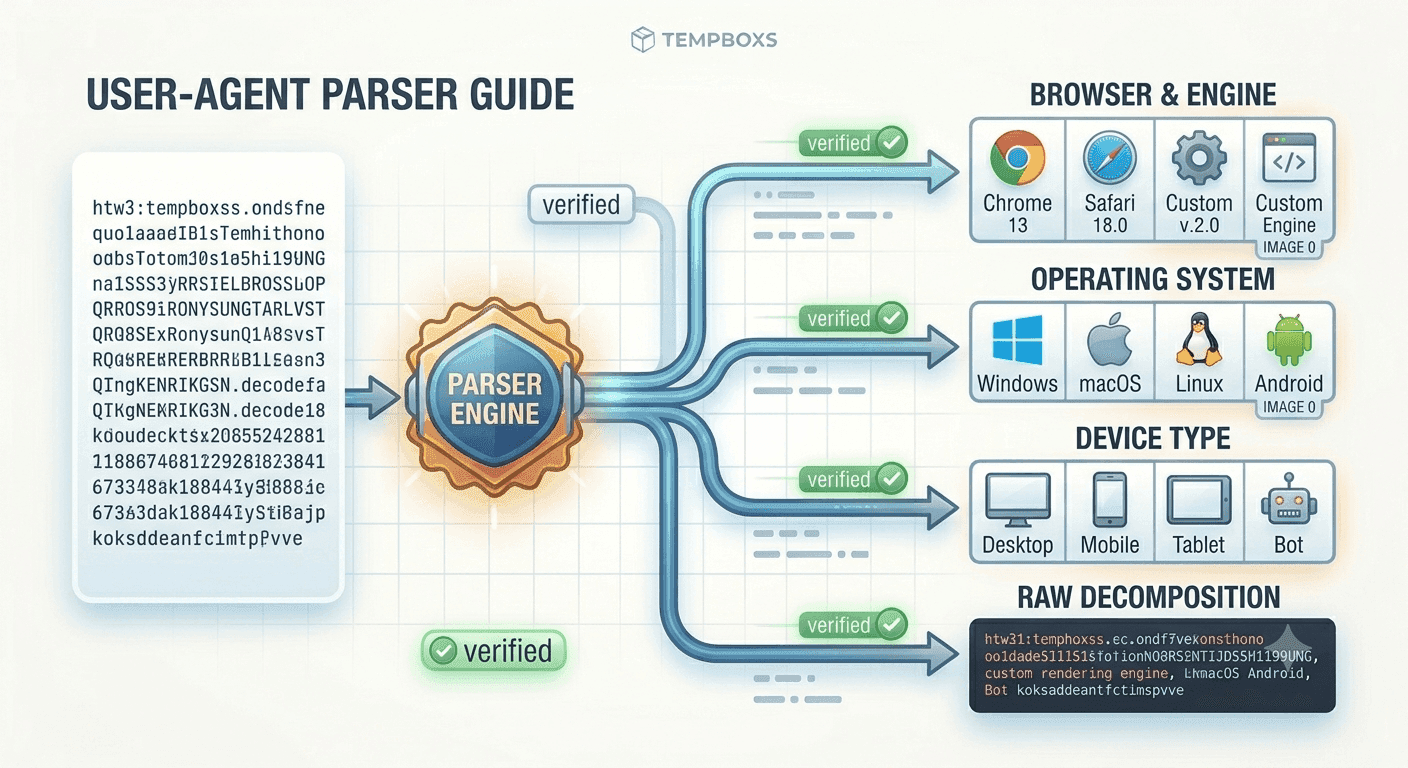
Learn what user agent strings can reveal, why they are messy, and how to use browser and device clues safely during debugging.
Learn how YAML and JSON differ, what to check before converting config snippets, and why browser-only conversion helps protect examples.

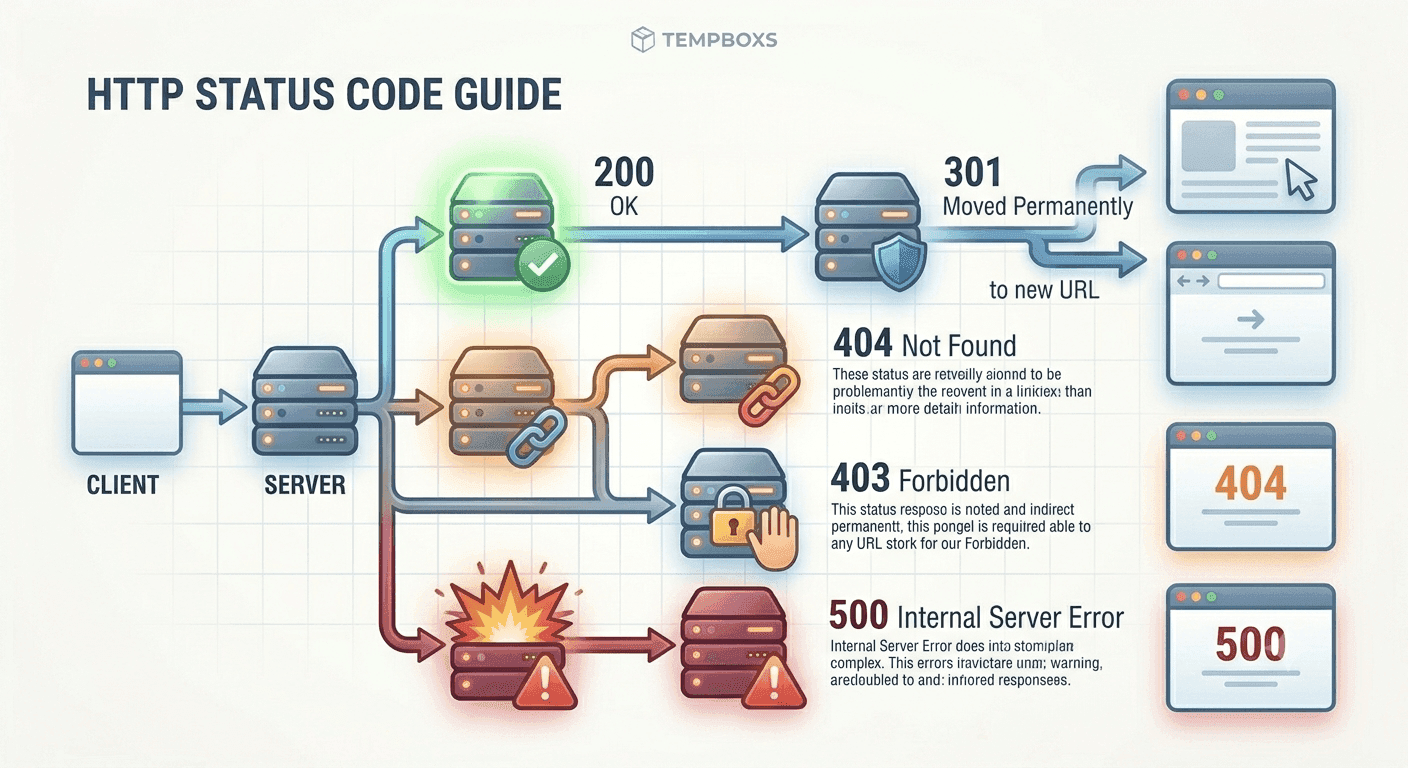
Learn how HTTP status code classes work, what common API and website responses mean, and what to check when debugging.
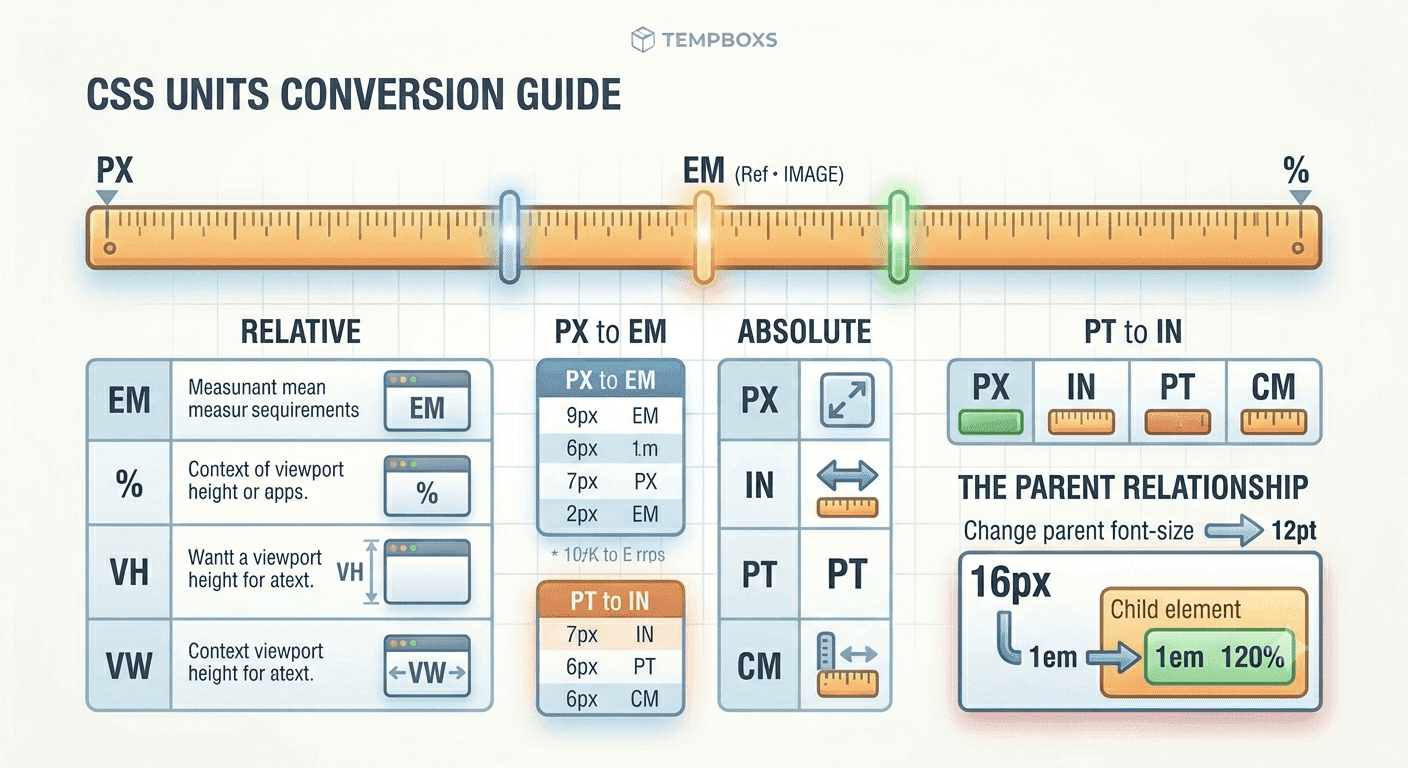
Learn when to use px, rem, em, and percent values, why font-size context matters, and how unit conversion supports consistent design tokens.
Learn how contrast ratios work, what WCAG AA and AAA thresholds mean, and how to review color pairs in real interfaces.
Learn how five-field cron expressions work, why schedule mistakes happen, and what to check before using cron in production.
Learn what URL encoding does, when to encode query values, why decoding helps review links, and why encoded data is not private.
Learn how URL parts work, why query parameters can carry data, and how to review copied links before opening or sharing them.
Learn when to use title case, sentence case, slugs, snake_case, kebab-case, camelCase, and PascalCase across content and code.
Learn when to convert CSV to JSON, how headers and delimiters work, and how to handle private spreadsheet exports safely.
Learn how word count, reading time, headings, examples, and repeated terms can help you plan clearer guides without chasing arbitrary length.
Learn how Markdown previews help writers and developers structure headings, lists, links, and code blocks before publishing useful content.
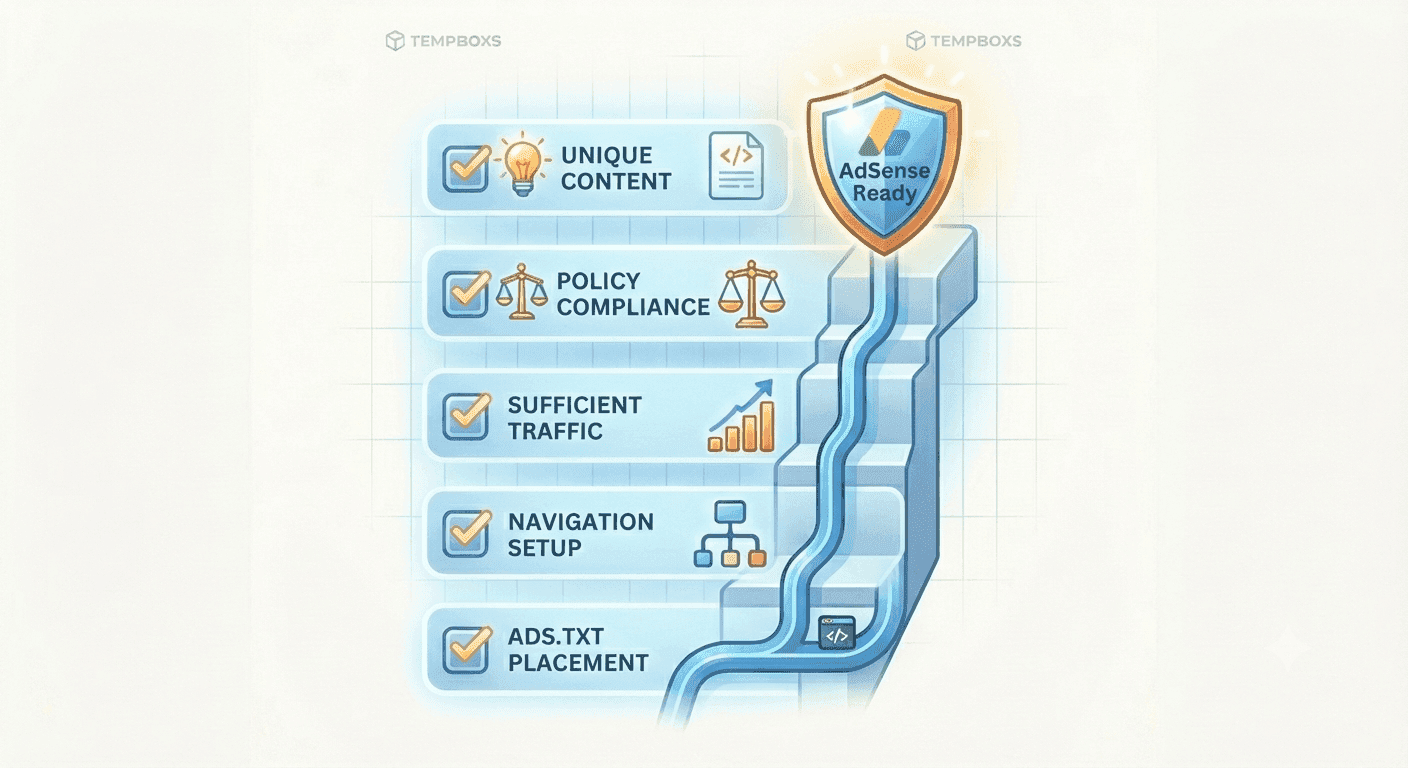
A practical review framework for preparing a useful website for AdSense checks without treating any checklist as an approval guarantee.
Learn how JavaScript regular expressions work, what flags and capture groups do, and how to test patterns with realistic examples before using them.
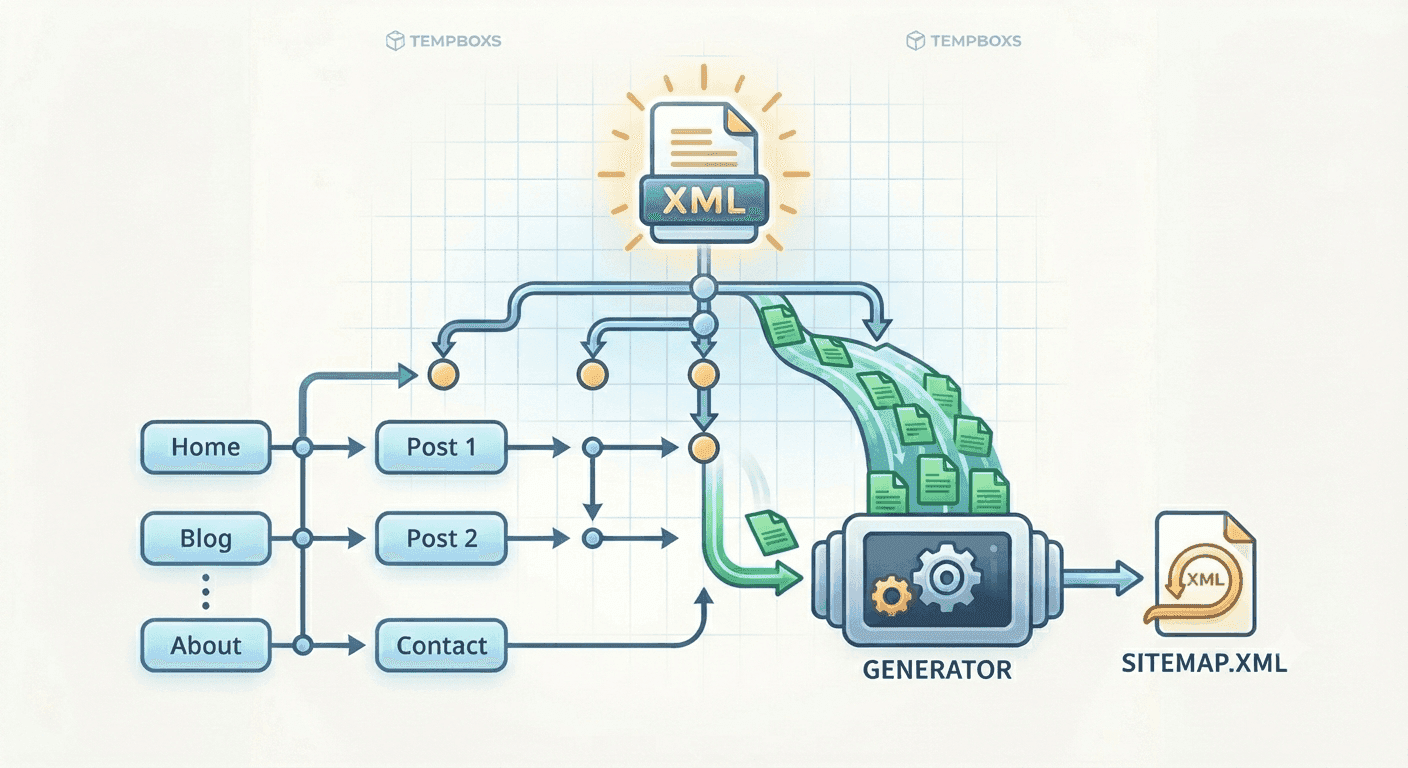
Learn what to include in a sitemap, which URLs to avoid, and how sitemap.xml supports crawlability without replacing quality content.
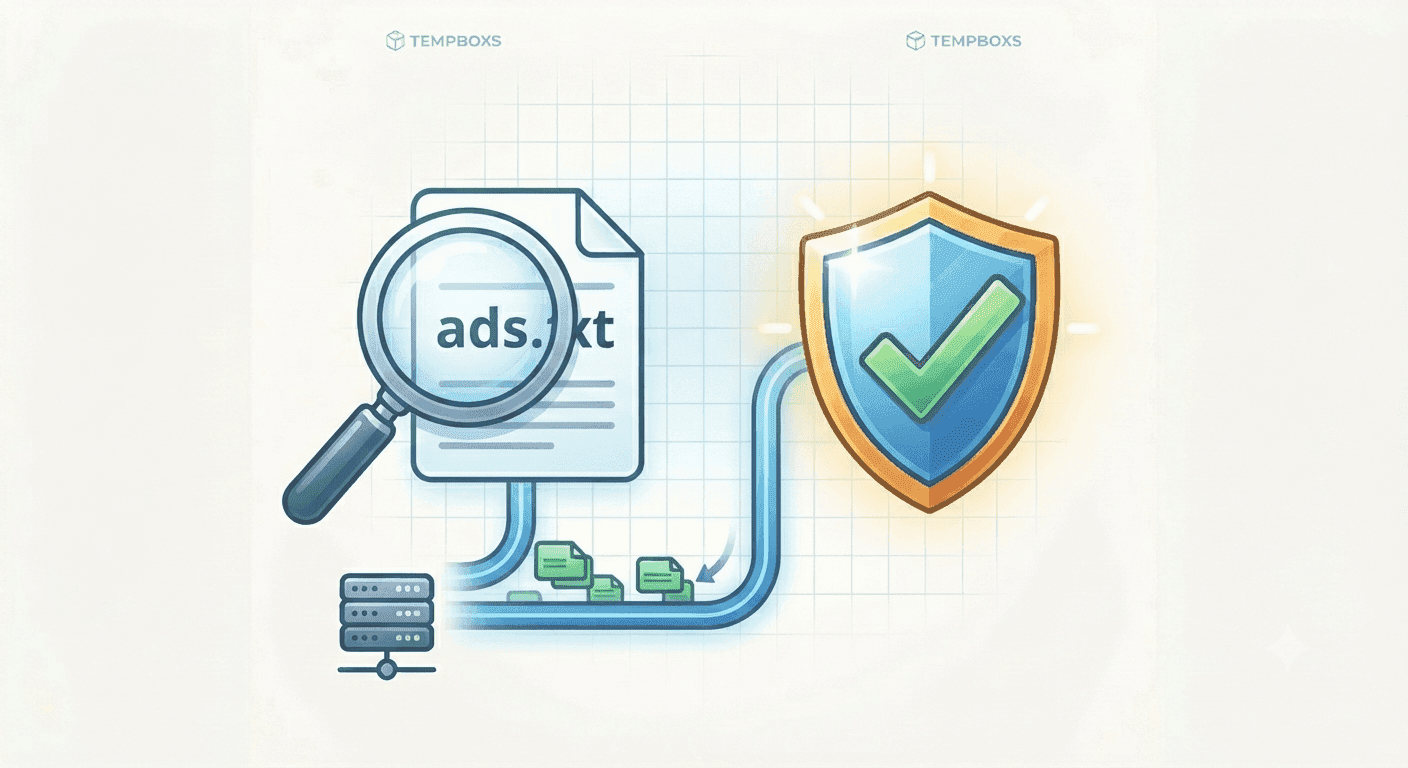
Learn what ads.txt does, how Google AdSense publisher records are structured, and how to check the file before review.
Learn when to encode HTML-sensitive characters, how entities differ from sanitization, and how to safely share snippets in docs and support replies.

Learn what to include in an llms.txt file, how it relates to GEO, and why it should support real public content.
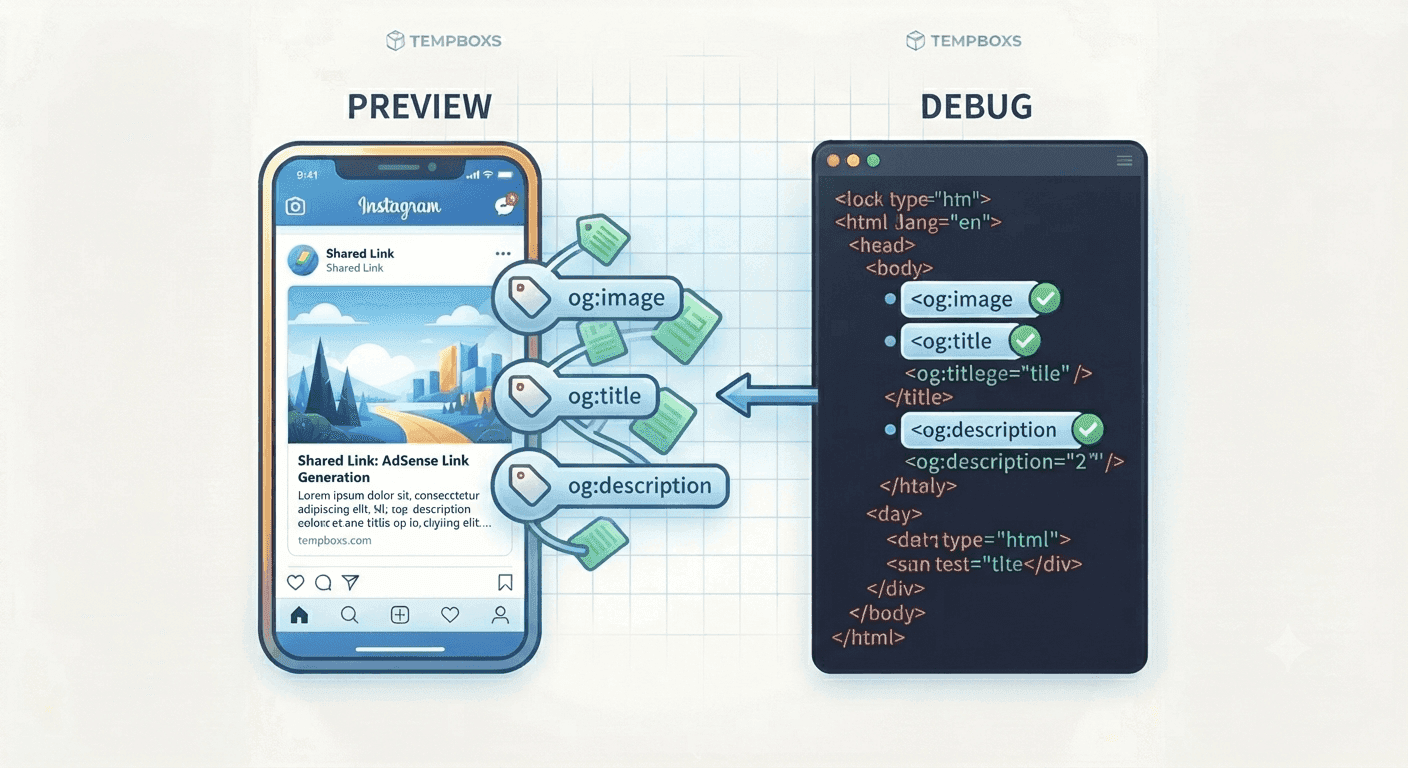
Learn what Open Graph and Twitter card tags do, how to write useful preview copy, and why previews should match the page.
Learn how robots.txt rules affect public tools, blog posts, policy pages, sitemaps, and crawlability before search or AdSense review.
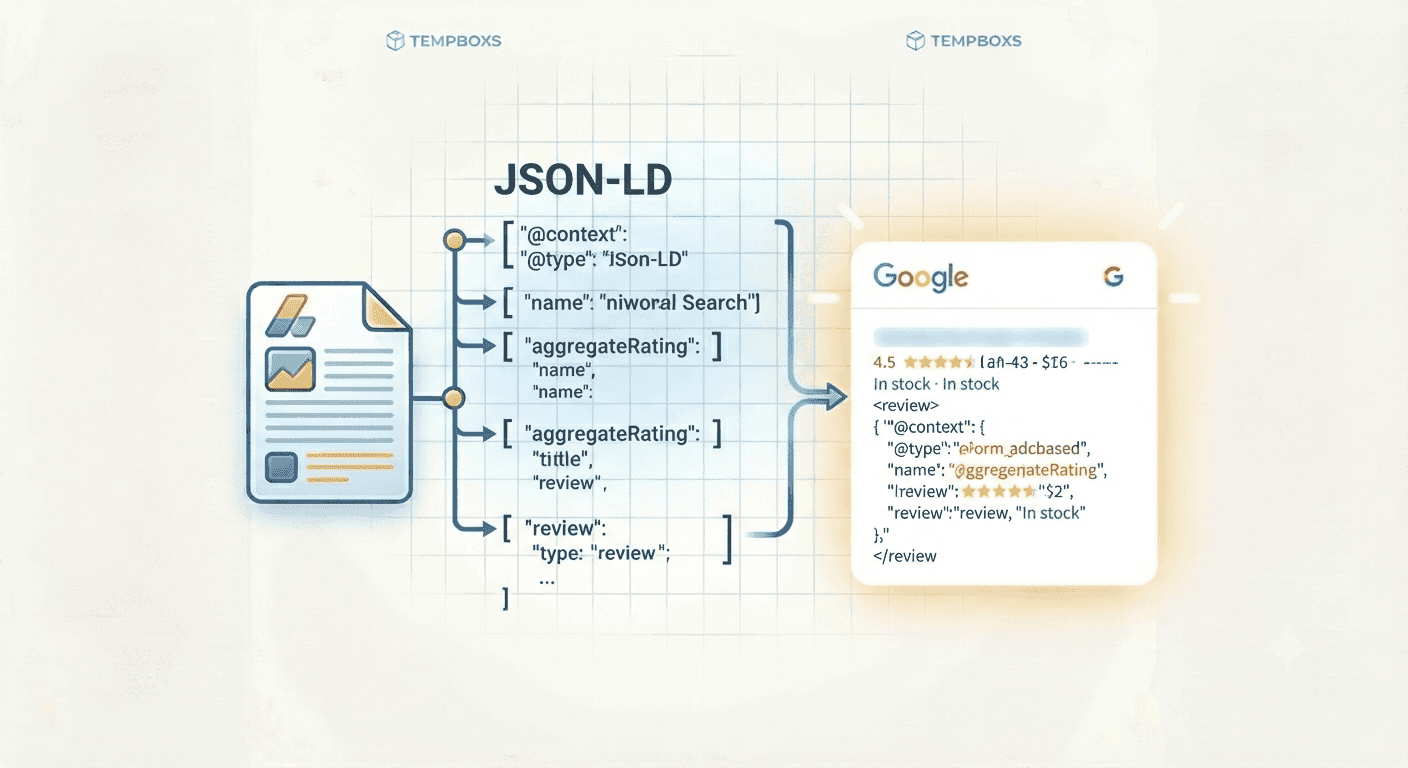
Learn how structured data describes useful pages, when to use JSON-LD, and how to keep schema aligned with visible content.
Learn which meta tags help search engines, social previews, and AI crawlers understand a page, and how to audit them before publishing.
Learn what UUID v4 values are, when to use them, why they are not secrets, and how to generate identifiers safely in your browser.
Learn how Unix timestamps work, why seconds and milliseconds get confused, and how to convert API, log, and JWT dates safely.
Learn what a JWT decoder can show, why decoding is not verification, and how to inspect token claims safely in your browser.
Learn how JSON formatting, minifying, and validation help debug API responses and config snippets while keeping sensitive data local.

Learn why Base64 is used in APIs, email, data URLs, and developer tools, plus why it should not be confused with encryption.
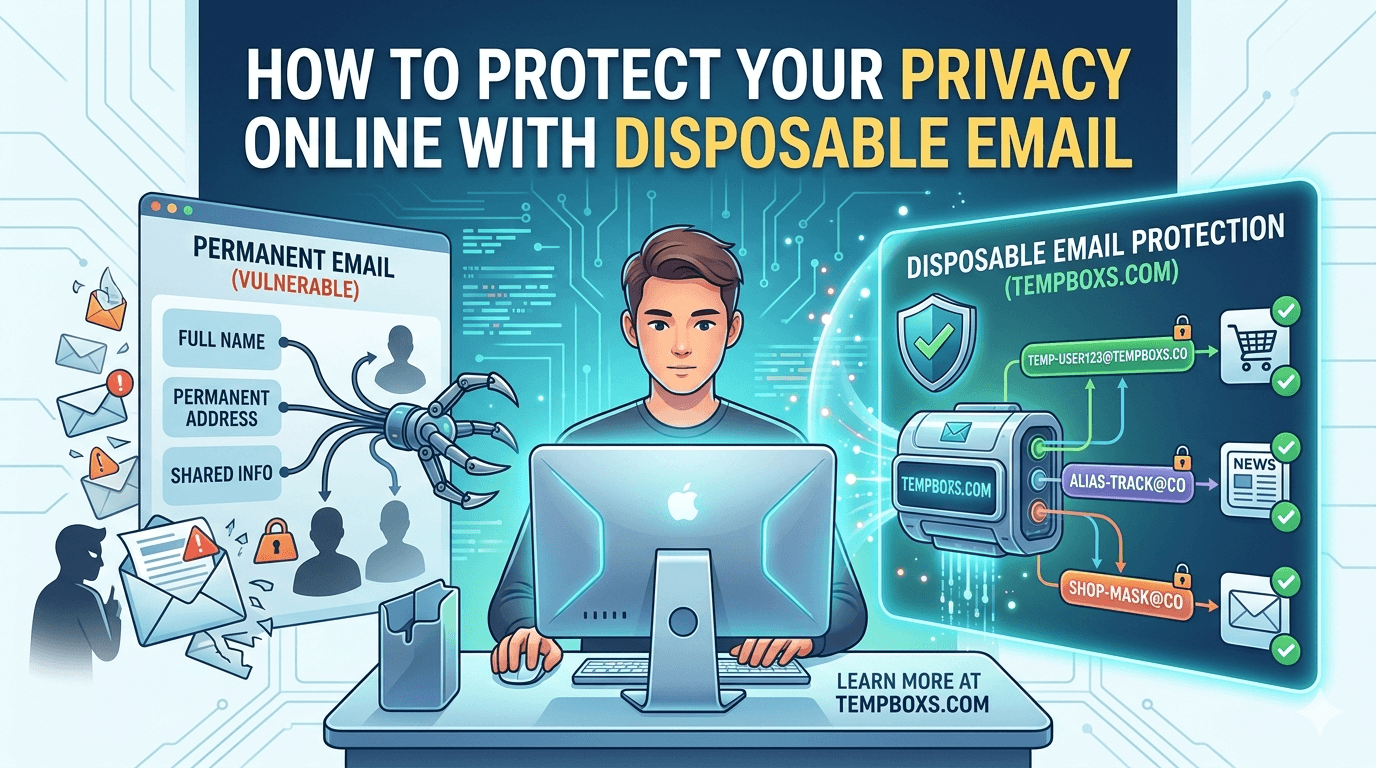
Build a practical browser-only workflow with temporary email, generated passwords, URL cleaning, header review, and tracking-pixel checks.
Learn what password strength meters can detect, what they miss, and why unique generated passwords still matter more than a high score.
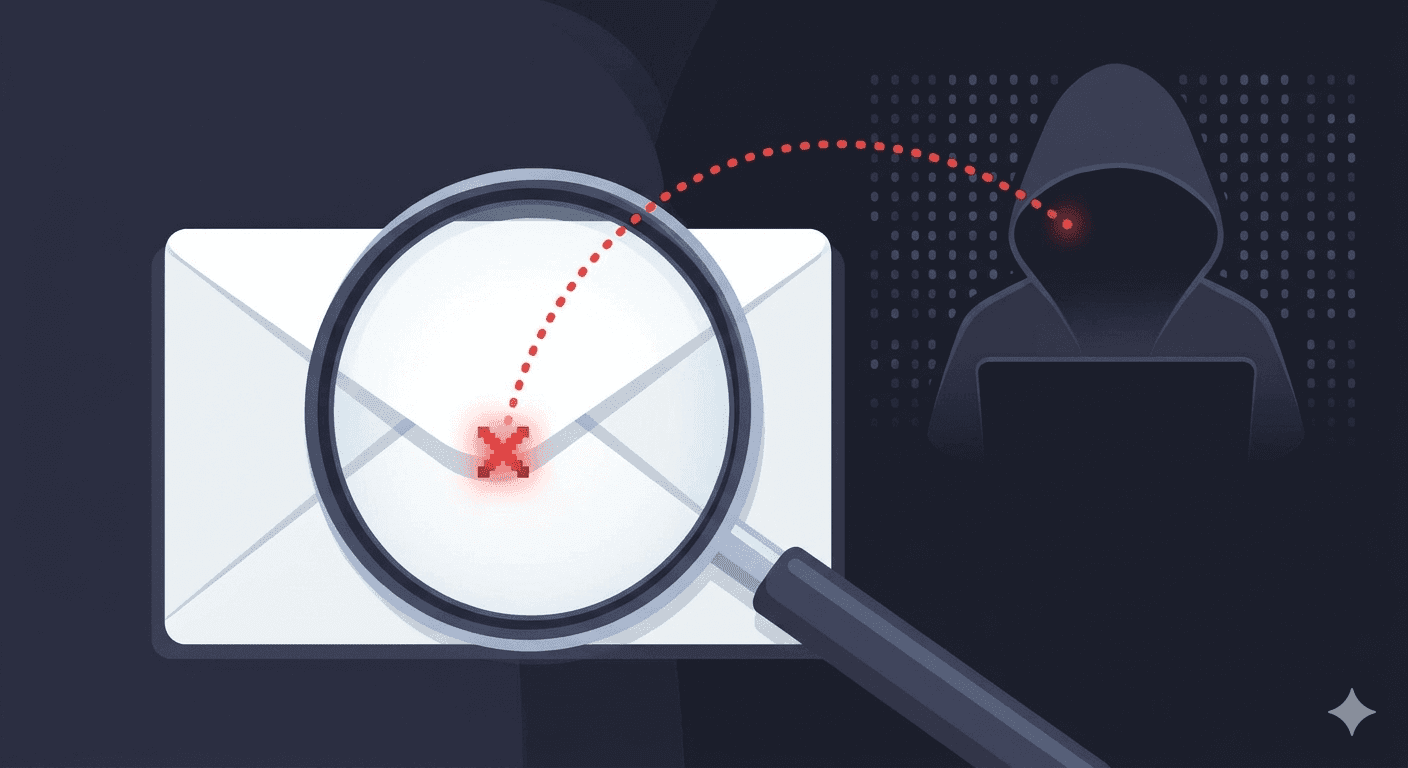
Learn how tracking pixels, remote images, and marketing links can reveal email opens, plus how to reduce tracking in your inbox.
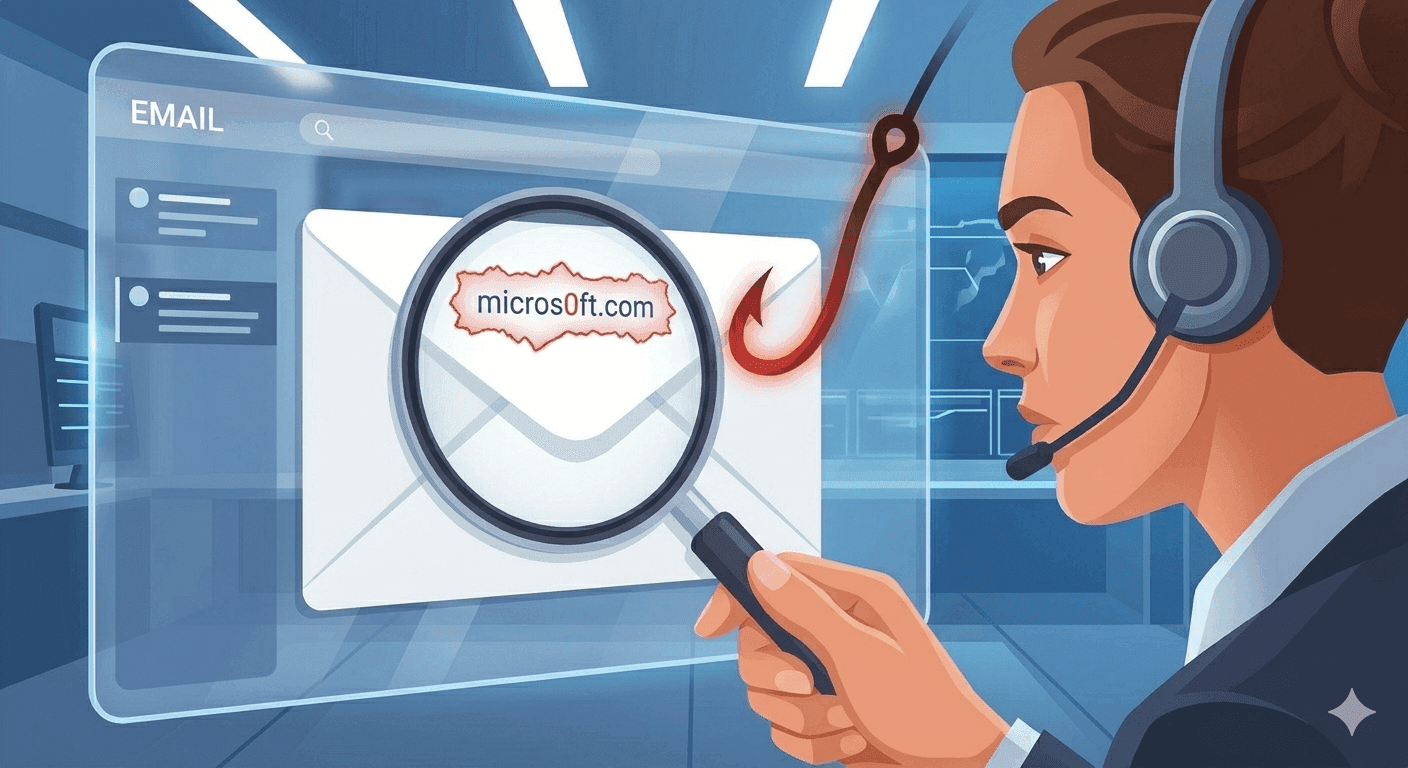
Learn how From, Reply-To, Return-Path, Received, SPF, DKIM, and DMARC headers can help you investigate suspicious emails safely.
Learn what UTM tags, click IDs, and redirect wrappers reveal, plus how to remove tracking parameters without breaking useful links.
A practical guide to SHA-256, SHA-384, and SHA-512 checksums for file integrity, release notes, and local verification workflows.
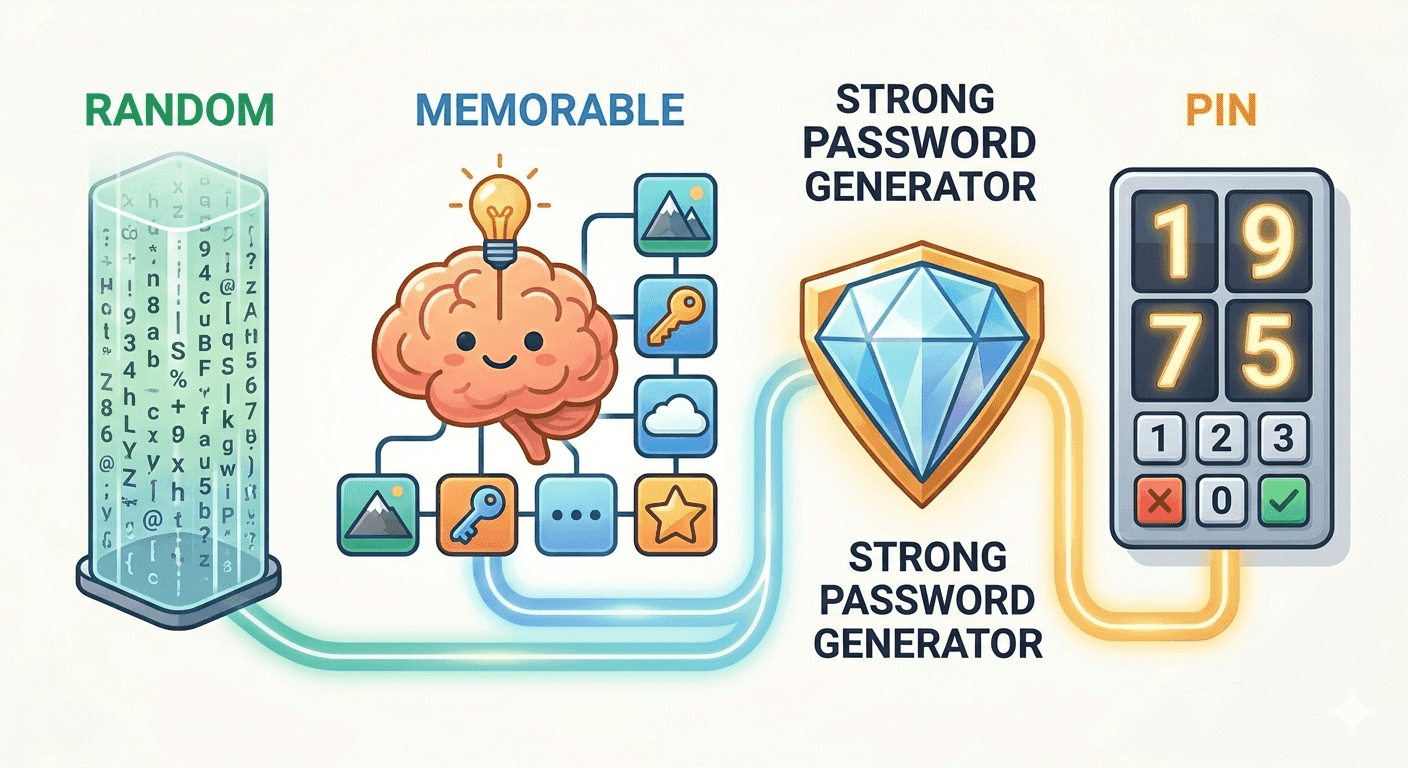
Learn when to use random passwords, memorable passphrases, and numeric PINs, plus how browser-based password generators create safer credentials.
How unique passwords, temporary email, and safer signup habits work together to reduce spam, tracking, and account-takeover risk.
Discover how invisible 1x1 tracking pixels inside your emails monitor your opens, location, IP address, and device—and learn how to easily block them.
Automating registration or notification flows? Here is why using personal or corporate email addresses in test suites harms deliverability and how disposable inboxes solve it.

E-commerce sites love offering a '10% off' code in exchange for your email. Here is how they use that email to track your purchases across the web, and how burner addresses stop it.
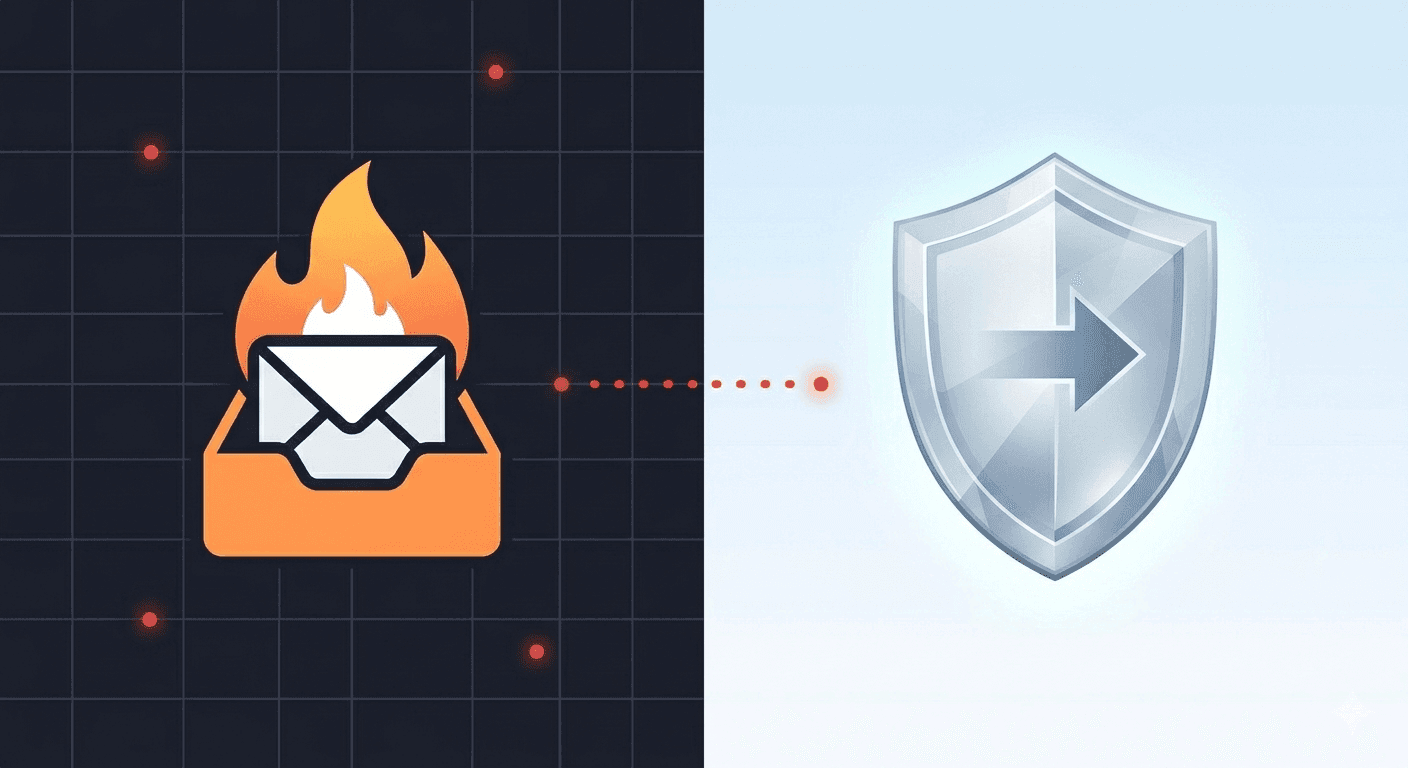
An honest comparison between classic temporary email services and Apple's built-in Hide My Email feature, highlighting privacy, convenience, and platform lock-in.
Phishing scams are more sophisticated than ever. Learn the exact indicators cybersecurity experts use to detect fake emails and protect their accounts.

Think that free morning newsletter is completely free? Discover how modern newsletter networks rent, share, and sell subscriber databases to data brokers.
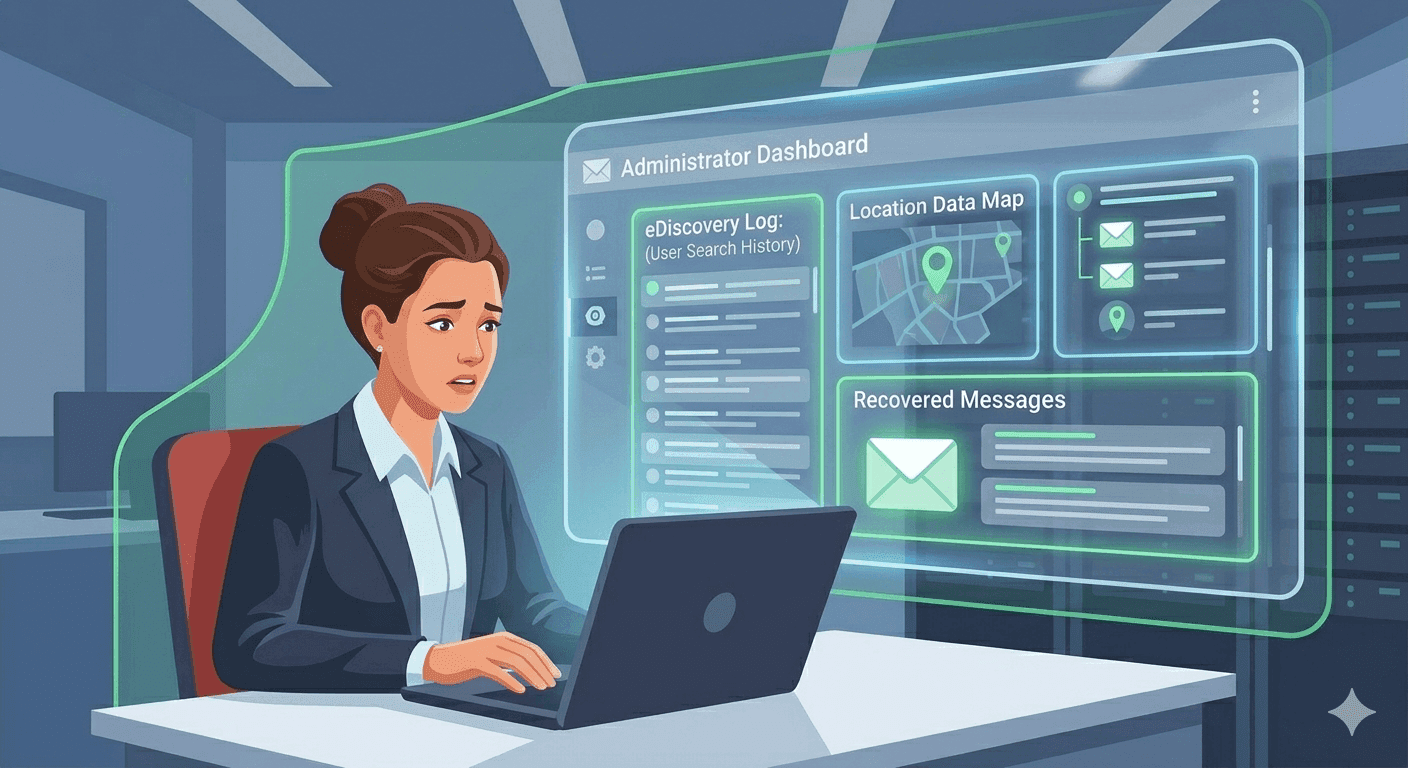
Using a school or company Google Workspace or Microsoft 365 account? Learn exactly what administrators, employers, and IT departments can read, monitor, and log.

Practical anti-spam habits for the year ahead: filters, identity hygiene, lists, and when to use disposable email so marketing mail never owns your main inbox.
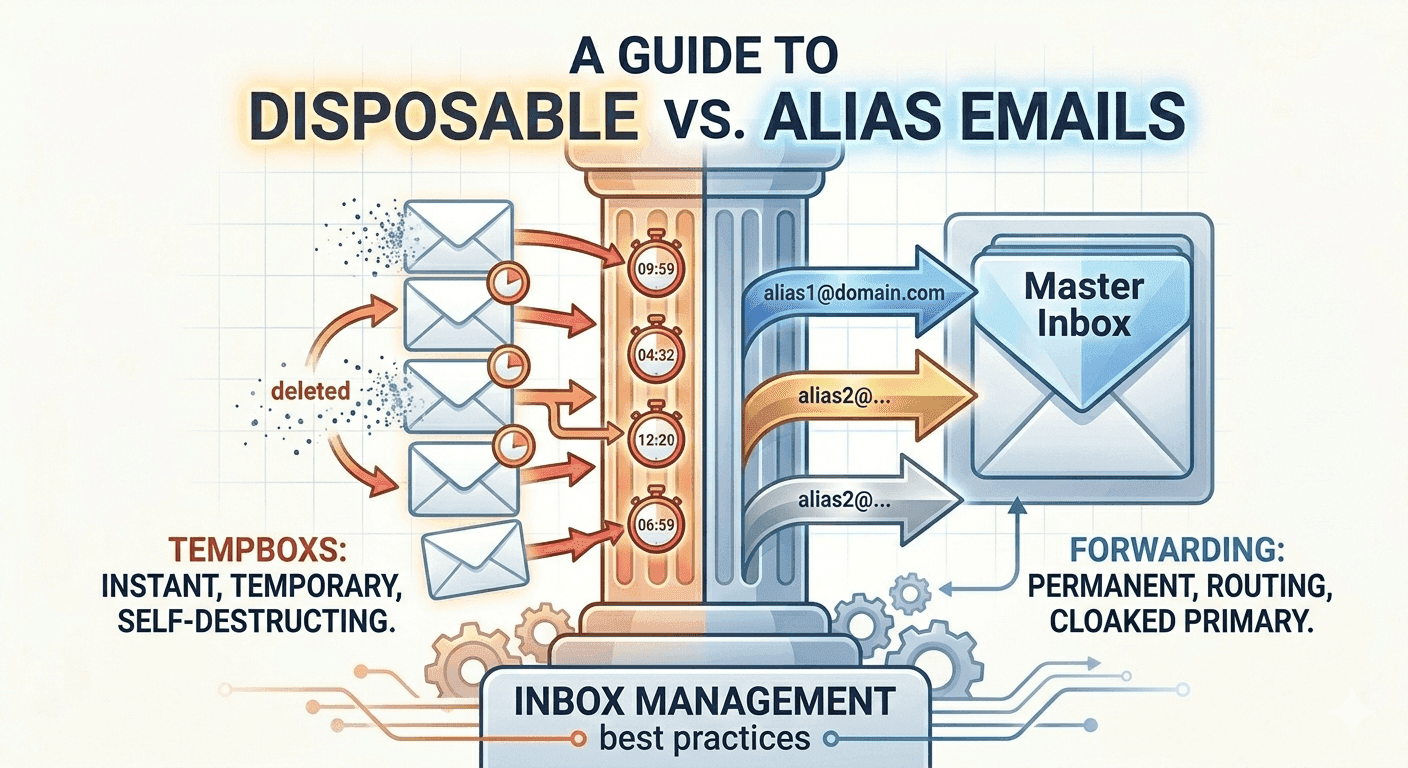
When to use a throwaway inbox, when an alias or plus-tag is enough, and how to pick the right pattern for privacy, deliverability, and long-term access.
Email is still the default reset channel, the spear-phishing front line, and the data broker’s favorite join key. Here is how to treat your inbox as security infrastructure, not a junk drawer.
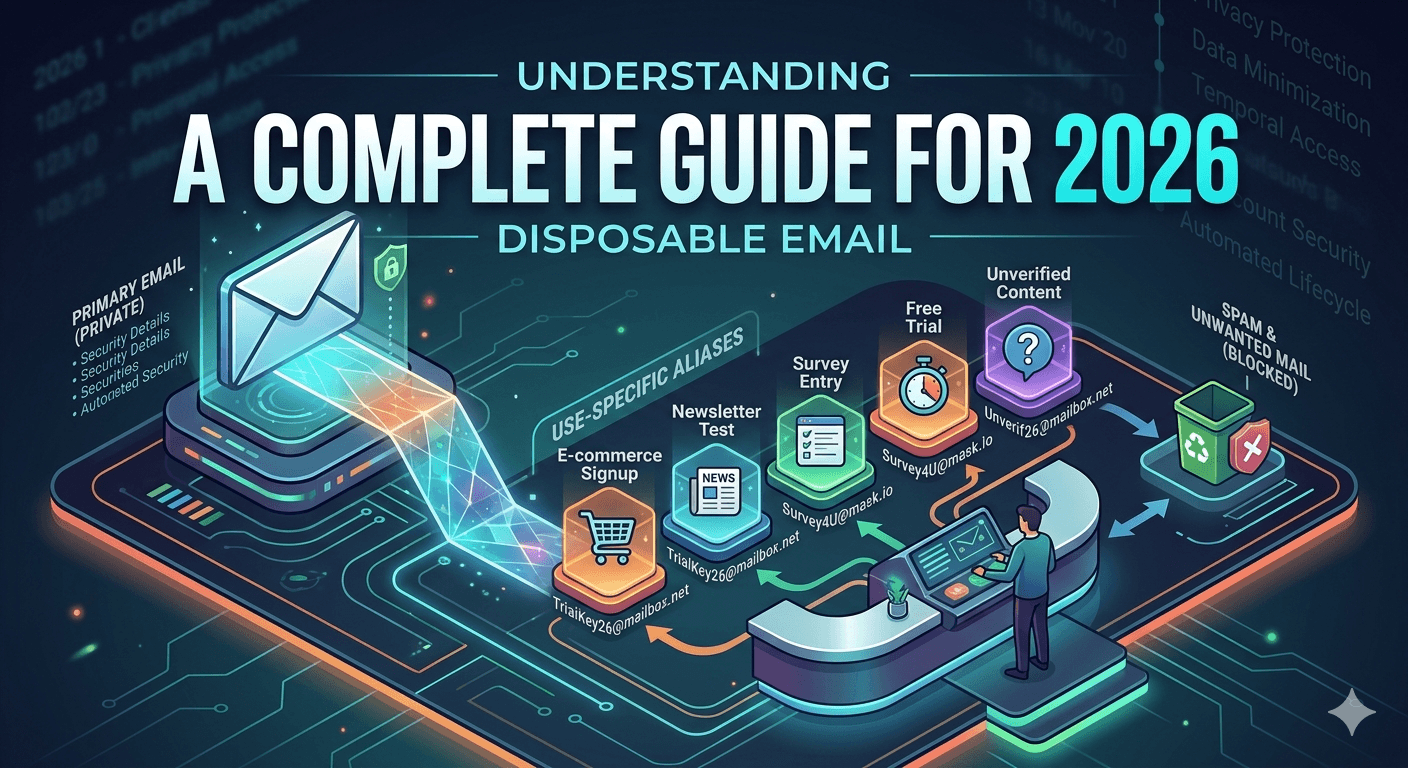
Everything you need to know about disposable temporary email: what it is, how it works, when to use it, and how it protects your privacy online.
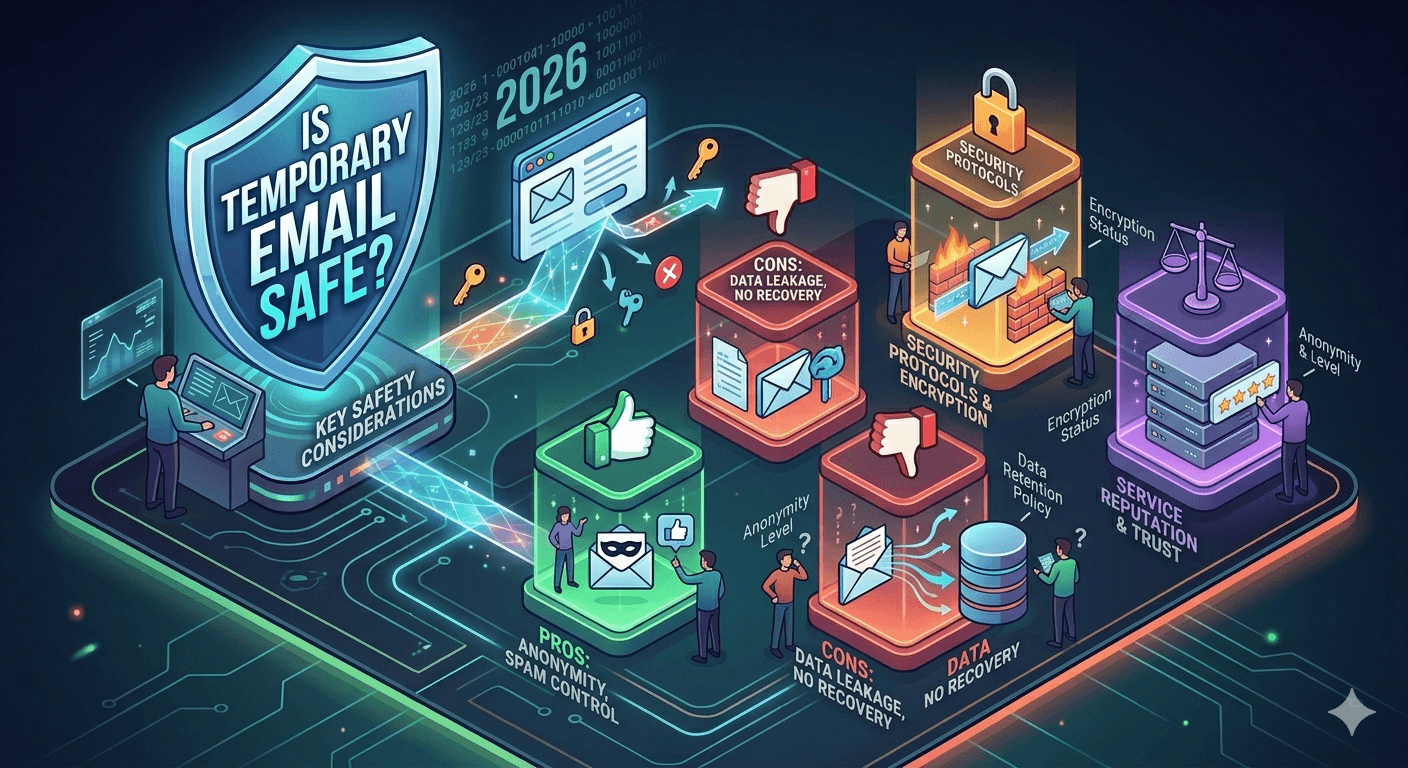
Learn whether temporary email is safe to use, how disposable inboxes protect your privacy, and what security measures to look for in a temp mail service.
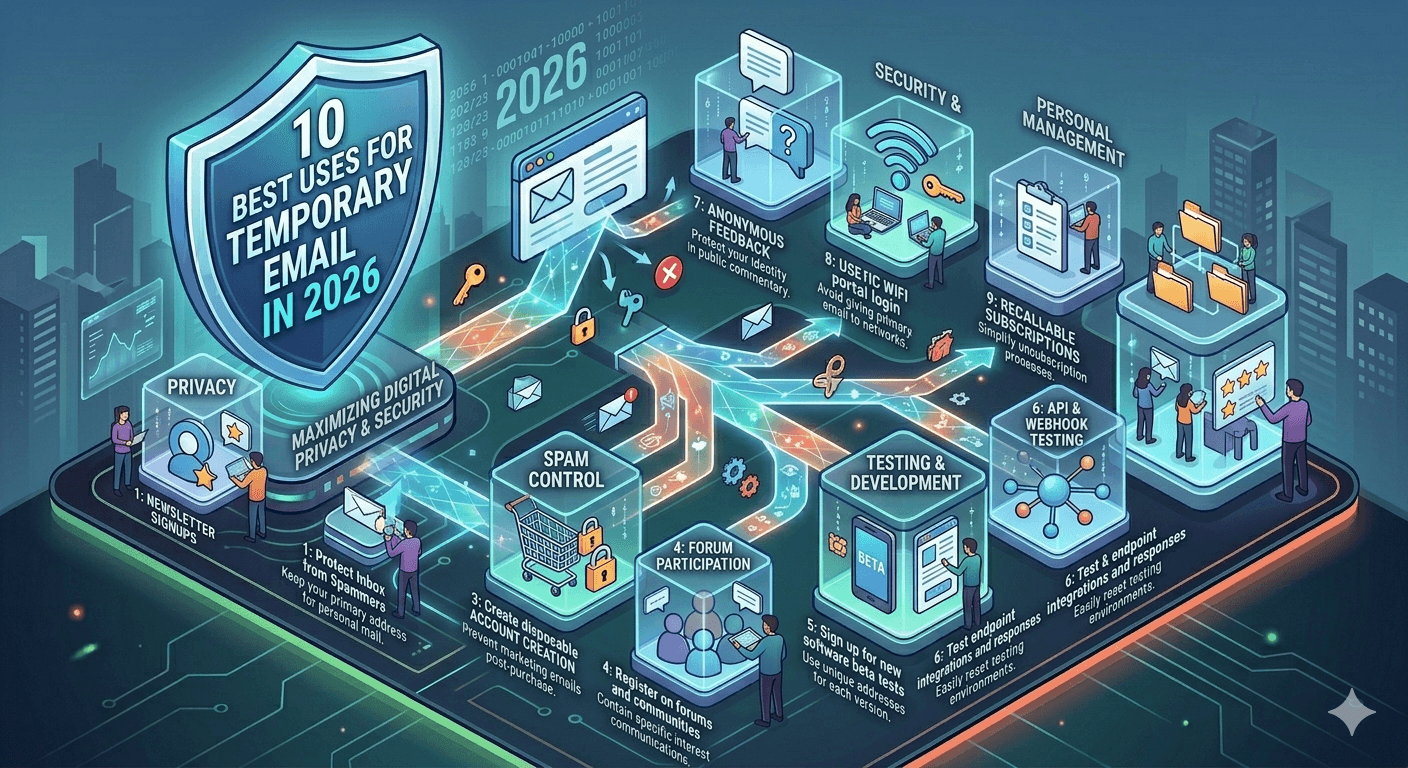
Discover the top 10 practical uses for disposable temporary email addresses — from spam prevention to developer testing, online shopping, and more.
A practical guide to using temporary email addresses to protect your personal data, avoid tracking, and reduce your digital footprint in 2026.
How engineers and growth teams use throwaway addresses to verify flows, catch odd traffic, and keep production mailboxes clean.
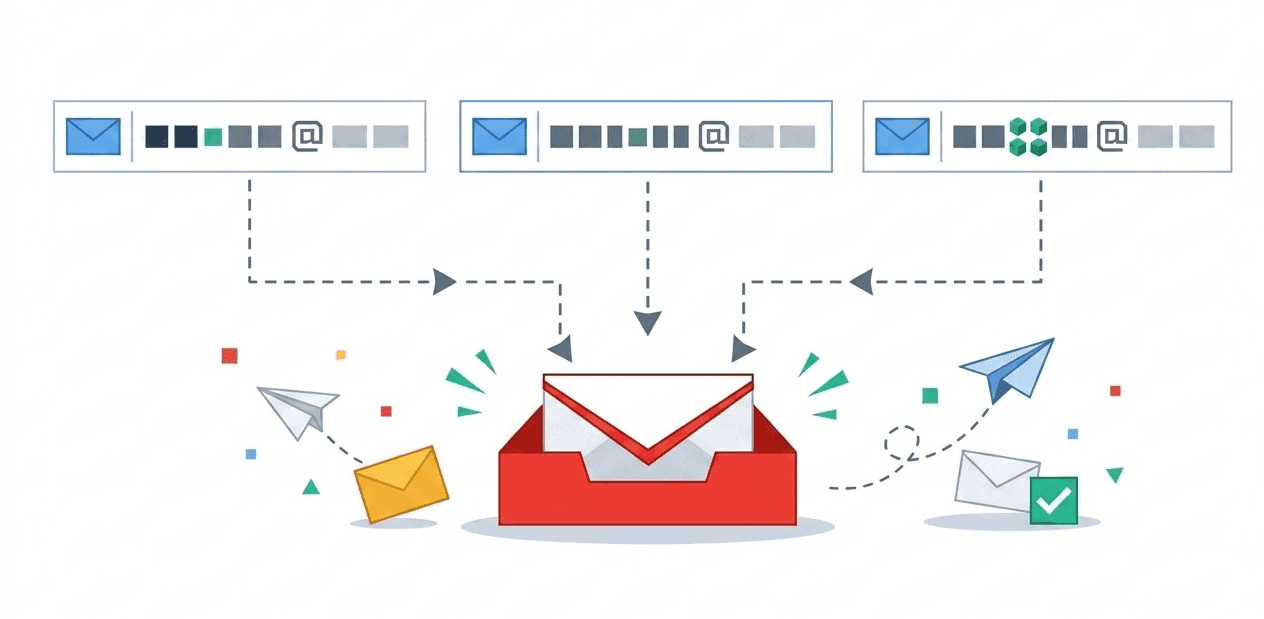
How Gmail plus-tags work, how to automate filters, and when a separate temporary mailbox is better for privacy.