
Gmail plus addressing vs a disposable inbox: when to use which
How Gmail plus-tags work, how to automate filters, and when a separate temporary mailbox is better for privacy.
- #gmail
- #privacy
- #spam
- #tips
The plus trick in plain language
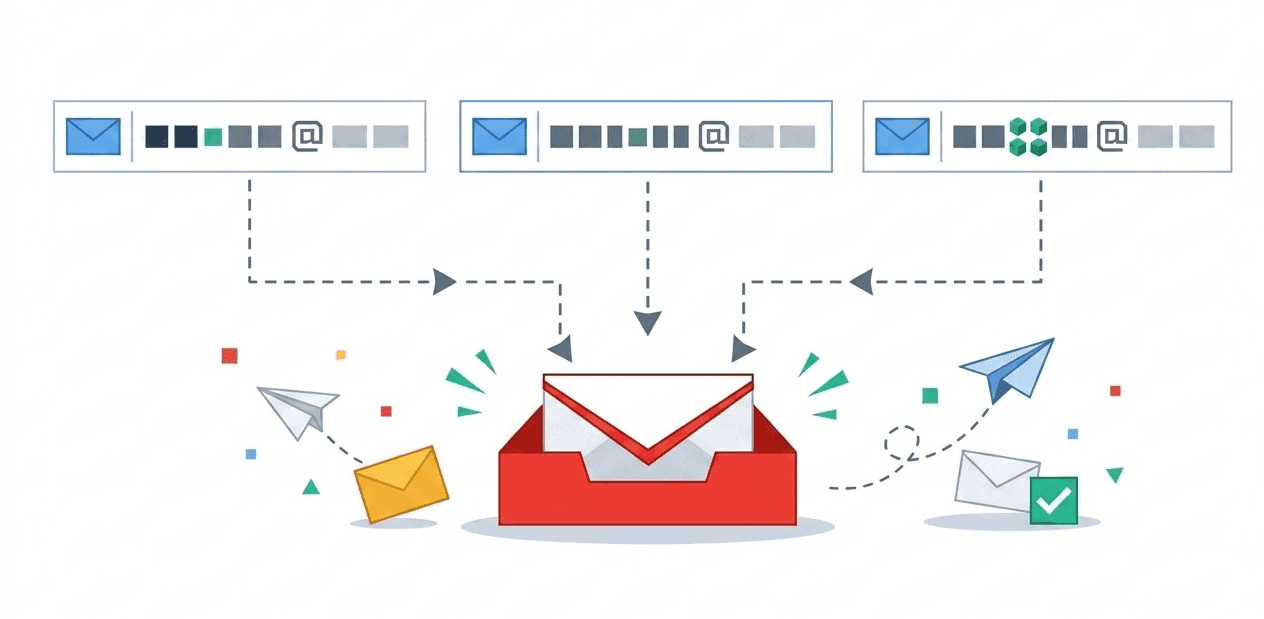
If your address is `[email protected]`, you can often sign up as `[email protected]` or `[email protected]`. Gmail still delivers to the same inbox because it ignores the part after the plus for routing.
That gives you a simple way to label where an address was shared. With filters, you can archive or delete mail sent to one plus variant.
Filters that save time
In Gmail settings, add a filter where the To field matches your plus address. Then pick actions: skip inbox, add a label, mark read, or delete. Review filters every few months. Vendors change domains and footers, and old rules miss new senders.
- Use one plus token per merchant or campaign so you can mute one stream.
- Use "block sender" only after you are sure the message is junk. Blocking can hide receipts you still need.
Limits to know up front
Plus addressing does not hide who you are from the recipient. They can strip the tag and still see the base Gmail account. Some forms reject addresses with a plus sign, which breaks the trick.
You also stay under Google storage and retention rules. Here, temporary means organized, not anonymous.
When a dedicated disposable inbox wins
If you want an address that is not tied to your personal Google account (trials, public demos, client handoffs), a separate temporary mailbox cuts linkage and inbox noise.
tempboxs creates an address in the browser with no signup, holds mail for a fixed window, and lets you delete mail or the whole inbox when you are done. Use Gmail plus-tags for sorting inside Gmail. Use tempboxs when you want a mailbox outside Gmail entirely.
Related tempboxs tools
Put the guide into practice with browser-only utilities that keep pasted values on your device.