
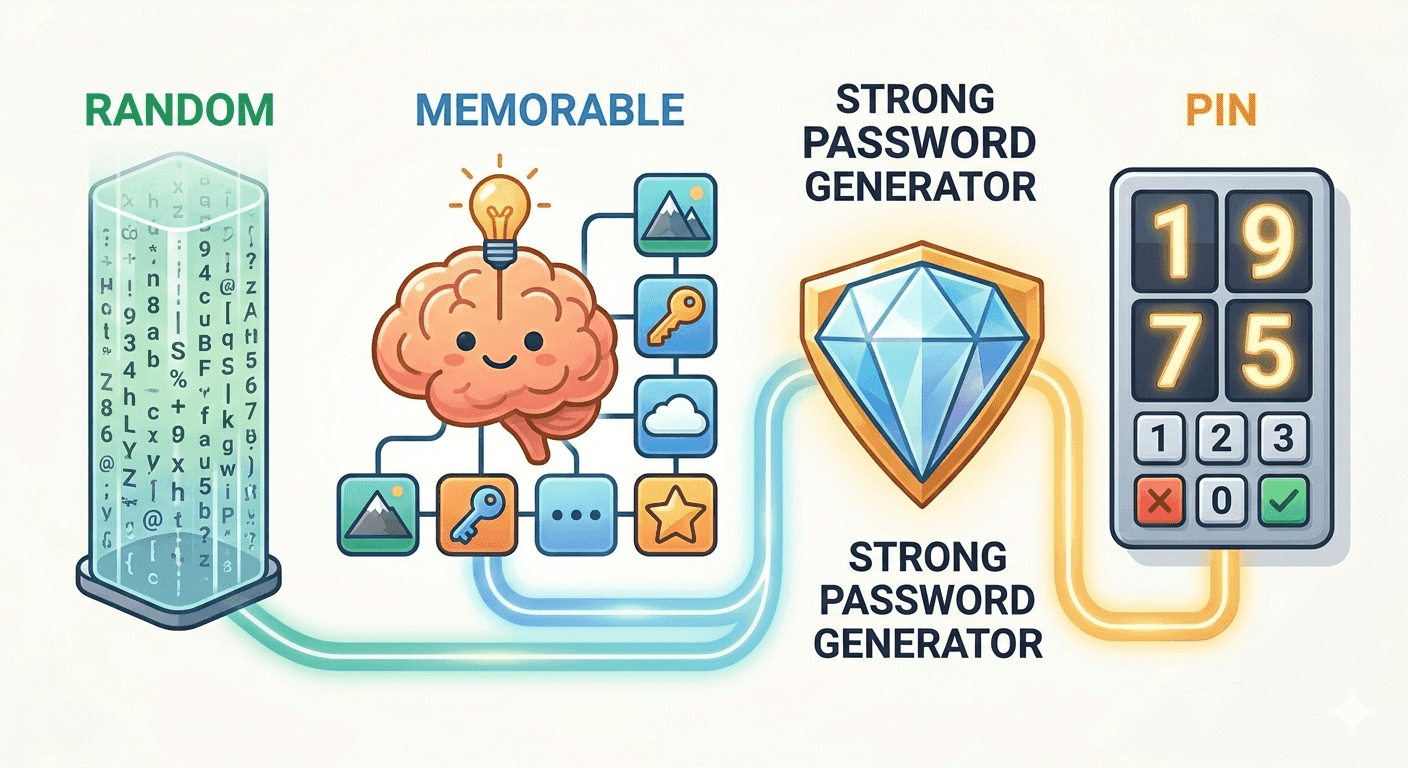
Strong Password Generator Guide: Random, Memorable, or PIN?
Learn when to use random passwords, memorable passphrases, and numeric PINs, plus how browser-based password generators create safer credentials.
Create random passwords, memorable passwords, and PINs instantly. Your generated password is created locally in your browser and is not sent to tempboxs.
A password generator creates credentials from random choices instead of human habits. That matters because people tend to reuse names, dates, keyboard paths, and familiar endings. Attackers test those patterns first.
Random passwords are strongest when each account gets its own value. If one website leaks a password, unique credentials keep that breach from unlocking your other accounts.
The tempboxs generator runs in your browser with the Web Crypto API. The generated password is not posted to tempboxs, stored in an account, or written to server history.
Use Random when you can save the password in a password manager. A long random password with letters, numbers, and symbols is the best default for most websites.
Use Memorable when you need to type the password by hand. Several randomly selected words are easier to read and enter on a phone or TV, while still avoiding personal details.
Use PIN only when a service requires digits. Numeric codes have a smaller search space than full passwords, so choose the longest PIN the service allows and avoid birthdays or repeated digits.
A strong password works best as part of a simple privacy routine: generate it, save it somewhere secure, and avoid reusing it.
Generate a strong credential, copy it, save it in your password manager, and move on. No account, no server-side password storage.
Generated values are created locally in your browser and are not sent to tempboxs.
Create random passwords, readable memorable passwords, or numeric PINs for restrictive forms.
Pair a generated password with a disposable inbox when you need a low-friction privacy workflow.
Passwords and inboxes are both part of the same privacy habit: reveal less, reuse less, and keep account recovery under your control. This tool is built for quick, local password creation so you can avoid predictable patterns and stop recycling old credentials.
Use Random for most saved logins, Memorable for passwords you need to type, and PIN only for numeric-only services. For low-stakes registrations, combine this tool with the tempboxs temporary email inbox to keep your real email private too.
Practical guides on generated passwords, password managers, phishing, and safer signups.
Learn when to use random passwords, memorable passphrases, and numeric PINs, plus how browser-based password generators create safer credentials.
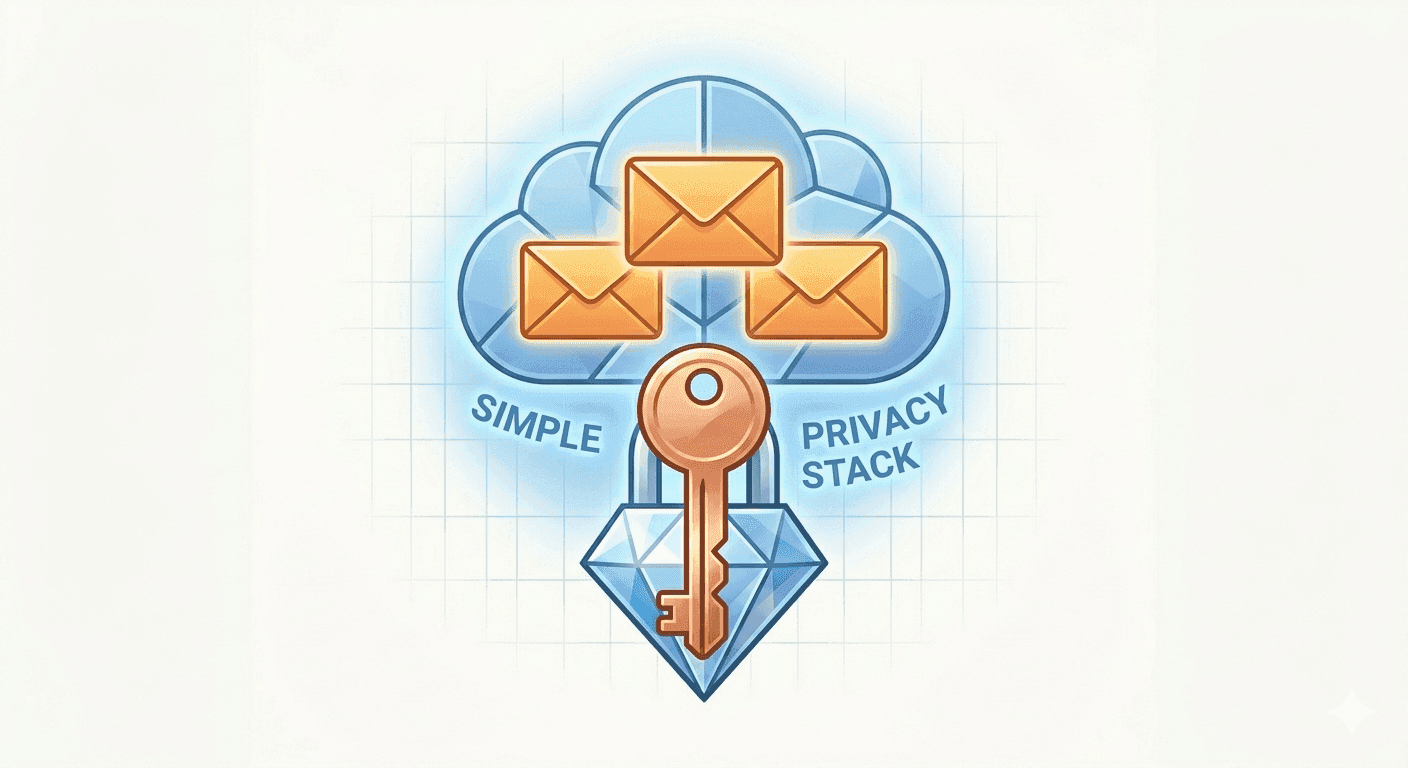
How unique passwords, temporary email, and safer signup habits work together to reduce spam, tracking, and account-takeover risk.
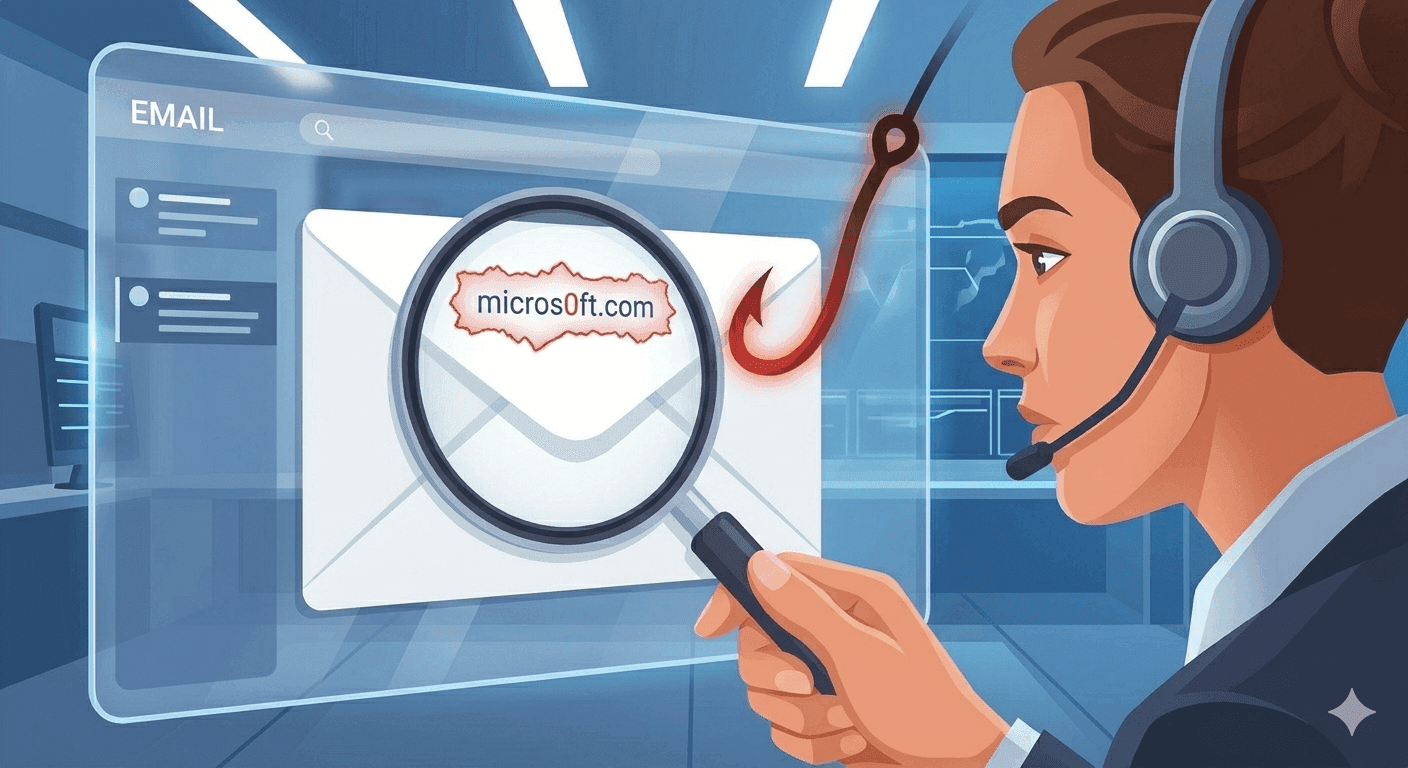
Phishing scams are more sophisticated than ever. Learn the exact indicators cybersecurity experts use to detect fake emails and protect their accounts.
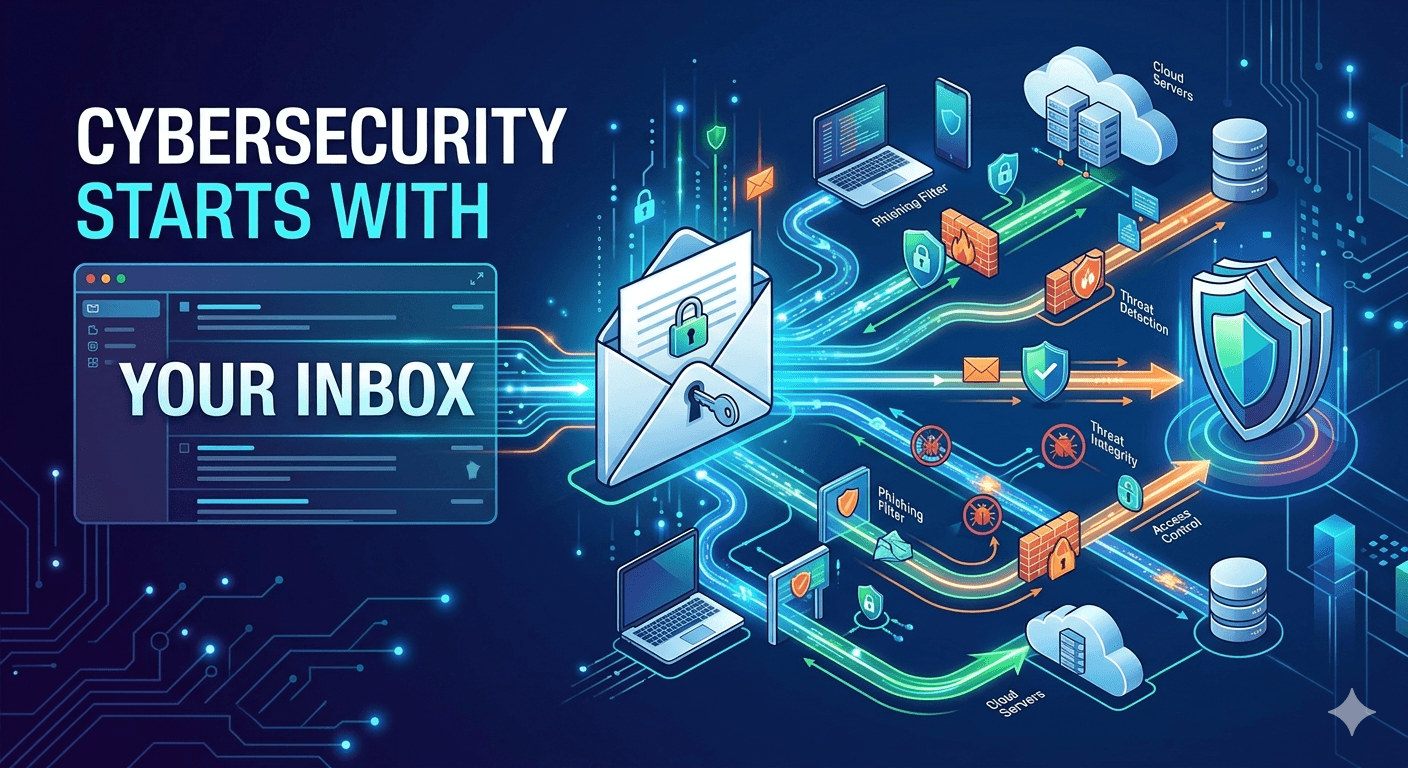
Email is still the default reset channel, the spear-phishing front line, and the data broker’s favorite join key. Here is how to treat your inbox as security infrastructure, not a junk drawer.
No. Passwords are generated locally in your browser and are not sent to tempboxs. The page may load ads or analytics separately if enabled and consented to, but the generated value itself is not submitted.
Use Random for most accounts, Memorable when you need to type the password manually, and PIN only for services that specifically require numeric codes.
A 20-character random password is a strong default for most websites. If a site has a shorter limit, use the longest length it allows.
A strong password is unique, unpredictable, and generated from enough random choices. Length usually matters more than trying to invent a clever pattern yourself.
Include symbols when the website accepts them. If a site rejects special characters, a long random password with letters and numbers is still much better than a human-made password.
A memorable password can be safe when it uses several randomly chosen words. It is best for cases where you must read or type the password yourself.
Yes. The generator works in modern mobile browsers and keeps the generated password on the page so you can copy it into another app.
Do not try to memorize every generated password. Save unique passwords in a trusted password manager and keep only the master password memorable.