
Password Managers and Disposable Email: A Simple Privacy Stack
How unique passwords, temporary email, and safer signup habits work together to reduce spam, tracking, and account-takeover risk.
- #password-manager
- #disposable-email
- #security
- #privacy
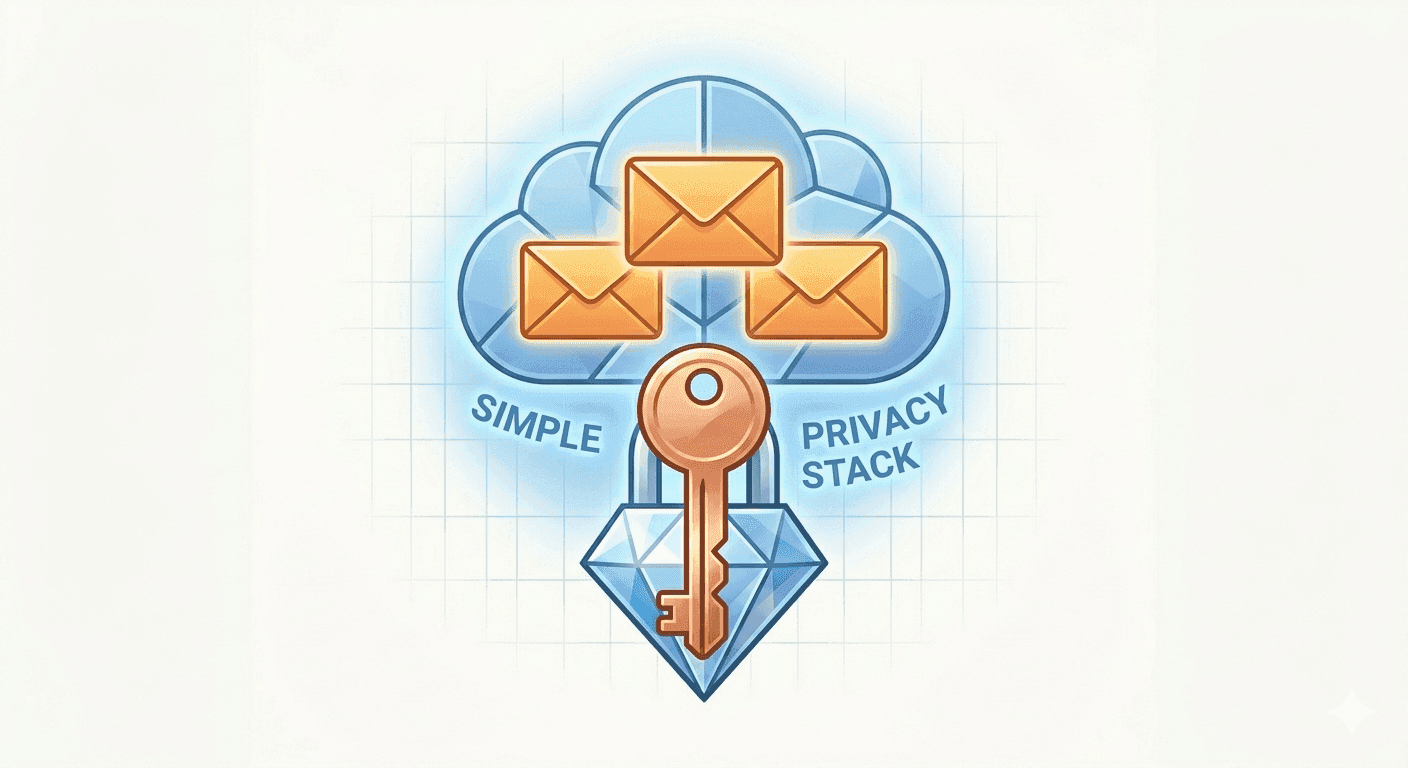
Security improves when identity is compartmentalized
A safer signup flow separates three things: the email address you reveal, the password you use, and the long-term account value. Reusing the same email and password everywhere collapses those boundaries.
A disposable email address reduces linkage and spam. A unique generated password reduces damage if one site is breached. Together, they make low-trust signups less connected to your real identity.
The basic workflow
For one-off tools, downloads, newsletters, and trials, start with a disposable inbox. Then generate a unique password and save it only if the account is worth keeping.
- Use your permanent email only for accounts you need to recover long term.
- Use temporary email for low-stakes signups and quick verification codes.
- Generate a unique password for every account, even throwaway accounts.
- Delete or let the disposable inbox expire when the task is done.
When not to use temporary email
Do not use a disposable inbox for banking, healthcare, government services, work systems, or your primary password manager account. Those accounts need a permanent email address you control, strong two-factor authentication, and a reliable recovery path.
Temporary email is best for isolation, not for long-term identity.
Watch for phishing after signup
Unique passwords limit blast radius, but phishing can still trick people into entering credentials on fake pages. Check domains carefully, avoid unexpected attachments, and use your password manager’s domain matching as a warning signal.
If the password manager does not offer to fill a login on a page that looks familiar, stop and inspect the URL before typing anything manually.
The practical takeaway
You do not need a complicated privacy system. Use a permanent inbox for important accounts, tempboxs for low-stakes signups, and generated passwords everywhere. This simple split cuts spam, reduces tracking, and prevents one breach from becoming a chain reaction.
Related tempboxs tools
Put the guide into practice with browser-only utilities that keep pasted values on your device.