
How to Spot Phishing Emails Like a Cybersecurity Pro
Phishing scams are more sophisticated than ever. Learn the exact indicators cybersecurity experts use to detect fake emails and protect their accounts.
- #security
- #phishing
- #safety
- #guide
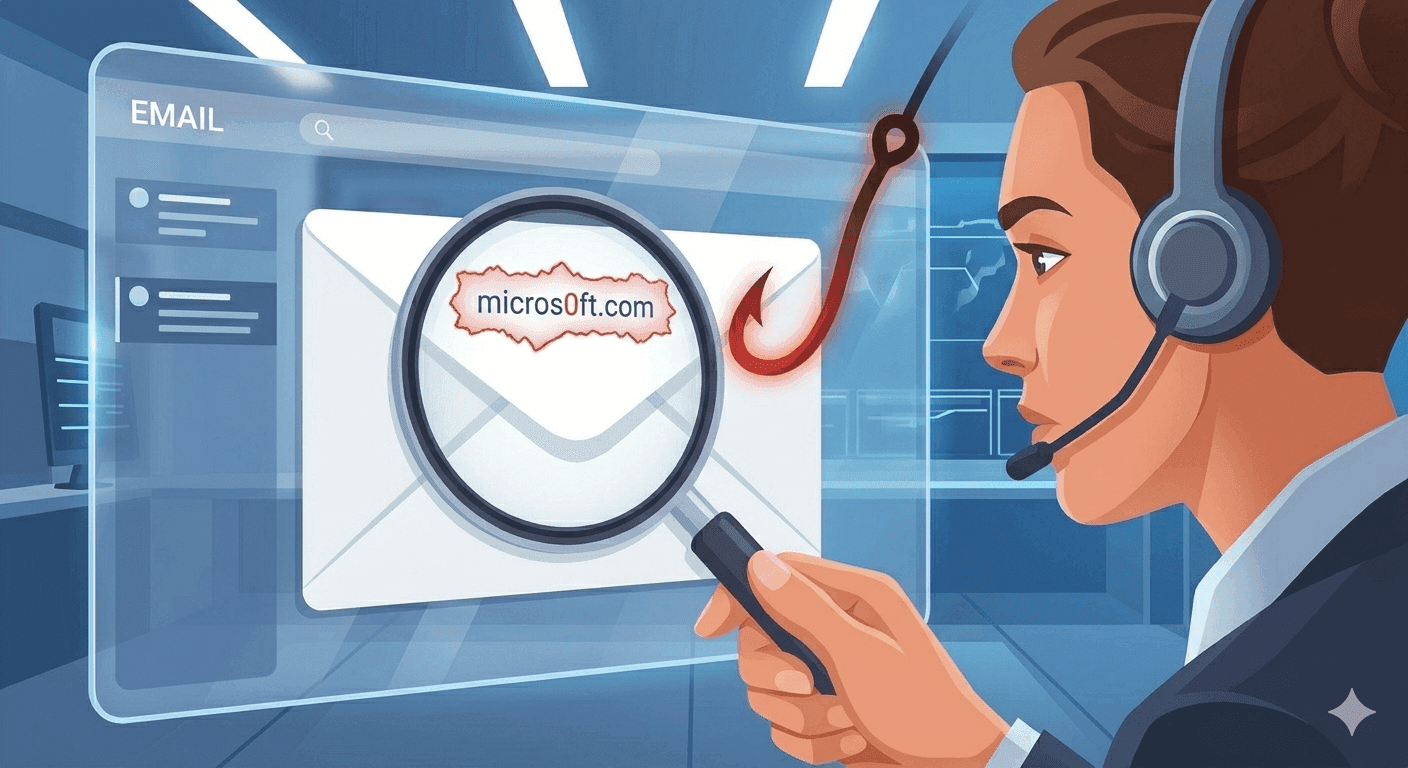
The evolution of modern phishing
For years, standard cybersecurity advice for spotting phishing scams was simple: look for poor spelling, broken grammar, generic greetings like 'Dear Customer,' and pixelated brand logos. While that advice saved many from basic spambots, the landscape has changed dramatically.
Today's cybercriminals use highly sophisticated tools. With the help of natural language processing and AI copy generation, phishing emails are now written with impeccable grammar, perfect brand styling, and highly customized context that makes them look identical to real communications from your bank, employer, or utility provider.
1. Look closely at the sender's header
The first and most critical rule of email security is never to trust the display name. Attackers easily set the display name of an email to look like a legitimate brand (e.g., 'PayPal Support' or 'Netflix Billing').
To see the truth, you must click or tap on the display name to reveal the actual sending email address behind it. Look for subtle variations or completely unrelated domains. For example, a real email from PayPal will come from `@paypal.com`. A phishing attempt might use `@paypal-security-alert.com` or a random address like `@support-billing-portal.net`.
2. Verify SPF, DKIM, and DMARC alignment
If you are viewing an email in a modern client (like Gmail or Outlook) and suspect something is off, you can view the raw technical headers of the message. In Gmail, you can do this by clicking the three dots next to the reply button and selecting 'Show original.'
Look for the verification status of these three crucial email security protocols:
- SPF (Sender Policy Framework): Confirms whether the sending server is authorized to send emails on behalf of the domain.
- DKIM (DomainKeys Identified Mail): Validates a digital signature proving the email's content was not modified during transit.
- DMARC (Domain-based Message Authentication, Reporting, and Conformance): Dictates how the receiver should handle emails that fail SPF or DKIM checks.
- If any of these protocols show a 'FAIL' or 'SOFTFAIL' status in the header summary, treat the email as highly dangerous.
3. Spot urgent language and emotional triggers
Phishing is fundamentally an exercise in social engineering. The goal of the attacker is to bypass your rational thinking by triggering an intense emotional response, usually fear, urgency, or curiosity.
Be highly suspicious of emails claiming that your account will be suspended within 24 hours, warning of an unauthorized $500 charge you must contest immediately, or promising an unexpected refund. Legitimate financial institutions and corporate services rarely demand immediate compliance under threat of lockouts in their automated communications.
4. Inspect links and attachments safely
Never click on a link in an email to resolve an account issue. If you receive a warning that your bank account is locked, open a fresh browser tab, type the bank's official URL directly into the address bar, and log in securely from there.
If you want to inspect a link, hover your cursor over it (without clicking) to read the target URL in your browser's bottom status bar. Look out for misspelled brand names (e.g., `netf1ix.com` instead of `netflix.com`) or redirection parameters that hide the actual destination domain. When it comes to attachments, never download or open files with active formats like `.exe`, `.scr`, `.zip`, or macro-enabled `.docm` files, which can execute malware instantly on your device.
Related tempboxs tools
Put the guide into practice with browser-only utilities that keep pasted values on your device.