
Strong Password Generator Guide: Random, Memorable, or PIN?
Learn when to use random passwords, memorable passphrases, and numeric PINs, plus how browser-based password generators create safer credentials.
- #passwords
- #security
- #privacy
- #guide
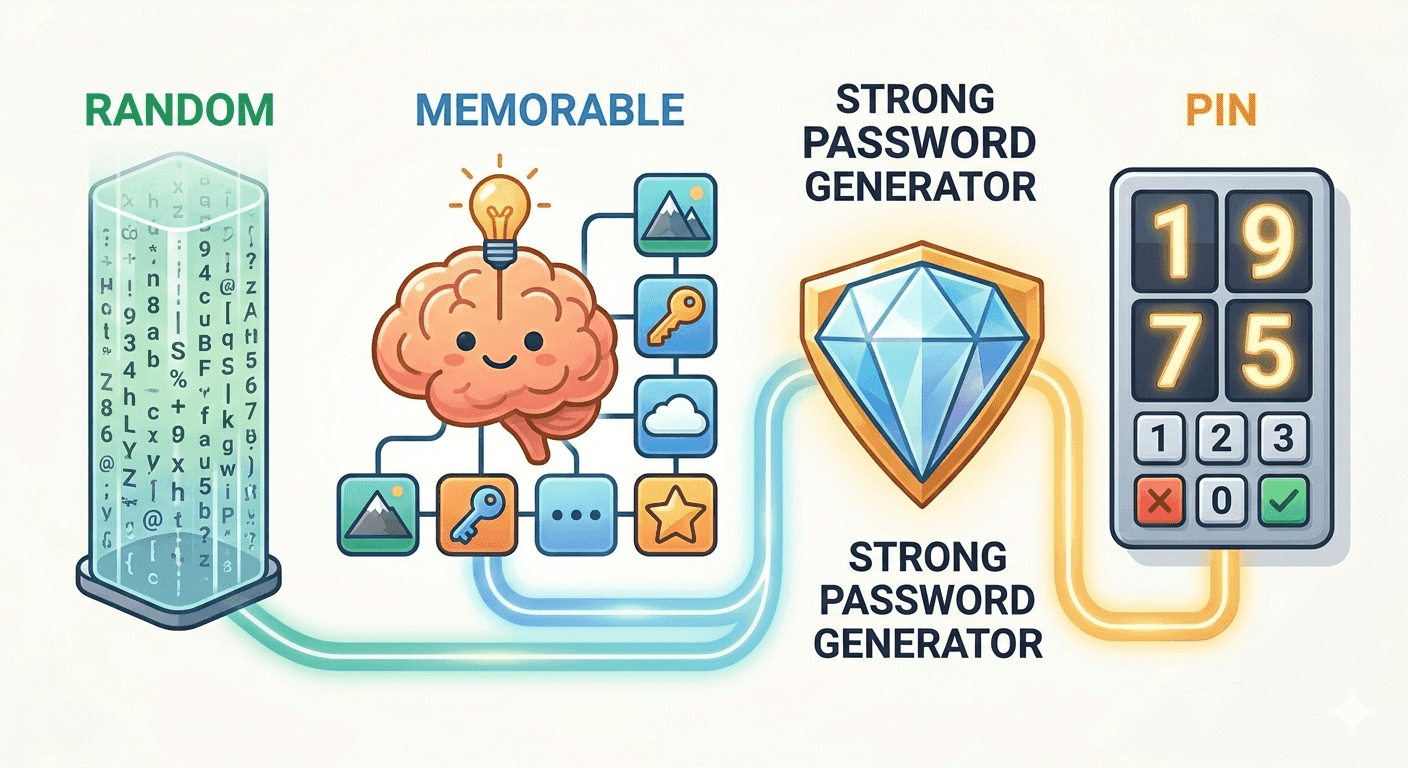
Why generated passwords beat human patterns
Most human-made passwords are built from familiar ingredients: names, dates, keyboard walks, favorite words, and predictable suffixes. Attackers know this. Modern cracking tools try those patterns before moving into slower brute-force guesses.
A password generator avoids those habits by choosing from a large random space. The result is not clever or memorable by accident; it is strong because each character or word was selected without a human pattern attached to it.
Random passwords are best for password managers
Use a random password when you can save it in a password manager. A 20-character random password with letters, numbers, and symbols is a strong default for most accounts.
The important rule is uniqueness. One long generated password reused across many sites is still risky, because one breach can expose every account that shares it.
- Use longer passwords when a site allows them.
- Include symbols when the site accepts them.
- Never reuse a generated password across unrelated accounts.
- Save the password in a trusted password manager instead of a note or screenshot.
Memorable passwords are for typing by hand
A memorable password, sometimes called a passphrase, combines several random words. It is useful for accounts or devices where you need to type the password manually.
The words must still be randomly chosen. A phrase you invent yourself is usually less random than it feels, especially if it follows grammar, jokes, quotes, or personal details.
PINs are not full passwords
A PIN is useful only when a service specifically requires digits. Numeric codes have a much smaller search space than full random passwords, so they should not be treated as a replacement for account passwords.
When a system allows only a PIN, choose the longest length it permits and avoid birthdays, repeated digits, and simple sequences.
Where tempboxs fits
The tempboxs password generator creates random passwords, memorable passwords, and PINs locally in your browser. The generated value is not sent to tempboxs, stored in an account, or added to server history.
Use it alongside a password manager and a disposable inbox when you need privacy-minded signups: generate a unique password, save it securely, and keep your real email address out of low-trust forms.
Related tempboxs tools
Put the guide into practice with browser-only utilities that keep pasted values on your device.