
Why Cybersecurity Starts with Your Inbox
Email is still the default reset channel, the spear-phishing front line, and the data broker’s favorite join key. Here is how to treat your inbox as security infrastructure, not a junk drawer.
- #security
- #phishing
- #identity
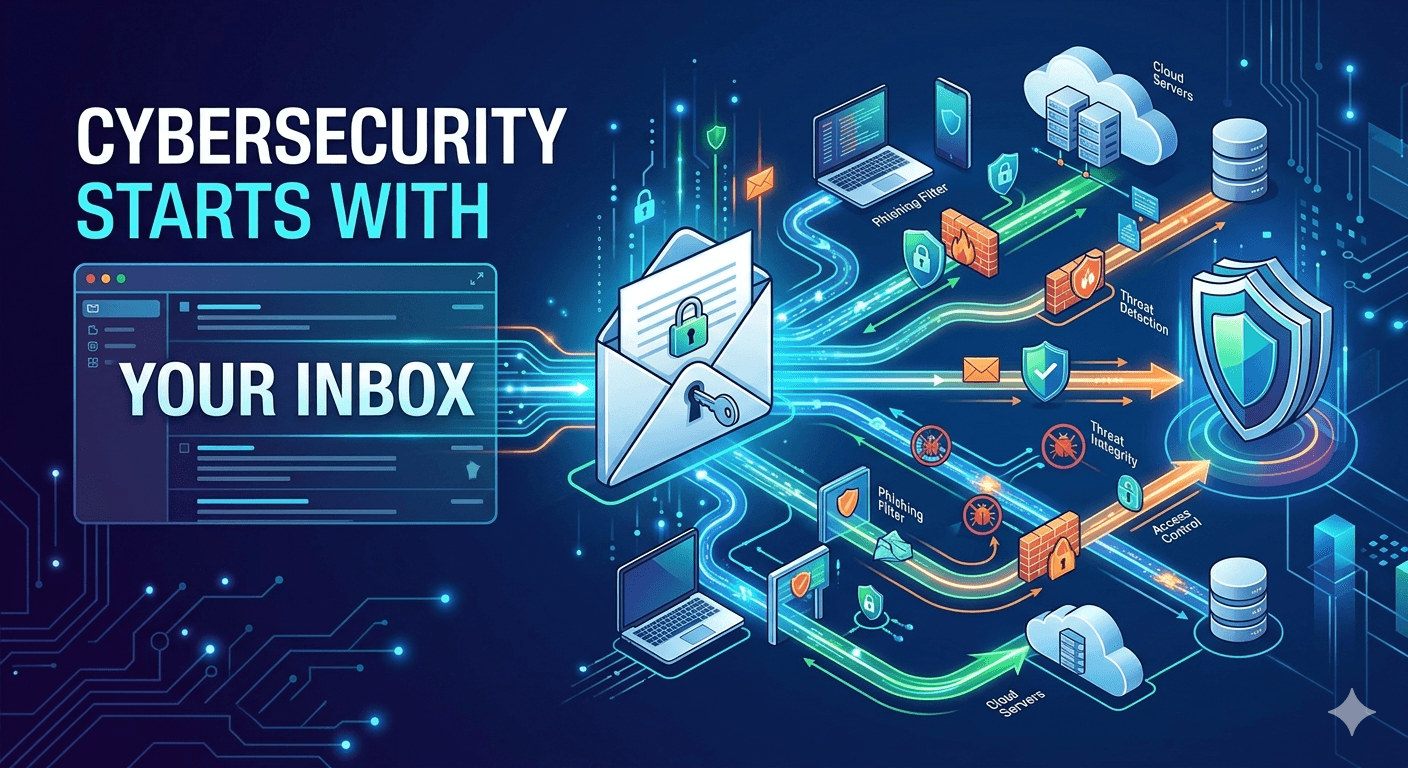
We still reset passwords in email
The security industry talks about passkeys, hardware tokens, and device-bound sessions—and those matter—but email remains the universal fallback. As long as that is true, the mailbox that can receive a reset is part of your perimeter. Ignoring it while you obsess over Wi-Fi mesh passwords is backwards. Start from the account that can unlock everything else, then work outward to endpoints and apps.
That is also why account recovery questions and SMS fallbacks are weaker than they look. If an attacker can steer a reset to an channel they control, the fancy crypto on the wire never mattered. Email is the default—so it is the one you must lock first, with backup codes stored offline and a provider that resists easy SIM swaps and social calls to support.
Email is the skeleton key
Most services still use email to prove you are you. That makes your mailbox a high-value target: steal access there, and an attacker can pivot to banking portals, cloud consoles, and shopping accounts through password reset flows. Nation-state teams and everyday criminals both invest in mail because it works. Treating “just email” as low risk is the original sin of personal security in the 2020s.
Corporate security teams know this, which is why they monitor executive mailboxes differently. As an individual, you can approximate the same priority: protect the provider account, enable the strongest second factor, and do not use that mailbox for untrusted listicles.
Phishing is industrialized
In 2026, phishing is not only crude grammar in a browser popup. It is look-alike domains, thread hijacks, and AI-assisted copy that mirrors your real vendors. Defenses that rely on users spotting bad links at scale are brittle. The durable controls are: MFA on the email account itself, app-based or hardware second factors for high-value logins, and a mental model that treats every unexpected “verify now” message as guilty until you verify through an official app or type the URL yourself.
Train yourself to use bookmarks or typed domains for the few sites that can drain money or data. The email is only a notice; the action should always happen in a channel you control deliberately.
Breach risk follows your address
Re-use of the same email across dozens of sites means one dump connects many dots. Adversaries build graphs: email, phone, usernames, partial location. Reducing how often you hand out your primary address shrinks the blast radius. Disposable mail does not stop breaches at vendors, but it keeps those vendors from holding a direct line to the mailbox you use for life-critical recovery codes.
Criminals also test reused passwords from old dumps. Pair unique passwords with unique exposure for addresses where you can, especially on forums and freebies.
Inbox hygiene is a security control
A noisy inbox trains people to click quickly. If five messages look similar, the sixth can be a fake. Keeping marketing out of the same view as work and family reduces the attack surface in your own head. Unsubscribe, filter, and separate low-trust signups. Security teams call this reducing alert fatigue; the consumer version is simply making the important channel quiet enough to read carefully.
The same idea applies to notifications. If your pocket buzzes for every 10% coupon, you will miss the 2FA prompt that matters. Ruthlessly demote non-human mail.
Practical inbox hardening checklist
If you want a short checklist that makes a measurable difference, start here. First: enable MFA on the email provider itself and remove weak recovery paths you do not control. Second: store backup codes offline (not in the same inbox). Third: use unique passwords for the provider account and your most important services. Fourth: keep your primary address out of low-trust signups by using an alias or a disposable inbox depending on how long you need access.
Finally, get comfortable saying no to urgency. If an email claims an account is locked, that is a signal to slow down. Open a new tab, go to the official domain you already trust, and check from there. Most phishing attacks win by compressing time; good security expands it.
How tempboxs fits the picture
tempboxs is not a replacement for MFA, patched devices, or backups. It is a speed bump for a specific problem: you need a mailbox to finish a low-trust flow without feeding your long-lived identity. Sanitized HTML, no remote images by default, and a timer-bound inbox are aligned with “assume hostile content.” Harden the accounts that matter; use the right class of address for the rest. Cybersecurity that ignores email is a plan that still starts at the wrong door.
Use disposable mail the way you would use a visitor badge: good for a lobby, wrong for a vault. Your vault still deserves hardware-backed MFA and a provider you pay for, not a throwaway tab.
Finally, teach friends and family the same sequence: protect the main mailbox, turn on MFA, separate junk signups, and never answer “verify your account” from an email without a second, trusted path. The inbox is not a file folder; it is a gate. Treat it that way, and the rest of your security stack has room to work.