
Schema Markup Guide: JSON-LD for Articles, FAQs, Pages, and Tools
Learn how structured data describes useful pages, when to use JSON-LD, and how to keep schema aligned with visible content.
- #seo
- #structured data
- #json-ld
- #tools
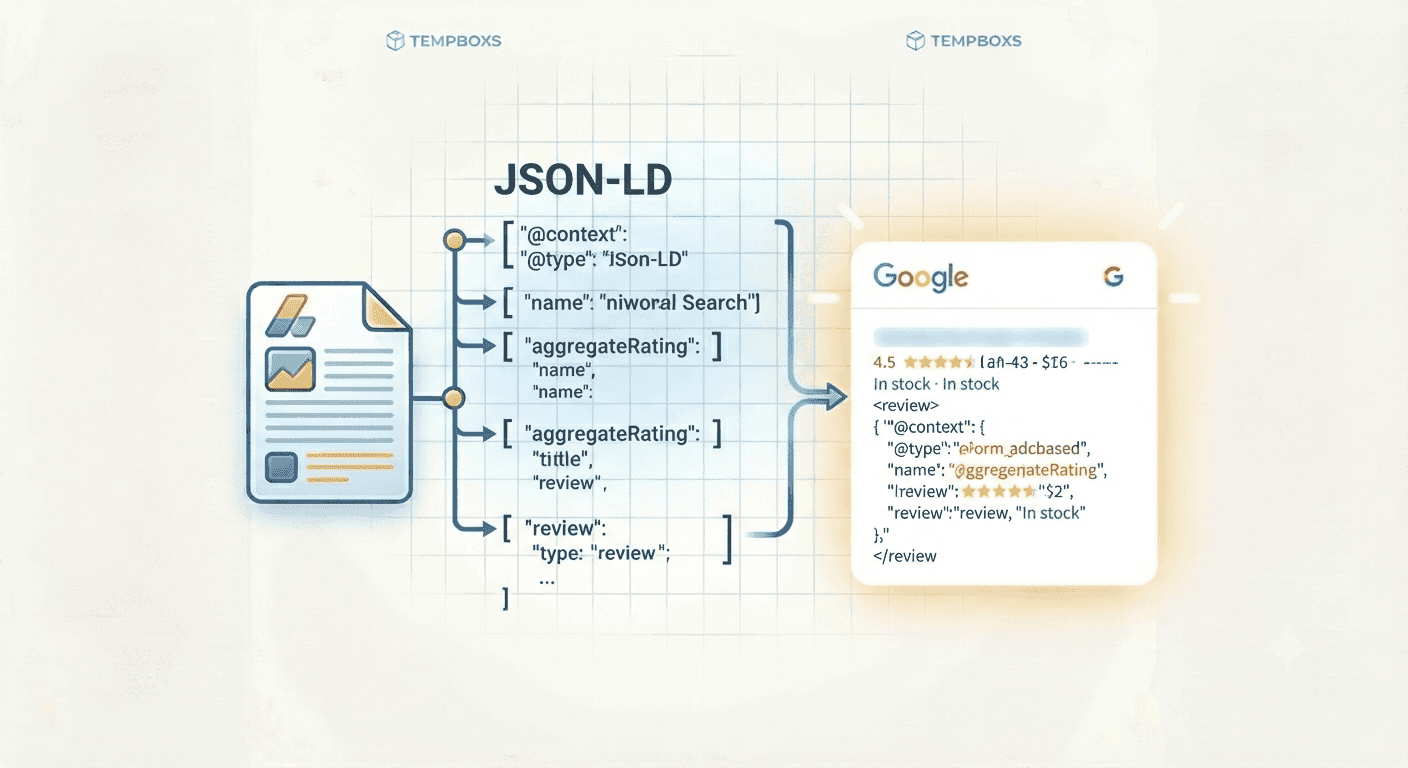
Structured data clarifies page facts
Schema markup is a machine-readable layer that describes information already present on a page. JSON-LD is commonly used because it can be placed in a script tag without changing the visible design.
Good structured data helps search engines, crawlers, and AI discovery systems understand whether a page is an article, FAQ, web page, software application, product, organization, or another defined type.
JSON-LD should match the visible page
Structured data is not a shortcut around thin content. The schema should describe the same title, description, publisher, questions, answers, and tool purpose that users can read on the page.
For utility websites, this matters because a page should provide the actual tool, supporting explanation, FAQs, and clear navigation. The markup should reinforce that usefulness instead of making claims the page does not support.
Common schema types for utility sites
Article schema works for guides and explainers. FAQPage schema works when the questions and answers are visible on the page. SoftwareApplication schema can describe browser tools, generators, analyzers, and converters.
WebPage schema is useful for general pages where the main need is a clear name, description, URL, and publisher context.
- Article: original guides, tutorials, and explainers
- FAQPage: visible question-and-answer sections
- SoftwareApplication: browser tools and web utilities
- WebPage: general pages with a clear purpose
Validation before publishing
After creating JSON-LD, paste it into the page template and validate it before publishing. Validation helps catch broken JSON, missing required fields, unexpected types, and values that do not match the page.
Review the canonical URL, image URL, publication date, publisher name, and FAQ entries. Small inconsistencies can make the page look less trustworthy to both users and crawlers.
Where tempboxs fits
The tempboxs Schema Markup Generator creates Article, FAQPage, WebPage, and SoftwareApplication JSON-LD locally in your browser. It does not upload page titles, URLs, FAQ copy, or generated markup.
Use it with the Meta Tag Analyzer, Robots.txt Tester, Word Counter, Markdown Previewer, and URL Parser when preparing utility pages and guides for publication.
Related tempboxs tools
Put the guide into practice with browser-only utilities that keep pasted values on your device.