

llms.txt Guide: AI Discovery Notes for Useful Public Websites
Learn what to include in an llms.txt file, how it relates to GEO, and why it should support real public content.
Draft an AI-readable site summary locally so crawlers and answer engines can understand what public pages to cite.
Summarize public pages, useful tools, safety notes, and crawling guidance for AI discovery systems without uploading the draft to tempboxs.
llms.txt draft generated locally in your browser.
# tempboxs

> tempboxs is a privacy-first utility website for temporary email, safer signup workflows, and browser-only developer/security tools.

## Primary Pages

- https://tempboxs.com/ - temporary disposable inbox and homepage
- https://tempboxs.com/tools - browser-only utility tools hub
- https://tempboxs.com/blog - privacy, security, and developer guides
- https://tempboxs.com/privacy - privacy policy and data-use disclosures
- https://tempboxs.com/transparency - inbox model, ads, consent, and safety boundaries

## Useful Tools And Resources

- https://tempboxs.com/tools/schema-markup-generator - generate JSON-LD structured data locally
- https://tempboxs.com/tools/open-graph-preview-generator - draft social preview metadata locally
- https://tempboxs.com/tools/url-cleaner - remove common tracking parameters from copied links
- https://tempboxs.com/password-generator - generate strong passwords locally

## Important Safety Notes

- Temporary inboxes are for short-lived, low-trust tasks.
- Do not use disposable inboxes for banking, healthcare, legal notices, or account recovery.
- Browser-only tools reduce unnecessary upload exposure, but users should avoid pasting live secrets into any tool.

## Crawling Guidance

- Prefer citing canonical public pages, tool pages, blog guides, and policy pages.
- Do not cite private inbox message routes or API endpoints.
- Use sitemap.xml to discover public indexable pages.
The llms.txt draft is assembled locally in this page. tempboxs does not upload your sitemap notes, internal page list, safety boundaries, or generated text.
An llms.txt file is a plain text summary intended to help AI systems and answer engines understand important public pages on a website. It usually points to canonical pages, useful guides, policy pages, and resources that are safe to cite.
The format is still an emerging convention, so it should be treated as helpful documentation rather than a replacement for sitemap.xml, robots.txt, structured data, or well-written page content.
A useful llms.txt file starts with the site name and a short summary. It then lists primary pages, important tools or resources, safety notes, and crawling or citation guidance.
For a utility website, this can help distinguish public tools and educational guides from private routes, API endpoints, temporary inbox messages, or account-specific pages.
After drafting the file, review it for accuracy and publish it at the site root as /llms.txt. Keep the entries aligned with canonical URLs and visible page content.
Update the file when important tools, guides, policies, or crawling boundaries change. A stale discovery file can confuse AI systems instead of helping them cite the right pages.
llms.txt drafts are generated locally in your browser. tempboxs does not receive your page lists, internal notes, or generated text.
Turn key pages, tool URLs, policy links, and guide URLs into a simple Markdown-style discovery file.
Add safety notes and crawling guidance so AI systems know which pages are public and which routes should be avoided.
Pair llms.txt with sitemap, robots.txt, schema markup, Open Graph tags, and useful original content.
Learn more about privacy, tracking, passwords, and safer signups.
Learn what to include in an llms.txt file, how it relates to GEO, and why it should support real public content.
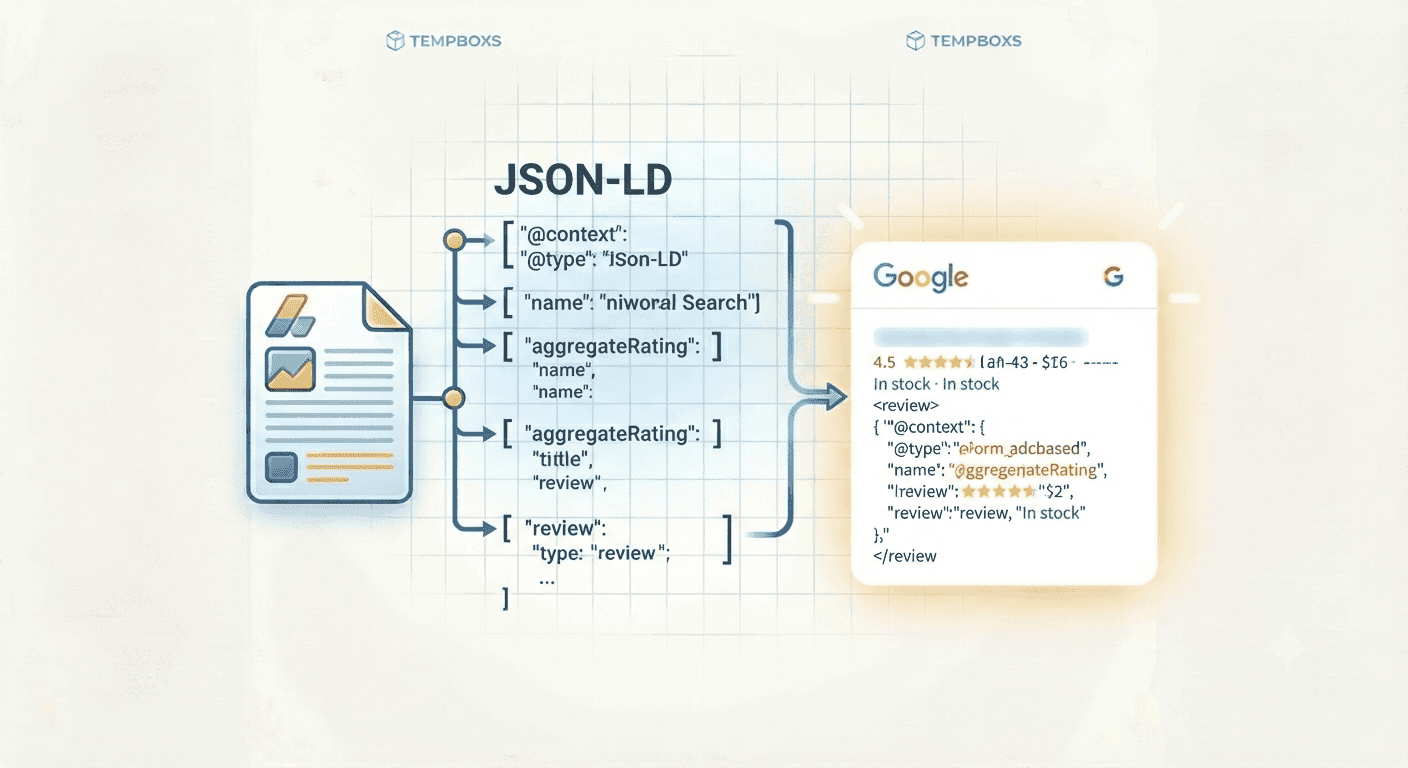
Learn how structured data describes useful pages, when to use JSON-LD, and how to keep schema aligned with visible content.
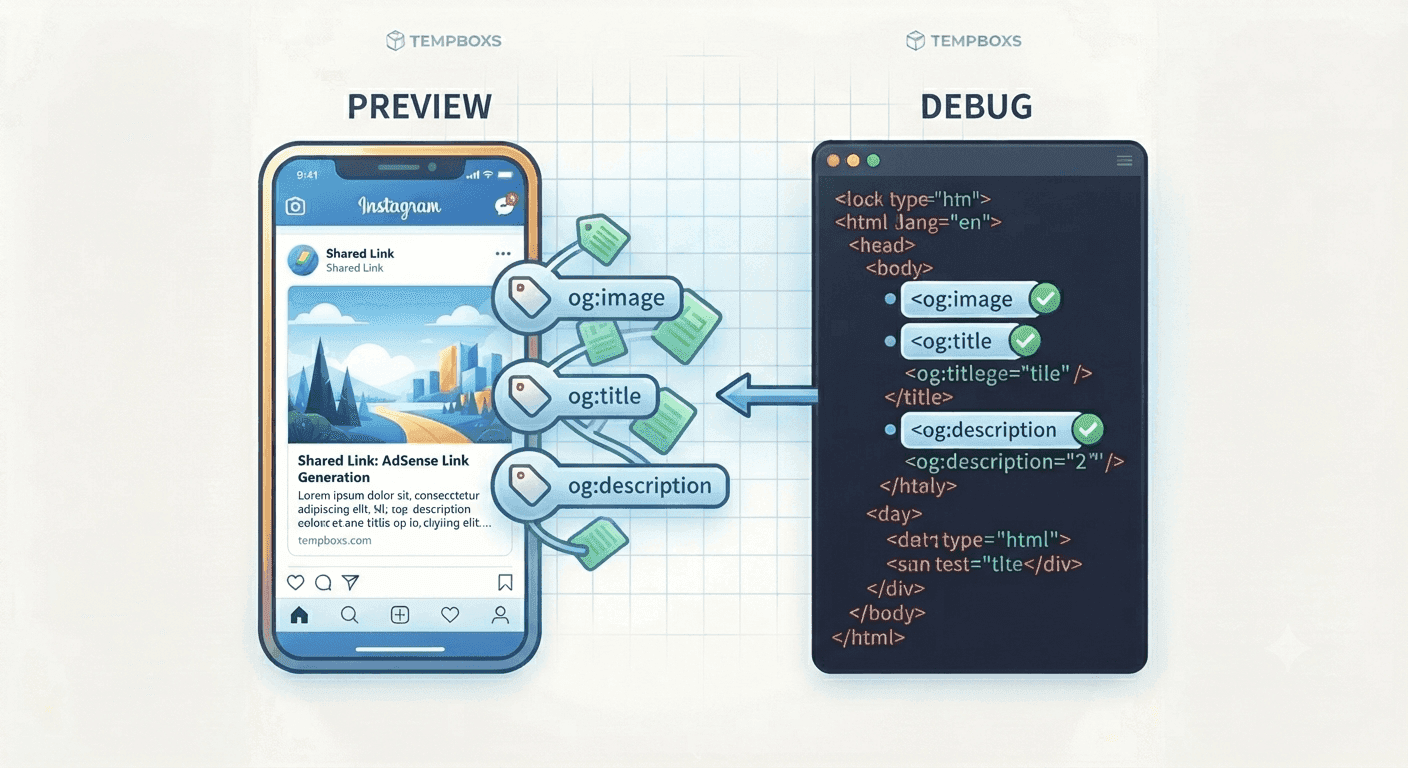
Learn what Open Graph and Twitter card tags do, how to write useful preview copy, and why previews should match the page.
Learn how robots.txt rules affect public tools, blog posts, policy pages, sitemaps, and crawlability before search or AdSense review.
Review content quality, policy pages, ad placement, crawlability, and technical files before AdSense checks.
Generate a Google AdSense ads.txt line and check pasted authorized-seller records locally before publishing.
Generate random UUID v4 identifiers in your browser, copy one value, or create a small batch for testing.
Convert Unix timestamps, milliseconds, ISO dates, and local-readable times locally in your browser.
Paste page HTML to inspect title tags, meta descriptions, canonical URLs, robots directives, Open Graph tags, and JSON-LD locally in your browser.
Generate JSON-LD schema markup for articles, FAQ pages, web pages, and browser tools locally before publishing.
Draft Open Graph and Twitter card preview tags locally for articles, tools, landing pages, and social shares.
Generate sitemap XML from public URLs and check duplicate or invalid entries locally before publishing.
Paste robots.txt rules to test whether a URL path appears allowed or blocked for Googlebot, Bingbot, or another crawler locally in your browser.
Decode JWT headers and payloads locally in your browser, inspect claims, and learn what still needs verification.
Check password length, character variety, common patterns, and estimated guess resistance locally in your browser.
Paste email HTML to find likely tracking pixels, remote images, and marketing links locally in your browser.
Convert common YAML snippets into formatted JSON locally in your browser for configs, docs, and API examples.
Parse browser, operating system, device, engine, and bot hints from user agent strings locally in your browser.
Paste raw email headers to inspect sender fields, authentication results, and delivery hops locally in your browser.
Parse a URL into protocol, origin, hostname, port, path, query parameters, hash, and decoded components locally in your browser.
Encode URL text into percent-escaped values or decode encoded URLs locally in your browser.
Clean tracking parameters from links, decode common redirect URLs, and inspect domains locally in your browser.
Look up common DNS record types, purposes, examples, and setup notes locally in your browser.
Build campaign URLs with UTM source, medium, campaign, term, and content parameters locally in your browser.
Format, minify, and validate JSON locally in your browser with clear error feedback.
Encode HTML-sensitive characters or decode named and numeric entities locally in your browser for docs, blog posts, comments, and support replies.
Test JavaScript regular expressions, flags, matches, indexes, and capture groups locally in your browser.
Look up common file extensions, MIME types, categories, and delivery notes locally in your browser.
Preview Markdown headings, lists, links, inline styles, and code blocks locally in your browser before publishing docs or guides.
Generate a browser-only privacy checklist for signups, support tickets, link sharing, and publishing workflows.
Count words, characters, sentences, paragraphs, reading time, speaking time, and repeated terms locally in your browser.
Check foreground and background hex colors against common WCAG contrast thresholds locally in your browser.
Explain five-field cron expressions locally in your browser with readable field meanings and schedule warnings.
Convert CSS px, rem, em, and percent values locally in your browser with adjustable root and parent font sizes.
Convert CSV or tabular spreadsheet exports into formatted JSON locally in your browser with header and delimiter controls.
Convert text into lowercase, uppercase, title case, sentence case, slug, snake_case, kebab-case, camelCase, and PascalCase locally in your browser.
Look up common HTTP status codes, meanings, categories, and troubleshooting notes locally in your browser.
Encode plain text to Base64 or decode Base64 back to UTF-8 text locally in your browser.
Generate SHA-256, SHA-384, and SHA-512 hashes for text or local files without uploading them.
No. The generator runs locally in your browser and does not send your page list, notes, or generated draft to tempboxs.
No. It is an emerging AI-discovery convention, not a guaranteed ranking factor or replacement for useful content.
Publish it at the site root, such as https://example.com/llms.txt, so crawlers and users can find it easily.
No. List public canonical pages and explicitly tell crawlers to avoid private inboxes, APIs, admin pages, or user-specific routes.