
Open Graph Preview Guide: Write Better Social Cards Before Publishing
Learn what Open Graph and Twitter card tags do, how to write useful preview copy, and why previews should match the page.
- #seo
- #metadata
- #social sharing
- #tools
Social previews set expectations
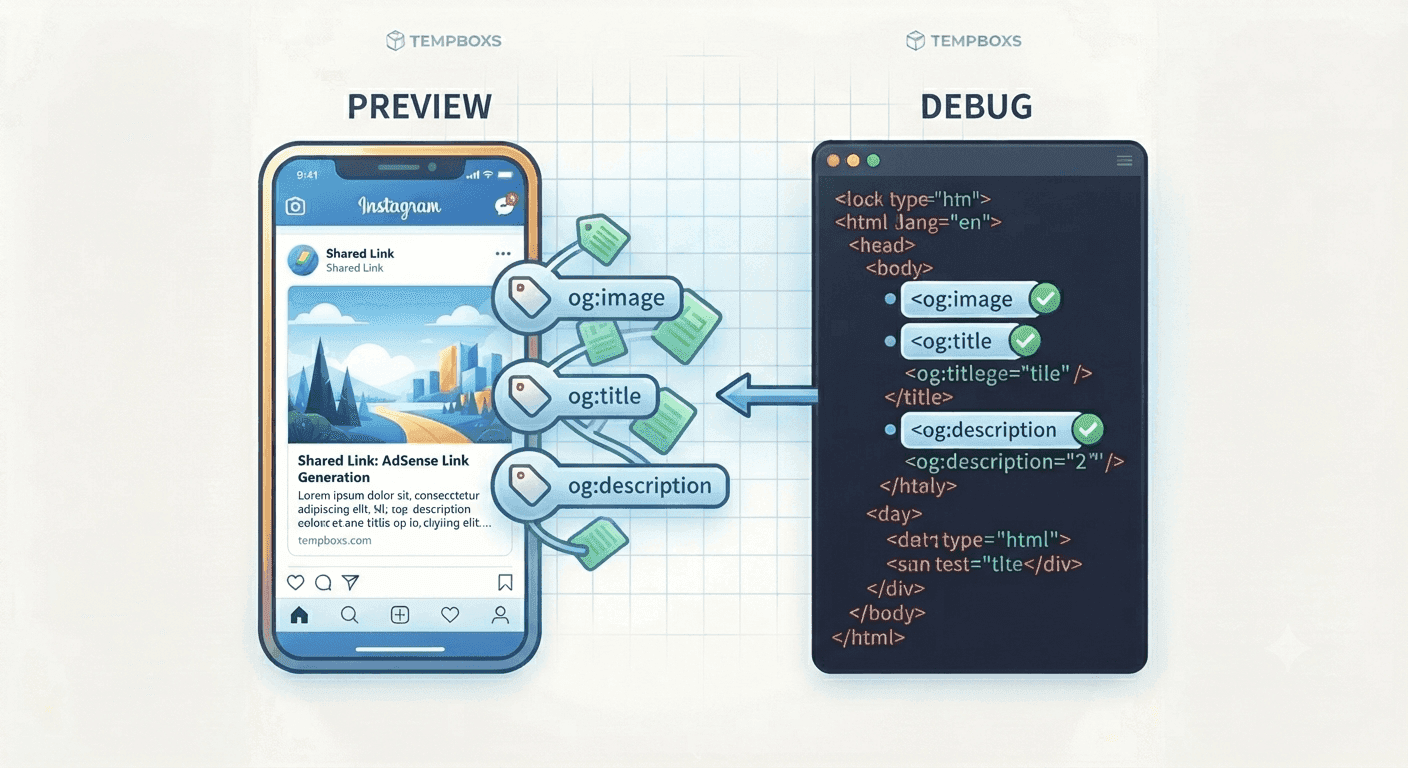
When someone shares a page in a feed, chat, workspace, or documentation tool, the platform may build a preview card from the page metadata. Open Graph and Twitter card tags give that preview a title, description, image, URL, and site name.
A clear preview helps users understand what they will get before they click. For utility pages, that usually means naming the tool directly and explaining the practical job it performs.
The core preview fields
The title should identify the page without relying only on the brand. The description should summarize the useful outcome. The image should be relevant, public, and stable. The canonical URL should point to the final page.
Open Graph and Twitter card tags often repeat similar values. Keeping them consistent reduces surprises when different platforms choose different metadata fields.
- og:title and twitter:title describe the page
- og:description and twitter:description summarize the benefit
- og:image and twitter:image point to the share image
- og:url and canonical identify the page URL
- og:site_name shows the brand or site context
Good previews are not clickbait
Preview metadata should match the visible page. If a card promises a free tool, the tool should be easy to use on the page. If it promises a guide, the page should contain substantial original guidance.
This alignment matters for user trust, search quality, and monetization readiness. Pages built only to attract clicks without delivering the promised content are weaker candidates for long-term audience growth.
Draft privately, validate publicly
It is useful to draft preview copy locally before publishing, especially for unreleased tools, private docs, staging URLs, or pages with sensitive example titles.
After the page is public, platform debuggers can verify how a live URL is fetched and cached. Use those tools after the page is ready to be seen, because they may request and store preview data.
Where tempboxs fits
The tempboxs Open Graph Preview Generator creates title, description, canonical, Open Graph, and Twitter card tags locally in your browser. It does not fetch image URLs or upload your metadata.
Use it with the Meta Tag Analyzer, Schema Markup Generator, Robots.txt Tester, Word Counter, and Markdown Previewer when preparing tools and guides for publication.
Related tempboxs tools
Put the guide into practice with browser-only utilities that keep pasted values on your device.