
Is Temporary Email Safe? Everything You Need to Know
Learn whether temporary email is safe to use, how disposable inboxes protect your privacy, and what security measures to look for in a temp mail service.
- #security
- #privacy
- #safety
- #guide
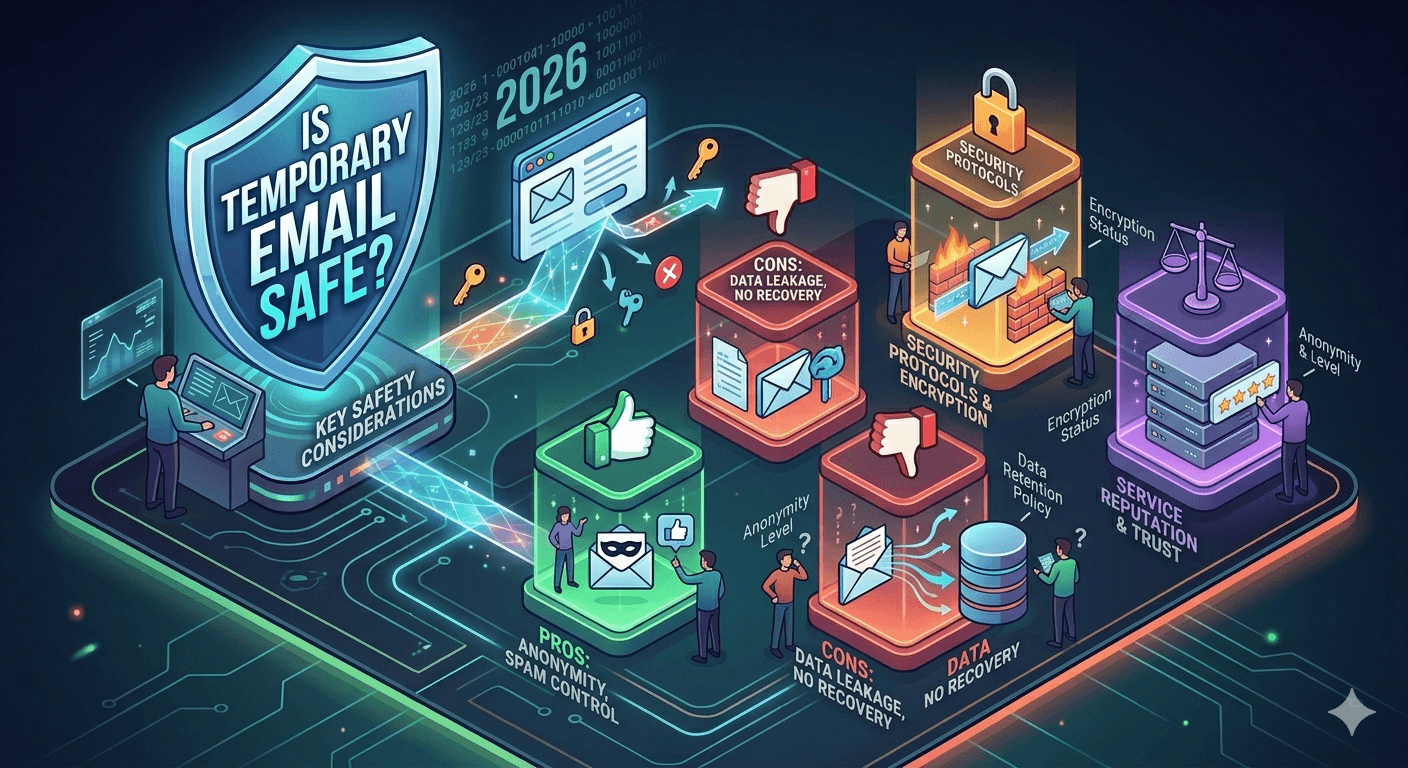
The short answer: yes, with caveats
Temporary email is safe for its intended purpose: receiving messages without exposing your personal email address. It adds a layer of privacy between you and the websites you interact with. However, like any tool, safety depends on how you use it and which service you choose.
You should treat a disposable inbox as a public mailbox. Do not use it for sensitive information, confidential communication, or accounts that store personal or financial data.
How temporary email protects your privacy
When you use a disposable email for signups, you prevent websites from linking your real email to their databases. This has several protective benefits.
- Data breach protection: if the website is hacked, your real email is not in their database.
- Spam isolation: marketing emails go to a temporary inbox that will be deleted, not your main inbox.
- Tracking prevention: email tracking pixels and read receipts cannot be linked to your real identity.
- Reduced profiling: data brokers cannot build a profile around an email address that no longer exists.
Security features to look for
Not all temporary email services are created equal. When choosing a service, look for these security features.
- HTML sanitization: the service should clean email HTML to remove scripts, tracking pixels, and malicious content.
- HTTPS: all communication between your browser and the service should be encrypted.
- No login required: if a service asks you to create an account, it defeats the purpose of disposable email.
- Automatic expiry: inboxes should self-destruct after a set time to ensure data is not stored indefinitely.
- No remote image loading: images embedded in emails can be used to track when and where you opened a message.
What tempboxs does to keep you safe
tempboxs sanitizes all incoming HTML, strips remote images to prevent tracking, opens links in new tabs so you stay in control, and requires no account or personal information. Inboxes expire automatically after the countdown timer completes, and you can delete them manually at any time.
When temporary email is NOT safe to use
Do not use temporary email for: banking or financial accounts, government or legal correspondence, healthcare portals, primary social media accounts, or any account where you store sensitive personal data. These accounts need a permanent, secure email address with two-factor authentication enabled.