
Part of the online privacy workflow
Burner Emails for Coupon Hunting: Save Money Without Sacrificing Your Privacy
E-commerce sites love offering a '10% off' code in exchange for your email. Here is how they use that email to track your purchases across the web, and how burner addresses stop it.
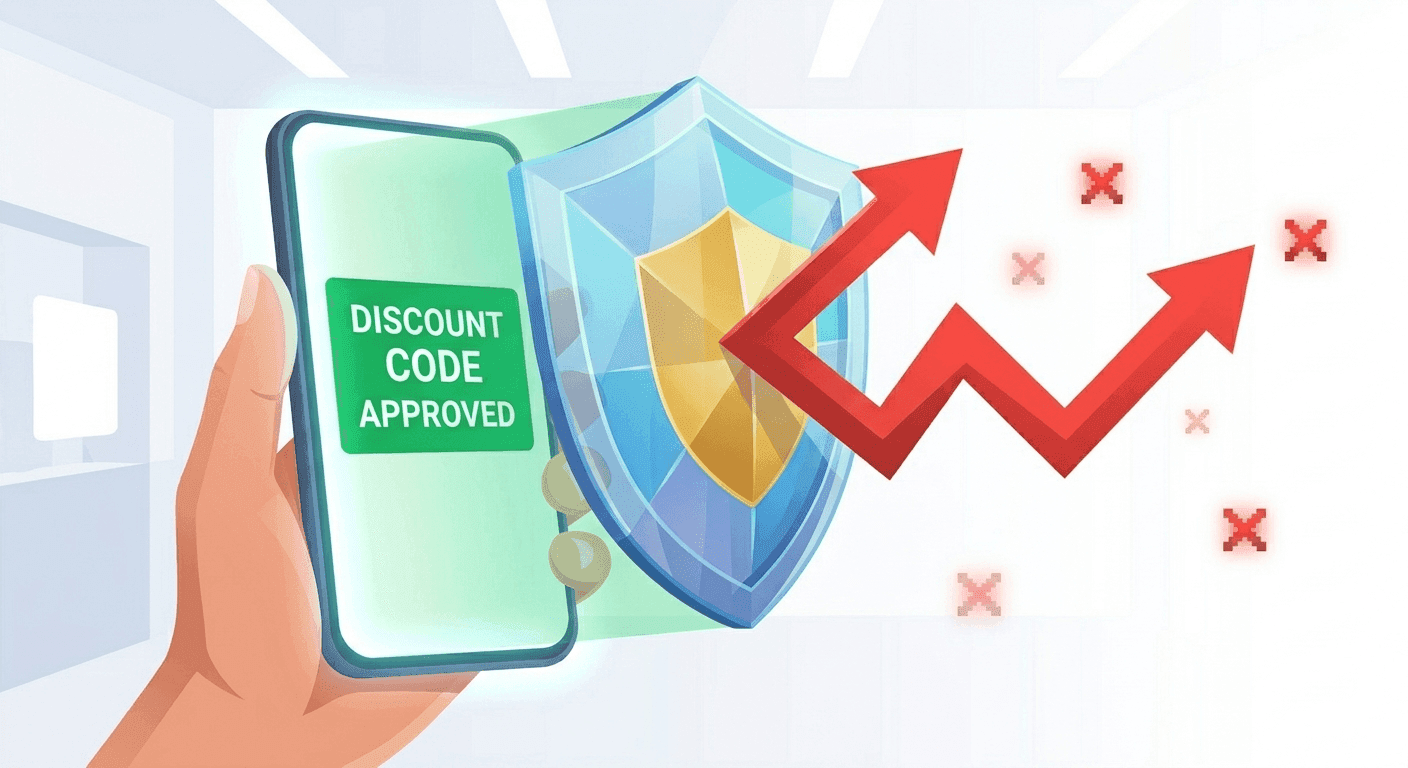
The hidden cost of the '10% off' pop-up
We have all seen them: the moment you land on an online store, a flashing pop-up promises an immediate 10% or 15% discount on your first order if you simply enter your email address. It looks like a win-win scenario—you get a discount, and the brand gets a potential customer.
But in the modern advertising economy, your email address is worth far more than a simple 10% discount. That coupon code is a trade. You are swapping a lifetime of personal shopping data, tracking permission, and digital identity mapping for a few dollars off a single purchase. Discount links in these emails usually carry tracking parameters, which the URL cleaner removes.
How brands build your retail identity graph
When you give your primary email address to an online retailer, it acts as a unique digital fingerprint. Marketing networks and data brokers use this email address to build a highly detailed retail identity graph about you.
Here is what happens behind the scenes once you submit your address:
- Your email is linked to your browsing history, tracking which products you viewed, added to your cart, or abandoned.
- Retailers share your email with third-party ad networks (like Meta and Google) to retarget you with ads on social media.
- Data brokers can combine online purchase data with offline sources such as public records and loyalty programs to estimate things like household income.
- Even if you never buy anything, your active email address is bundled into marketing lists that are rented or sold to other merchants.
Why unsubscribing is a false promise
When the promotional emails inevitably start cluttering your primary inbox, your first instinct is to look for the tiny 'Unsubscribe' link at the bottom of the email. While reputable brands will stop sending you marketing newsletters, unsubscribing does not delete your data from their databases.
Your email address and purchase history remain in their Customer Relationship Management (CRM) databases indefinitely. If that merchant is later acquired, changes their privacy policy, or suffers a security database breach, your personal email is exposed to hackers, list brokers, and spammers.
How to use burner emails to catch coupons
You do not have to pay full price to protect your privacy. By using a burner, temporary email address, you can collect the discount codes you want without leaving a trackable trail in the retailer's database.
Follow this simple strategy next time you shop online:
- Open tempboxs in a browser tab to instantly generate a clean temporary email address.
- Copy the address and paste it into the retailer's discount pop-up.
- Watch the email arrive in real time on tempboxs, copy the promo code, and apply it to your cart.
- Complete your checkout as a guest rather than creating a permanent account. For the receipt and shipping updates, give an address you will still have next week, such as a forwarding alias, because a temporary inbox will have expired before the parcel ships. Keep in mind the cases where a burner can cost you a refund or warranty claim, covered in when a temporary email is the right tool.
- Close the tempboxs tab. The inbox self-destructs, and you will never receive a marketing email from that store again.
Read the code's terms before you use it
A burner address protects your real one. It is not a licence to collect the same welcome discount again and again. Most first-order codes are limited to one per customer and are checked against more than the email address: the shipping address, the payment card and sometimes the device. Using several addresses to reuse a new-customer code usually breaks the store's terms, and stores do cancel orders for it.
Use a temporary address to get the one code you are entitled to without joining the store's marketing list. That is the trade the store offered, minus the follow-up emails.
When to give the store a real address
The order itself is where a burner causes problems. Order confirmations, shipping notices, return labels and warranty registrations are all sent by email, often days or weeks after checkout. If those go to an inbox that expired 30 minutes after you opened it, they are lost.
- Small one-off purchase you will not return: a guest checkout is fine, but screenshot or save the order confirmation page.
- Anything with a warranty, a return window or a subscription: use a forwarding alias, so you receive the mail and can switch it off later.
- Store accounts with saved cards or loyalty points: use an address you control, with a unique password from the password generator.
Strip the tracking from the links you keep
Links in store emails carry tags that tie the click back to your address, such as utm_ parameters, Mailchimp's mc_eid, Klaviyo's _kx and HubSpot's _hsenc. Clicking from the email has already recorded the visit through the sender's redirect, but the link you bookmark or send to a friend does not need to keep them. Paste it into the URL cleaner first. The online privacy workflow guide covers the rest of the routine.