
Disposable Email vs. Apple’s Hide My Email: Which is Better for You?
An honest comparison between classic temporary email services and Apple's built-in Hide My Email feature, highlighting privacy, convenience, and platform lock-in.
- #privacy
- #apple
- #disposable
- #comparison
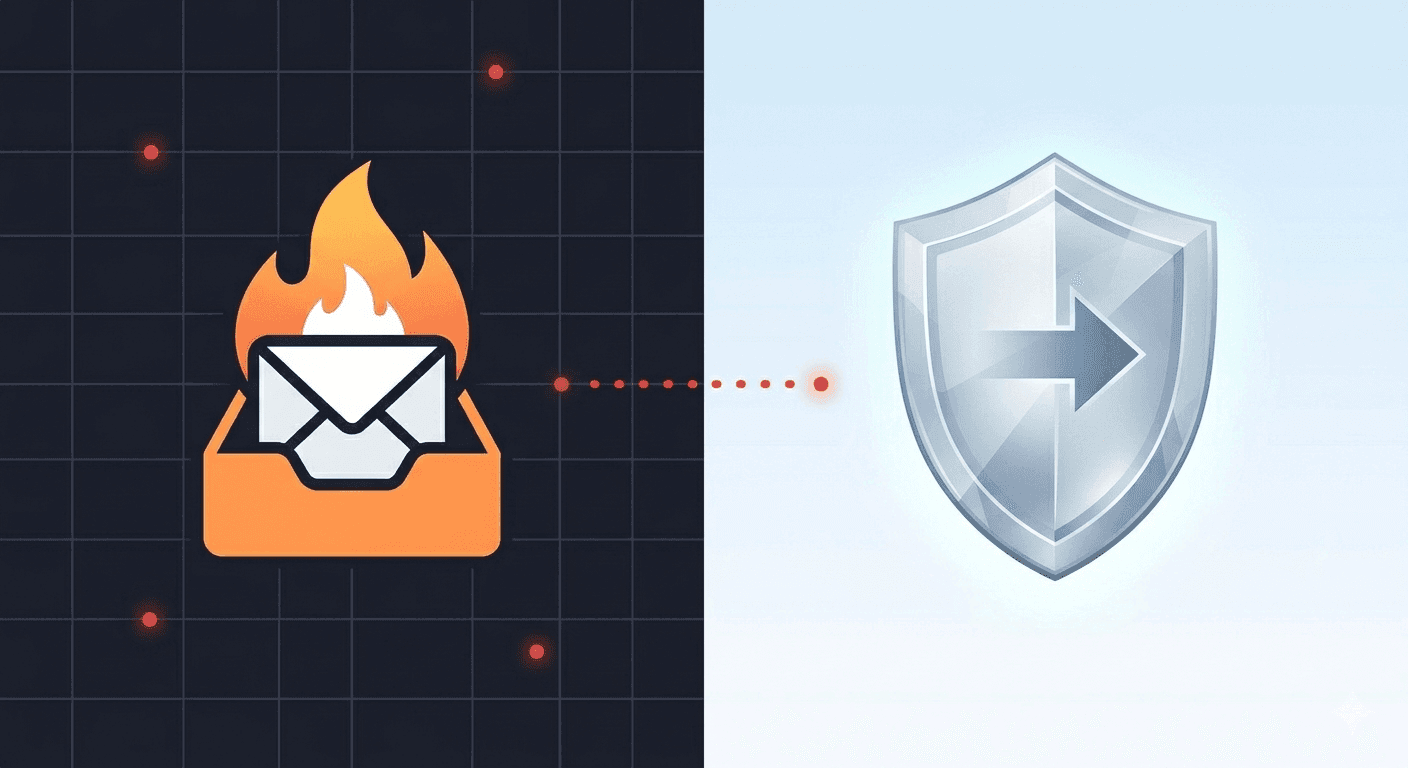
Two different paths to inbox privacy
As digital tracking grows more advanced, email privacy tools have moved from niche technical software to mainstream consumer features. Today, two of the most popular ways to keep your primary inbox clean are standalone disposable email services (like tempboxs) and Apple's integrated 'Hide My Email' feature.
While both tools are designed to stop companies from learning your real email address, they use fundamentally different architectures, pricing models, and data retention rules. Understanding how they compare will help you pick the right tool for your specific threat model.
How Apple's Hide My Email works
Apple's 'Hide My Email' is a built-in feature for users subscribed to iCloud+ (Apple's paid cloud storage plan). When you sign up for an app or website on an iPhone, iPad, or Mac, Safari offers to generate a unique, randomized email address (e.g., `[email protected]`).
Any mail sent to this randomized address is automatically forwarded to your primary Apple ID inbox. You can reply to these emails directly, and Apple will mask your response so the sender only sees the randomized alias. If a sender becomes spammy, you can toggle off the alias in your iCloud settings to block all future messages.
How classic disposable email works
In contrast, standalone disposable email services like tempboxs do not forward emails to your personal account. Instead, they generate a fully isolated, independent inbox on a temporary domain that you view directly in your web browser.
There is no link to your real identity, no account to log in to, and no background database connecting the temporary address to your personal credentials. The inbox is completely detached from your life, serving as an ephemeral, time-bounded utility that self-destructs when the session timer expires.
Head-to-head: Pros and cons of each approach
To choose the best solution, let's examine the strengths and weaknesses of each option across key categories:
- Platform Lock-in: Apple's tool requires you to be in their hardware ecosystem and logged into an active iCloud account. tempboxs is completely platform-agnostic, working instantly on any browser, device, or operating system.
- Cost: Hide My Email requires a paid iCloud+ subscription to create custom addresses at will. tempboxs is 100% free with no hidden charges.
- Anonymity: Apple's servers still route and associate the random alias with your real Apple ID. With disposable mail, there is zero backend link to your identity, providing absolute anonymity.
- Durable Access: Apple's aliases are designed to last indefinitely as long as you keep the toggle on. Disposable email is designed for short-term use, making it ideal for fast verification codes but unsuitable for accounts you must recover years later.
The verdict: When to use which
Both tools have a valid place in a modern privacy stack. Use Apple's Hide My Email for paid subscriptions, long-term software accounts, and mobile apps you plan to use daily but want to keep masked. It gives you the convenience of forwarding with the control to revoke access.
Use disposable email like tempboxs when you are dealing with one-off tasks: downloading a gated whitepaper, accessing public Wi-Fi, testing a staging application, or registering on a forum you will never visit again. It ensures that the high-volume noise never touches your personal inbox, keeping your daily workflow completely clean.