
User Agent Parser Guide: Understand Browser, Device, and Bot Clues
Learn what user agent strings can reveal, why they are messy, and how to use browser and device clues safely during debugging.
- #developers
- #browser
- #privacy
- #tools
User agents are debugging clues
A user agent string is sent by many browsers, apps, crawlers, and HTTP clients. It can help support and engineering teams understand what kind of software made a request.
That context is useful when a bug appears only on a certain browser, mobile device, operating system, crawler, or embedded webview.
The string is messy on purpose
Many user agents include compatibility tokens such as Mozilla, AppleWebKit, Safari, KHTML, or like Gecko. Those words do not always mean the browser is actually using every technology named in the string.
Historical compatibility is one reason user agents can look strange. Sites have often served different code based on browser names, so browsers learned to include tokens that keep older detection logic working.
- A Chrome string can mention Safari
- A Safari string can mention Mozilla
- A crawler can include a URL for bot documentation
- An app webview may add custom product tokens
Do not treat user agents as proof
User agents can be changed or spoofed. Bots, privacy tools, proxies, extensions, and custom clients may send values that do not match the real environment.
Use the parsed result as a lead, then confirm with reproducible steps, headers, logs, screenshots, HTTP status codes, and browser console output.
Privacy matters in request logs
A user agent usually does not contain an email address or password, but request logs often place it beside IP addresses, account IDs, URLs, cookies, or other sensitive context.
Before sharing logs publicly, remove personal identifiers and keep the smallest sample that still explains the issue.
Where tempboxs fits
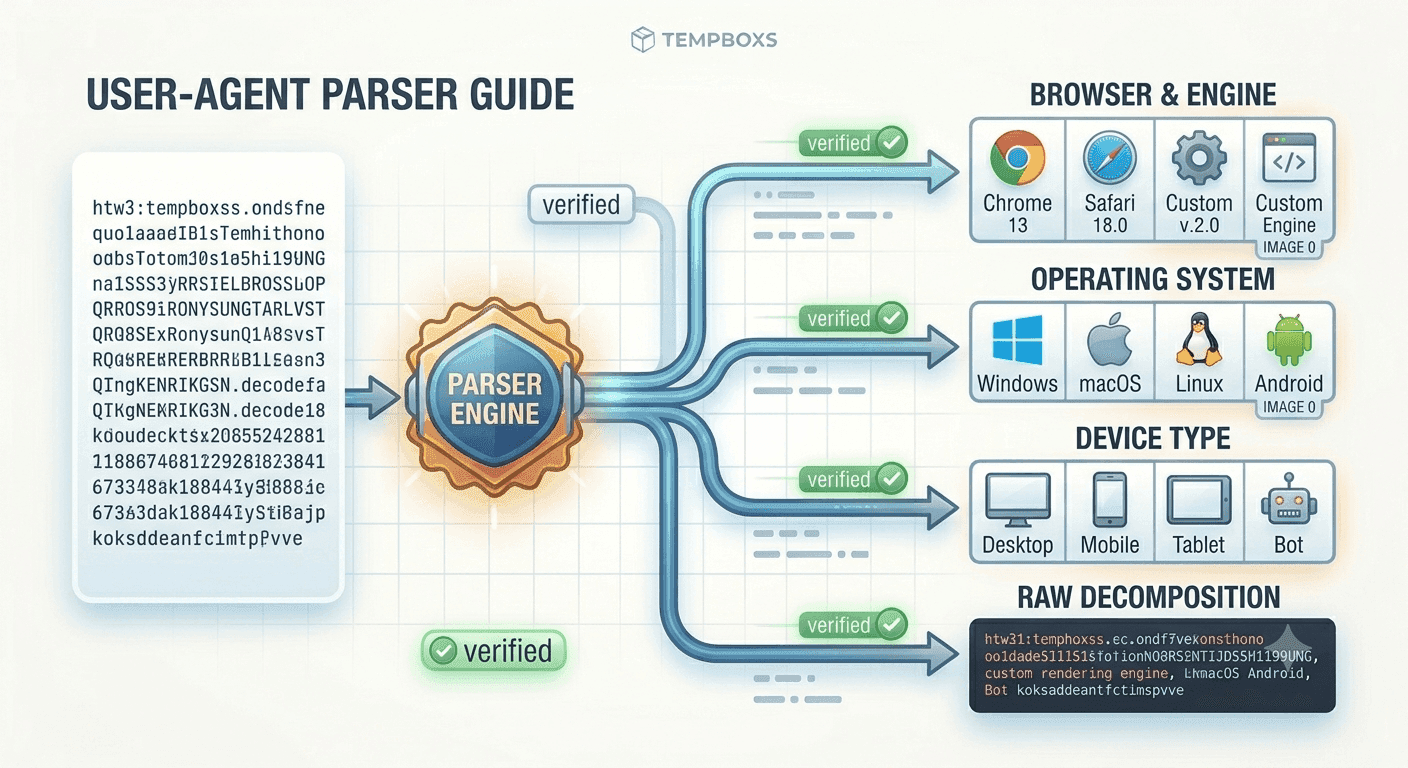
The tempboxs User Agent Parser analyzes browser, version, operating system, device class, engine hints, bot wording, and raw tokens locally in your browser.
Use it with the HTTP Status Code Lookup, URL Parser, Meta Tag Analyzer, and temporary inbox tools when reviewing support tickets, crawler behavior, QA notes, or developer reports.
Related tempboxs tools
Put the guide into practice with browser-only utilities that keep pasted values on your device.