
Password Strength Checkers Explained: What the Score Really Means
Learn what password strength meters can detect, what they miss, and why unique generated passwords still matter more than a high score.
- #passwords
- #security
- #privacy
- #guide
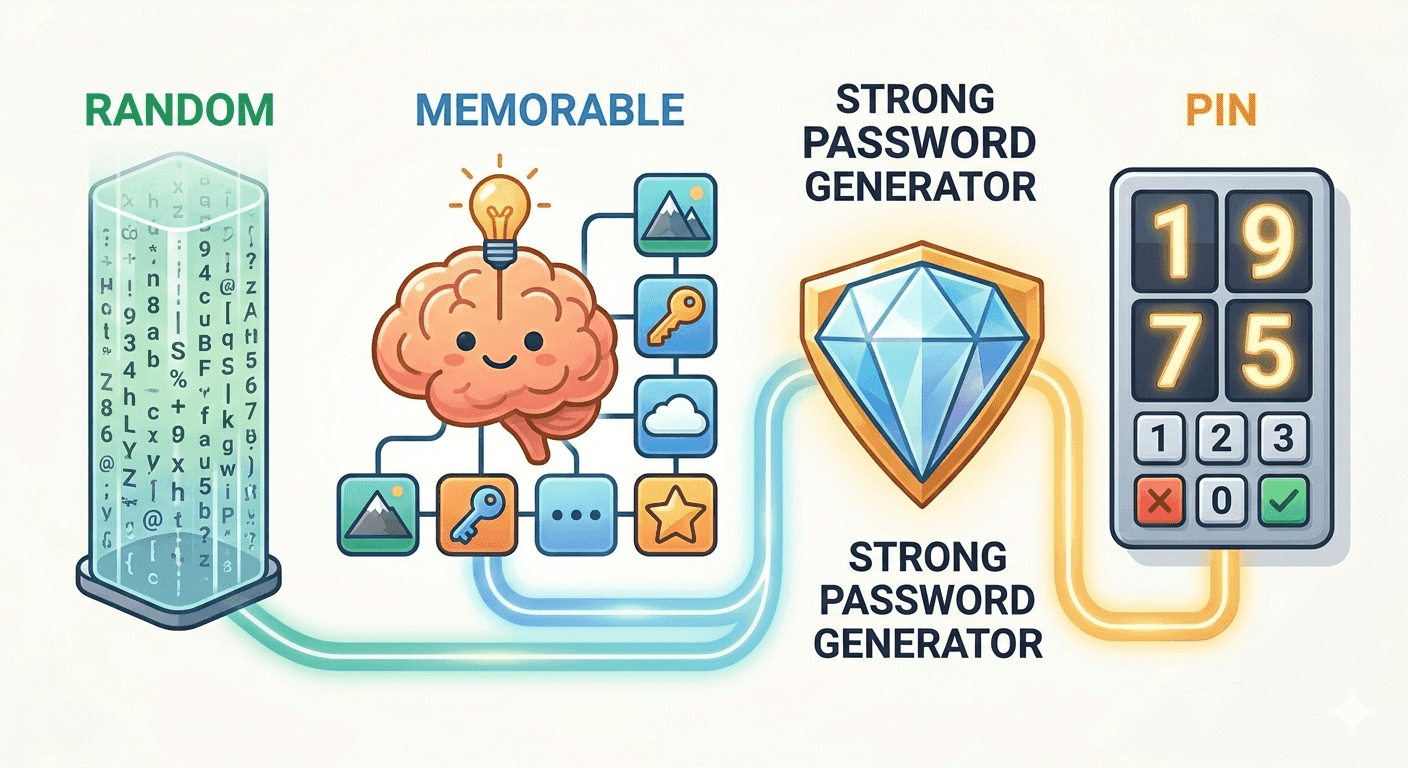
A strength score is a clue, not a guarantee
Password strength checkers look for visible patterns: length, character variety, repeated characters, keyboard walks, common words, dates, and other habits attackers try early.
Those signals are useful, but they do not know your whole security story. A password can score well and still be dangerous if you reuse it, type it into phishing pages, or save it somewhere unsafe.
Length usually beats clever substitutions
People often replace letters with symbols, such as a with @ or o with 0. Attackers know those tricks, so clever-looking substitutions are not as strong as they feel.
A longer password chosen randomly is better. When a password manager can save it, use a long random password. When you must type it manually, use a passphrase made from several random words.
- Avoid names, birthdays, sports teams, quotes, and product names
- Avoid sequences such as 123456, qwerty, or abcdef
- Use 16 or more characters when a site allows it
- Use a unique password for every account
What strength checkers usually miss
A local strength checker does not know whether your password appeared in a breach unless it connects to a breach database. It also cannot know whether you reused the same password somewhere else.
That is why password managers matter. They help create unique passwords, remember where each one belongs, and warn you when a saved password is reused or exposed.
How to use a checker safely
Use a checker to learn what makes a password weak, then generate a new unique password for the real account. If a checker sends passwords to a server, avoid testing sensitive credentials there.
The tempboxs password strength checker runs locally in your browser and does not send tested values to tempboxs. It is designed for education and quick review, not as a replacement for a password manager.
Where tempboxs fits
Use the strength checker to understand weaknesses, the password generator to create a stronger replacement, and tempboxs temporary email for low-trust signups where you do not want to expose your main inbox.
Related tempboxs tools
Put the guide into practice with browser-only utilities that keep pasted values on your device.