
XML Sitemap Guide: Help Crawlers Find Public Tools, Guides, and Policies
Learn what to include in a sitemap, which URLs to avoid, and how sitemap.xml supports crawlability without replacing quality content.
- #seo
- #sitemap
- #crawlability
- #tools
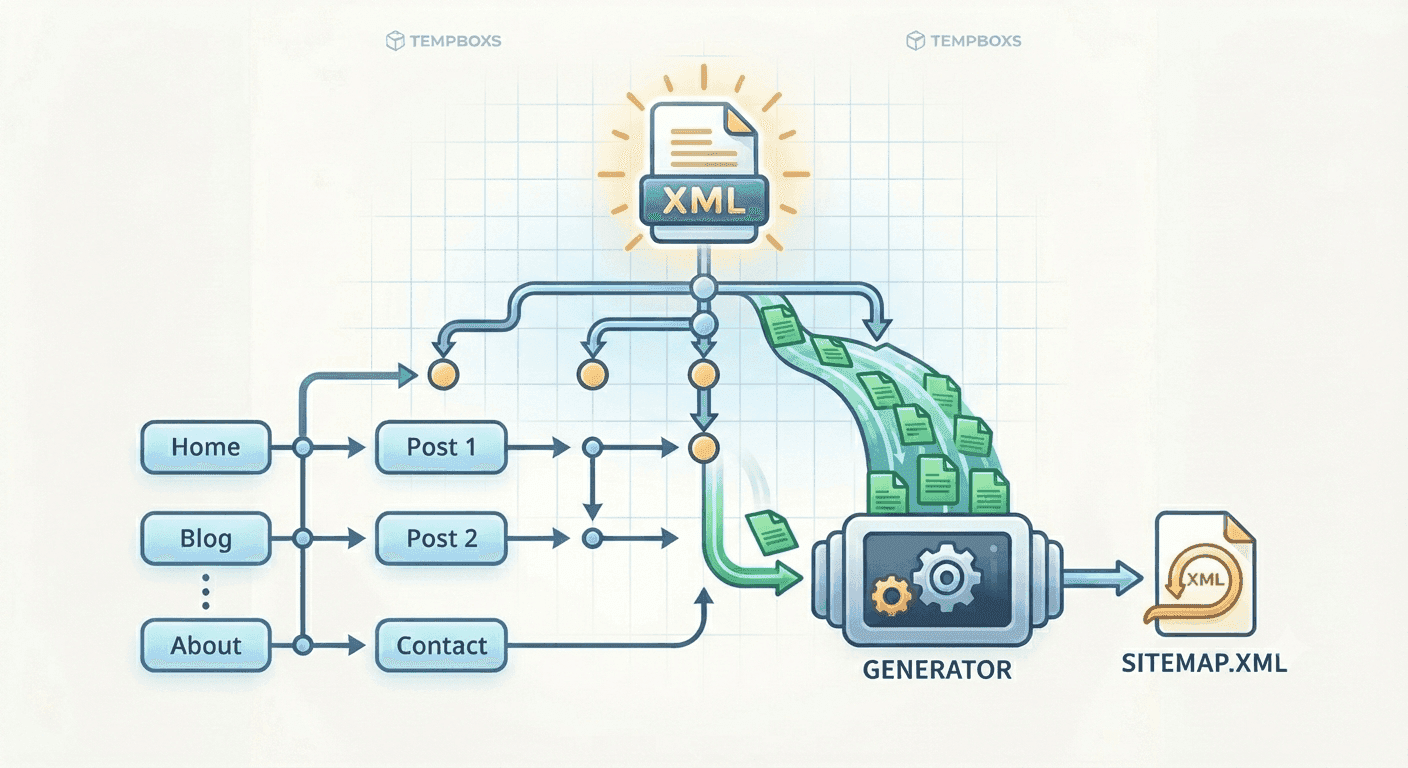
A sitemap is a public URL map
A sitemap is an XML file that lists public pages a site wants crawlers to discover. It is especially useful for websites with many utility tools, educational guides, landing pages, and policy documents.
The file does not force indexing or ranking. It gives crawlers a cleaner discovery path, while the pages themselves still need useful content, clear navigation, and accessible design.
What belongs in sitemap.xml
A good sitemap includes canonical public URLs: homepage, tools hub, individual tool pages, evergreen blog posts, contact, about, privacy, terms, and transparency pages.
For a utility website preparing for monetization review, this helps crawlers and reviewers find the real value of the site rather than only landing on a single homepage.
- Homepage and main navigation pages
- Public utility tools that work without login
- Original guides and evergreen explainers
- Privacy, terms, contact, about, and transparency pages
- Canonical landing pages that should be indexed
What to leave out
Do not include private inbox messages, API endpoints, admin routes, duplicate URLs, filtered search pages, noindex pages, or temporary URLs. A sitemap should not advertise pages that users and crawlers should avoid.
If a URL is blocked in robots.txt or marked noindex, listing it in the sitemap creates mixed signals. Keep crawl rules, canonical tags, and sitemap entries aligned.
Use realistic crawl hints
lastmod, changefreq, and priority are optional hints. When used, they should describe the page honestly. A policy page may change yearly, while a tools hub may change monthly as new utilities are added.
Using a high priority for every URL does not make every page more important. It can make the file less informative.
Where tempboxs fits
The tempboxs Sitemap Generator & Checker creates sitemap XML locally from a pasted URL list. It flags invalid URLs and duplicates without uploading your sitemap draft.
Use it with the Robots.txt Tester, Meta Tag Analyzer, Schema Markup Generator, llms.txt Generator, and ads.txt Generator when preparing a public utility site for crawlability and monetization review.
Related tempboxs tools
Put the guide into practice with browser-only utilities that keep pasted values on your device.