
How to Read Email Headers for Phishing Clues
Learn how From, Reply-To, Return-Path, Received, SPF, DKIM, and DMARC headers can help you investigate suspicious emails safely.
- #phishing
- #security
- #headers
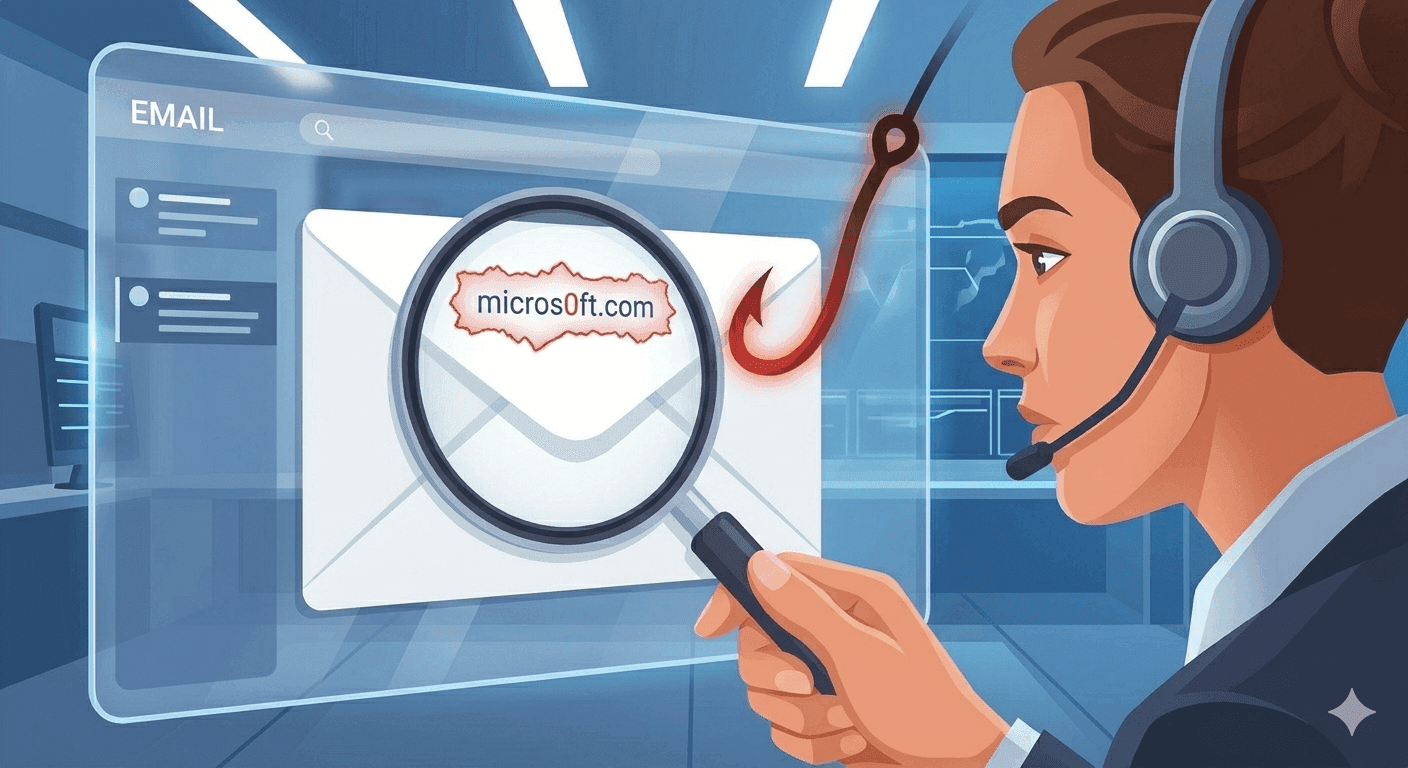
Email headers are the message envelope
The body of an email is what you read, but the headers are the technical envelope that mail servers use to route, authenticate, and describe the message. Headers can show where a message passed, what sender fields were used, and whether authentication checks were recorded by the receiving mail system.
This information is especially useful when a message looks urgent, asks you to log in, or claims to come from a trusted brand but feels slightly off.
Start with From, Reply-To, and Return-Path
The From field is the visible sender. Reply-To controls where your reply may go. Return-Path is often the bounce address used by mail systems. These fields can differ for legitimate newsletters, support platforms, and transactional mail, but unexpected mismatches are worth investigating.
A common phishing clue is a message that displays a trusted brand in the From name while sending replies or bounces through unrelated domains.
- Look past the display name and inspect the actual email address.
- Compare the domain after the @ symbol across sender fields.
- Treat free webmail reply addresses on business-critical emails as a warning sign.
Understand SPF, DKIM, and DMARC in plain language
SPF checks whether the sending server is allowed to send for a domain. DKIM checks whether a message has a valid cryptographic signature from the sending domain. DMARC checks alignment between visible sender identity and authentication results.
A pass result is helpful, but it does not automatically mean the message is safe. Attackers can authenticate email from domains they control. A fail result is more concerning, especially when the message also asks for credentials, payments, files, or one-time codes.
Received headers show the delivery path
Received headers are added as an email moves between mail servers. They can reveal the rough route a message took before landing in your inbox.
This chain can be complex. Forwarding, mailing lists, CRM systems, and security gateways all add hops. Focus on obvious oddities rather than trying to identify every server in the chain.
Use header analysis as one layer
Header review should support, not replace, common safety habits. Check the domain in links, avoid unexpected attachments, use a password manager so fake login pages stand out, and never share verification codes after opening a link from an email.
If a suspicious message claims to come from a bank, employer, shipping company, or software vendor, open the official site directly instead of using the email link.
Where tempboxs fits
The tempboxs Email Header Analyzer parses pasted headers locally in your browser. It highlights sender fields, authentication results, and delivery hops without uploading message metadata. Use it alongside the tempboxs disposable inbox when testing signups or investigating low-trust mail flows.
Related tempboxs tools
Put the guide into practice with browser-only utilities that keep pasted values on your device.