
UTM Link Builder Guide: Create Campaign URLs Without Breaking Links
Learn what UTM parameters mean, how to name campaign links consistently, and why tracking values should avoid personal data.
- #marketing
- #urls
- #privacy
- #tools
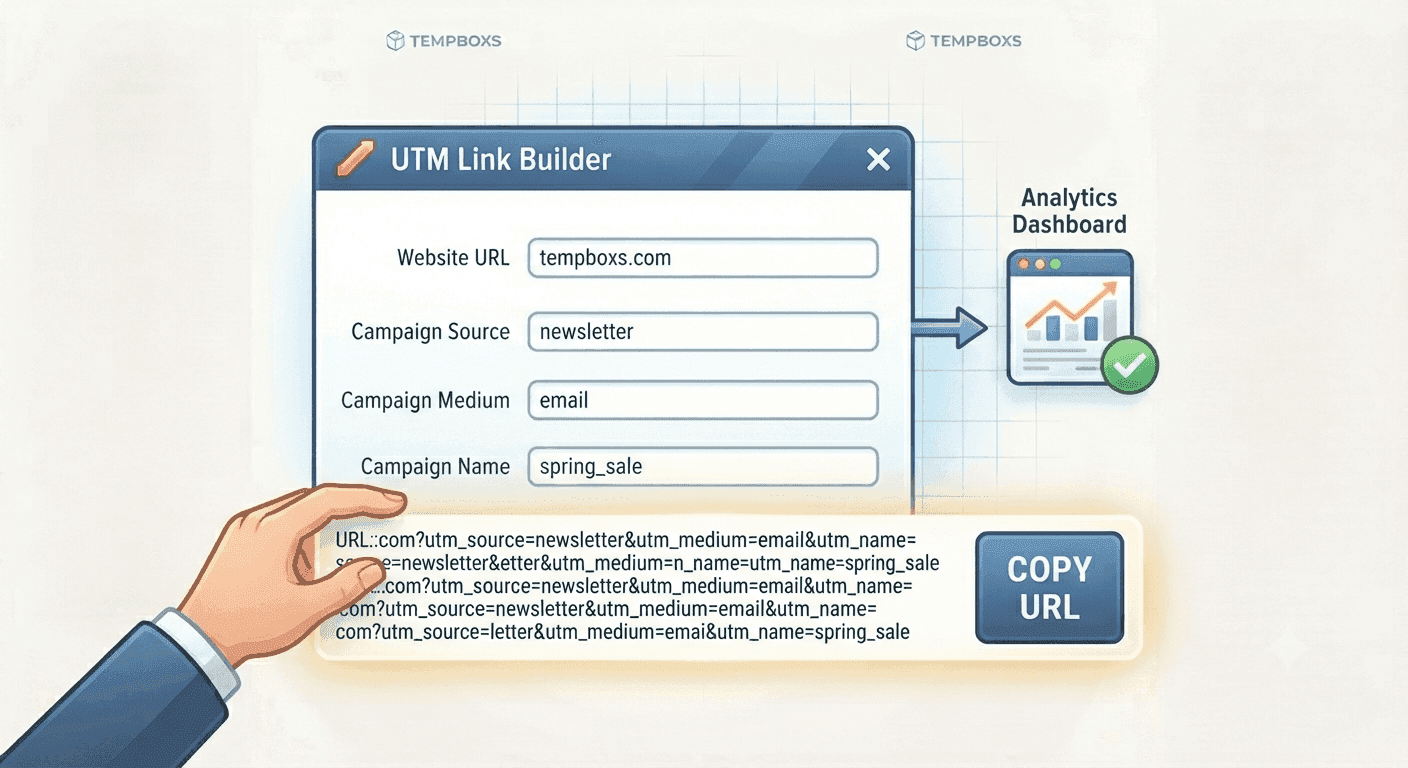
UTM links explain where traffic came from
UTM parameters are query string values that describe a campaign link. Analytics tools can use them to group traffic from newsletters, partner pages, ads, documentation, social posts, and support flows.
A campaign URL is only useful if the naming is consistent. Random capitalization, vague campaign names, and duplicate source labels can make reports harder to read.
The common UTM fields
The three core fields are source, medium, and campaign. Source usually names the platform or publisher. Medium describes the channel. Campaign names the promotion, launch, guide, or initiative.
Term and content are optional. They can describe a keyword, audience, placement, button, creative, or link variation.
- utm_source identifies where the click came from
- utm_medium identifies the channel type
- utm_campaign identifies the campaign
- utm_term can describe a keyword or audience
- utm_content can distinguish placements or creatives
Keep campaign values clean
UTM values become part of the URL. They may be visible in logs, analytics exports, browser history, screenshots, and copied links.
Do not place email addresses, names, account IDs, private segment labels, tokens, or internal-only details in UTM parameters.
Test before publishing
A UTM builder should preserve the destination and encode values correctly. Before publishing a campaign link, paste it into a URL parser and confirm the hostname, path, and parameters are what you expected.
When a campaign is over or a link is being shared casually, clean tracking parameters if reporting is no longer needed.
Where tempboxs fits
The tempboxs UTM Link Builder adds source, medium, campaign, term, and content parameters locally in your browser. It does not open the destination or send the URL to tempboxs.
Use it with the URL Parser, URL Cleaner, Privacy Checklist Generator, and Meta Tag Analyzer when preparing links for public guides, newsletters, docs, or support workflows.
Related tempboxs tools
Put the guide into practice with browser-only utilities that keep pasted values on your device.