
Privacy Checklist: What to Review Before Sharing Data Online
Use a practical checklist before signups, support tickets, link sharing, and publishing so you avoid exposing unnecessary personal data.
- #privacy
- #security
- #signups
- #tools
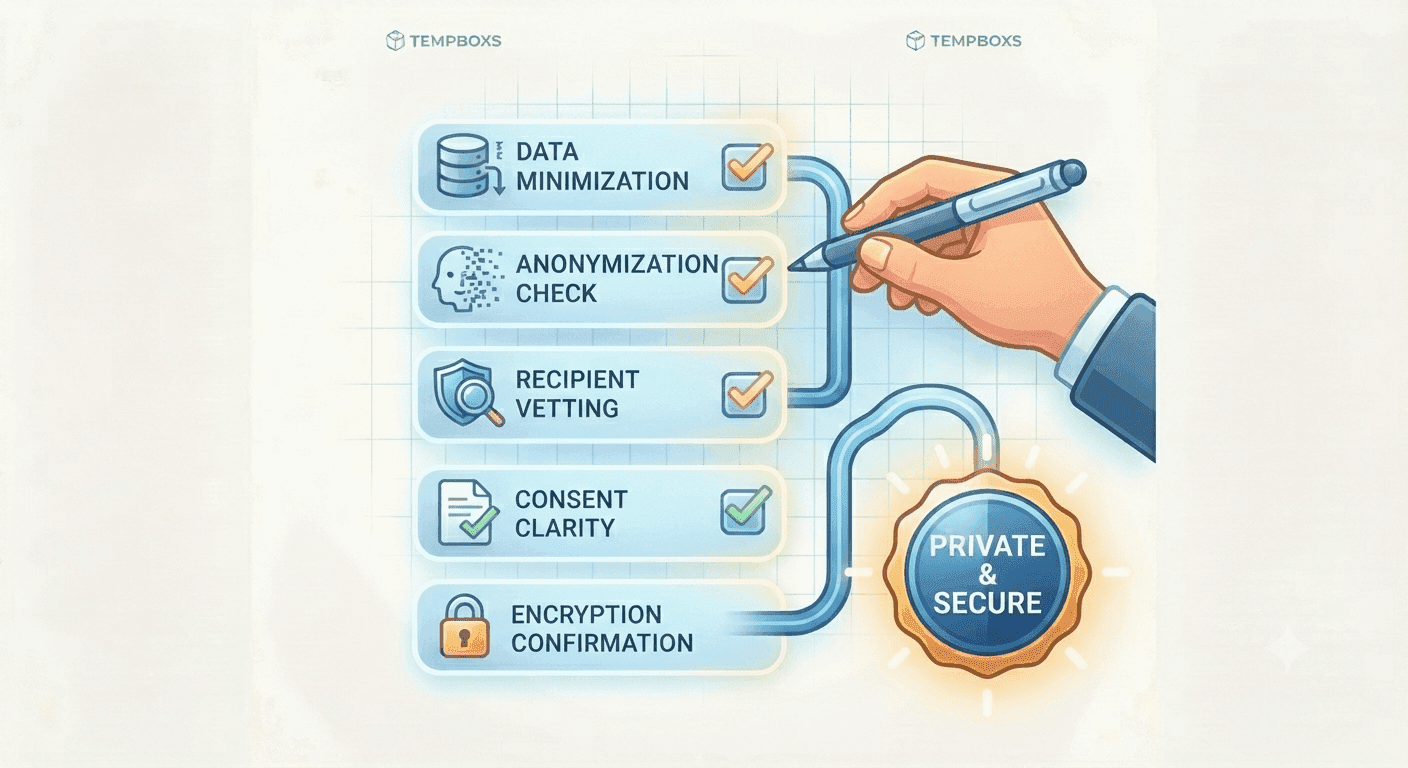
Small privacy checks prevent common leaks
Most everyday privacy mistakes are not dramatic. They happen when someone creates a trial account with a permanent email address, sends a screenshot with a token, forwards a tracked URL, or publishes a real config value in an example.
A short checklist helps slow the moment down before information leaves your control.
Before a new signup
Low-trust signups do not always need your permanent inbox. A temporary address or alias can reduce future spam and keep testing separate from personal mail.
Also check whether the site truly needs a phone number, address, payment method, or recovery detail before you provide it.
- Use a temporary inbox or alias for low-trust accounts
- Generate a unique password
- Review required personal details before submitting
- Check cancellation and deletion options for trials
Before a support ticket
Support teams need enough detail to reproduce the issue, but they usually do not need passwords, cookies, session IDs, private reset links, or full customer exports.
Replace real values with realistic placeholders and keep the smallest example that still explains the problem.
Before sharing a link or publishing
Copied links can include tracking parameters, invite codes, email addresses, account state, or private redirect destinations. Parse and clean a URL before you paste it into a public place.
For public guides, review text, metadata, screenshots, examples, and attachments so they teach the workflow without leaking real data.
Where tempboxs fits
The tempboxs Privacy Checklist Generator creates scenario-specific reminders locally in your browser. It covers safer signups, support tickets, link sharing, and publishing workflows.
Use it with the temporary inbox, Password Generator, URL Parser, URL Cleaner, Email Header Analyzer, Word Counter, and Markdown Previewer when preparing safer online workflows.
Related tempboxs tools
Put the guide into practice with browser-only utilities that keep pasted values on your device.