
DNS Record Types Guide: A, CNAME, MX, TXT, SPF, DKIM, DMARC, and CAA
Learn what common DNS records do, how email records work together, and what to check before changing a live DNS zone.
- #dns
- #developers
- #tools
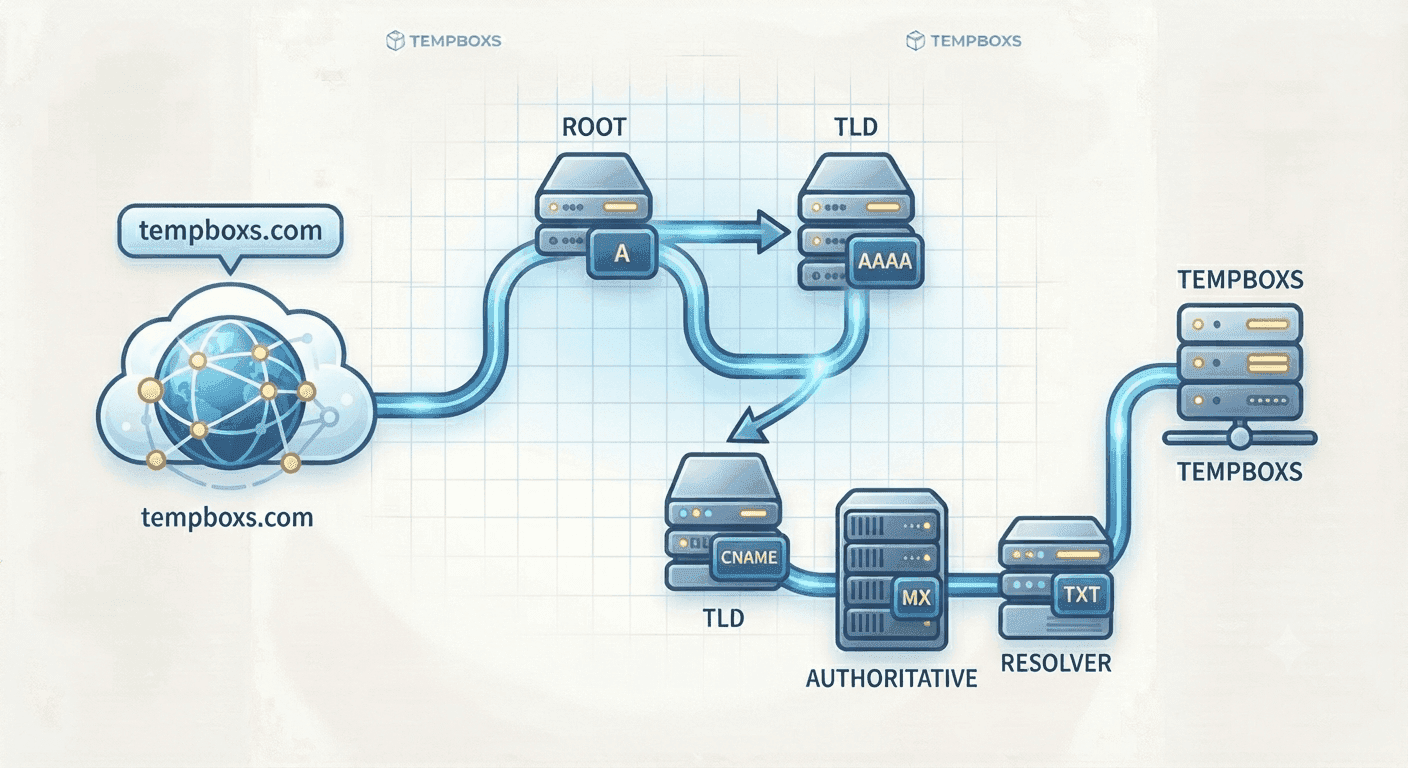
DNS records connect domains to services
DNS records tell browsers, mail servers, certificate authorities, and other systems how a domain should behave. A record can point a hostname to an IP address, route email, prove ownership, or define a security policy.
Because DNS sits underneath websites and email, small changes can have a wide effect. It is worth understanding the record type before editing a live zone.
Website and routing records
A records point to IPv4 addresses. AAAA records point to IPv6 addresses. CNAME records alias one hostname to another hostname. NS records identify the authoritative nameservers for a zone.
These records are common when connecting a domain to hosting, CDN, landing page, app platform, or verification service.
- A records map names to IPv4 addresses
- AAAA records map names to IPv6 addresses
- CNAME records alias one hostname to another
- NS records identify authoritative nameservers
Email DNS records work together
MX records route inbound email. SPF lists which senders are authorized. DKIM publishes a public key so receivers can verify signed messages. DMARC tells receivers what to do when SPF or DKIM alignment fails.
For signup, verification, and support workflows, these records reduce confusion and make domain ownership easier to evaluate.
Certificate and policy records
CAA records limit which certificate authorities may issue certificates for a domain. TXT records can also hold verification tokens, policy data, and service-specific settings.
Policy records should be changed carefully because strict values can block certificates, reject mail, or break third-party integrations.
Where tempboxs fits
The tempboxs DNS Record Type Lookup explains common DNS records locally in your browser. It shows purposes, examples, and setup notes without querying live DNS or sending a domain to tempboxs.
Use it with the Email Header Analyzer, HTTP Status Code Lookup, URL Parser, and temporary inbox tools when reviewing domain setup, email delivery, verification issues, or developer support notes.
Related tempboxs tools
Put the guide into practice with browser-only utilities that keep pasted values on your device.