
MIME Type Guide: Choose Content-Type Headers for Files and APIs
Learn why MIME types matter, how Content-Type affects browsers and APIs, and what to check when uploads or static assets behave incorrectly.
- #developers
- #http
- #files
- #tools
MIME types tell clients what they received
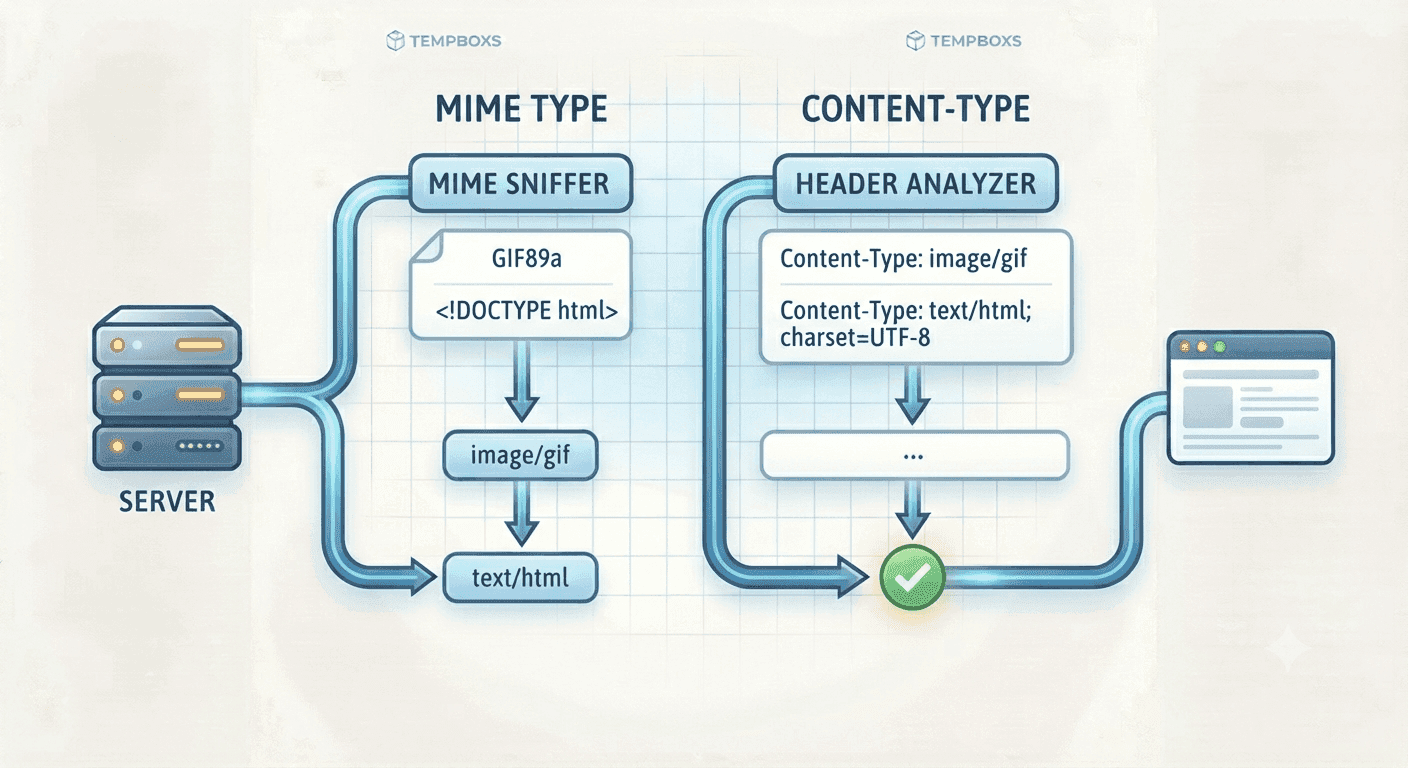
A MIME type describes the kind of content a file or HTTP response contains. Browsers, API clients, CDNs, and download tools use that signal to decide how to parse, render, cache, or save the response.
When the type is wrong, a stylesheet may not load, JavaScript may be blocked, an API response may fail parsing, or a file may open inline when it should download.
Content-Type is where the type appears
On the web, the MIME type usually appears in the Content-Type response header. A JSON API might send application/json, a stylesheet should send text/css, and an SVG image commonly uses image/svg+xml.
Some text responses also include parameters such as charset=utf-8. Those parameters can matter for correct character rendering.
- text/html for HTML documents
- text/css for stylesheets
- text/javascript for JavaScript
- application/json for JSON responses
- image/svg+xml for SVG images
Extensions are only clues
File extensions are useful, but they are not proof. A file name can be misleading, and uploaded content can be crafted to confuse weak validation.
For uploads, validate on the server with size limits, content checks, scanning where appropriate, and strict storage rules. MIME type lookup is a reference step, not a security scanner.
Debug browser MIME errors
Browsers can enforce strict MIME checks for scripts, styles, and module resources. If the console says a resource was blocked because of MIME type, inspect the response headers, route rewrites, static hosting rules, and CDN configuration.
A common mistake is serving a missing asset as an HTML error page. The URL looks like a CSS or JavaScript file, but the server replies with text/html.
Where tempboxs fits
The tempboxs MIME Type Lookup searches common extensions, content types, categories, and delivery notes locally in your browser. It does not upload files or fetch URLs.
Use it with the HTTP Status Code Lookup, User Agent Parser, Meta Tag Analyzer, and URL Parser when debugging static assets, API responses, downloads, upload rules, or browser console errors.
Related tempboxs tools
Put the guide into practice with browser-only utilities that keep pasted values on your device.