
Is Your School or Workplace Email Private? What Admins Can Actually See
Using a school or company Google Workspace or Microsoft 365 account? Learn exactly what administrators, employers, and IT departments can read, monitor, and log.
- #privacy
- #workplace
- #school
- #workspace
The corporate inbox is not your personal vault
When you are assigned an email address by your employer or school (e.g., `[email protected]` or `[email protected]`), it is easy to treat it as a personal account. You might use it to sign up for retail discounts, register on professional forums, message colleagues about non-work plans, or save personal drafts.
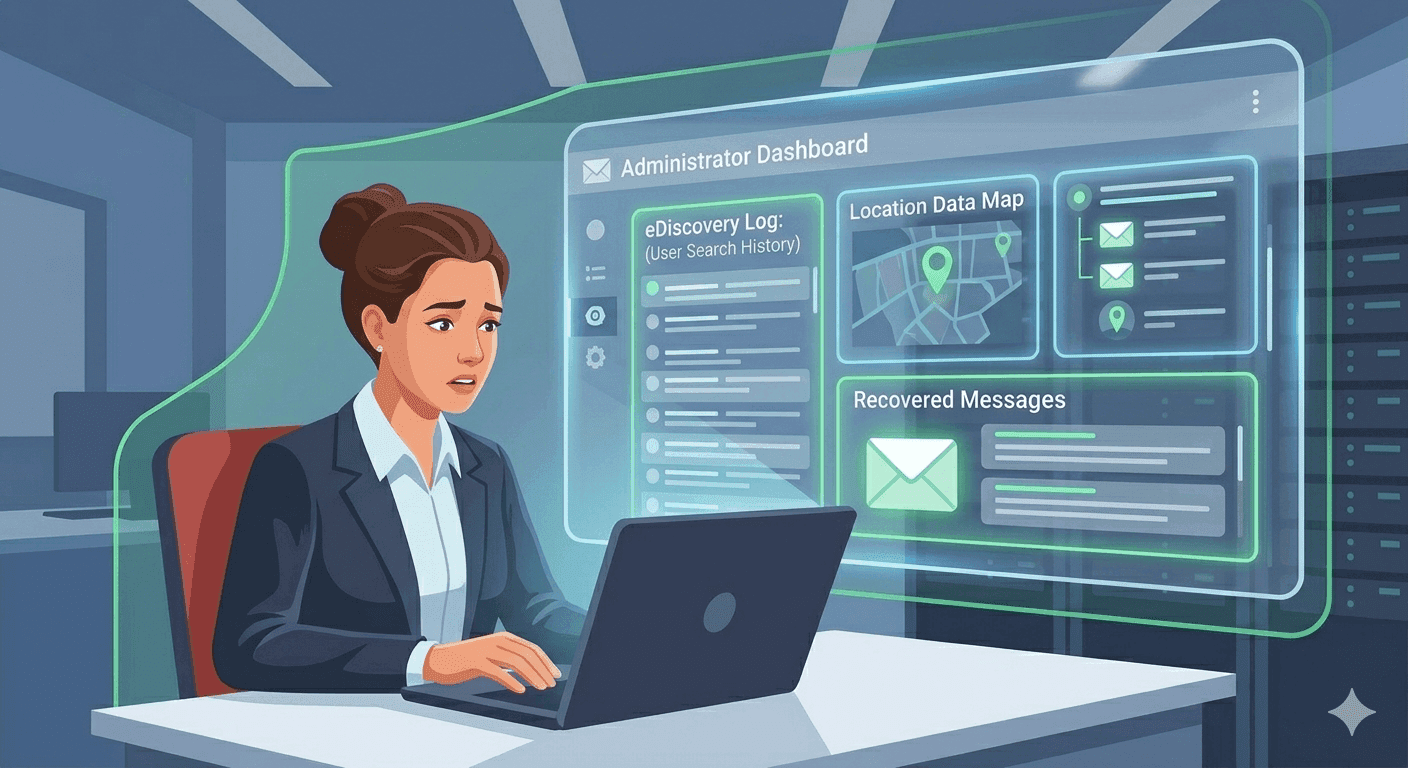
But from a legal and technical perspective, your organization's email system is not private. It is the sole property of the institution that pays for it. Administrators, employers, and IT departments possess comprehensive tools that allow them to monitor, audit, and log almost everything you do.
What IT administrators can actually see and read
Modern enterprise platforms like Google Workspace and Microsoft 365 provide administrators with absolute administrative control over their tenant domains.
Here is the exact level of access your organization's IT department has to your account:
- Full Message Access: Admins can read the subject line and body text of any sent, received, or drafted email in your inbox without your knowledge.
- eDiscovery Tools: Built-in search utilities allow legal or HR teams to search every inbox in the organization for specific keywords, names, or file attachments instantly.
- Deleted Email Recovery: Messages you delete or purge from your trash folder remain recoverable through system backups and archival logs for months or years.
- Linked App Audits: Admins see a list of all external websites, apps, and browser extensions you have logged into using your school or work credentials.
Network logging and physical location tracking
In addition to the content of your emails, IT systems log extensive metadata. Every time you log in or check your mail, the system records your device's IP address, physical location, operating system, and access timestamps.
If you are logged into your work or school account on a personal phone or laptop while connecting to public Wi-Fi, your organization can trace your geographical movements. Many companies use these logs to audit remote work compliance, verifying that employees are actually working from their designated regions.
The danger of personal signups on corporate mail
The greatest risk of using a school or work email for personal tasks occurs when you eventually leave the organization. When you graduate, change jobs, or are laid off, IT departments immediately deactivate your account, often within minutes.
If you used that organizational email as the primary recovery address for your personal bank account, social media, subscription services, or password manager, you will be locked out of those services permanently, with no technical path to recover your access codes.
Drawing a hard line between personal and professional
To protect your privacy and ensure long-term account security, establish a strict boundary between your personal digital life and your professional accounts.
Always use a personal, highly-secured email address for your vital accounts, financial portals, and intimate communications. For one-off registrations, forum signups, or downloading educational resources that you do not want linked to either your personal or professional identity, rely on instant disposable email services like tempboxs. Keeping your organizational inbox strictly limited to official duties ensures complete compliance and absolute peace of mind.