
A Privacy and Security Toolkit for Safer Signups
Build a practical browser-only workflow with temporary email, generated passwords, URL cleaning, header review, and tracking-pixel checks.
- #privacy
- #security
- #tools
- #signups
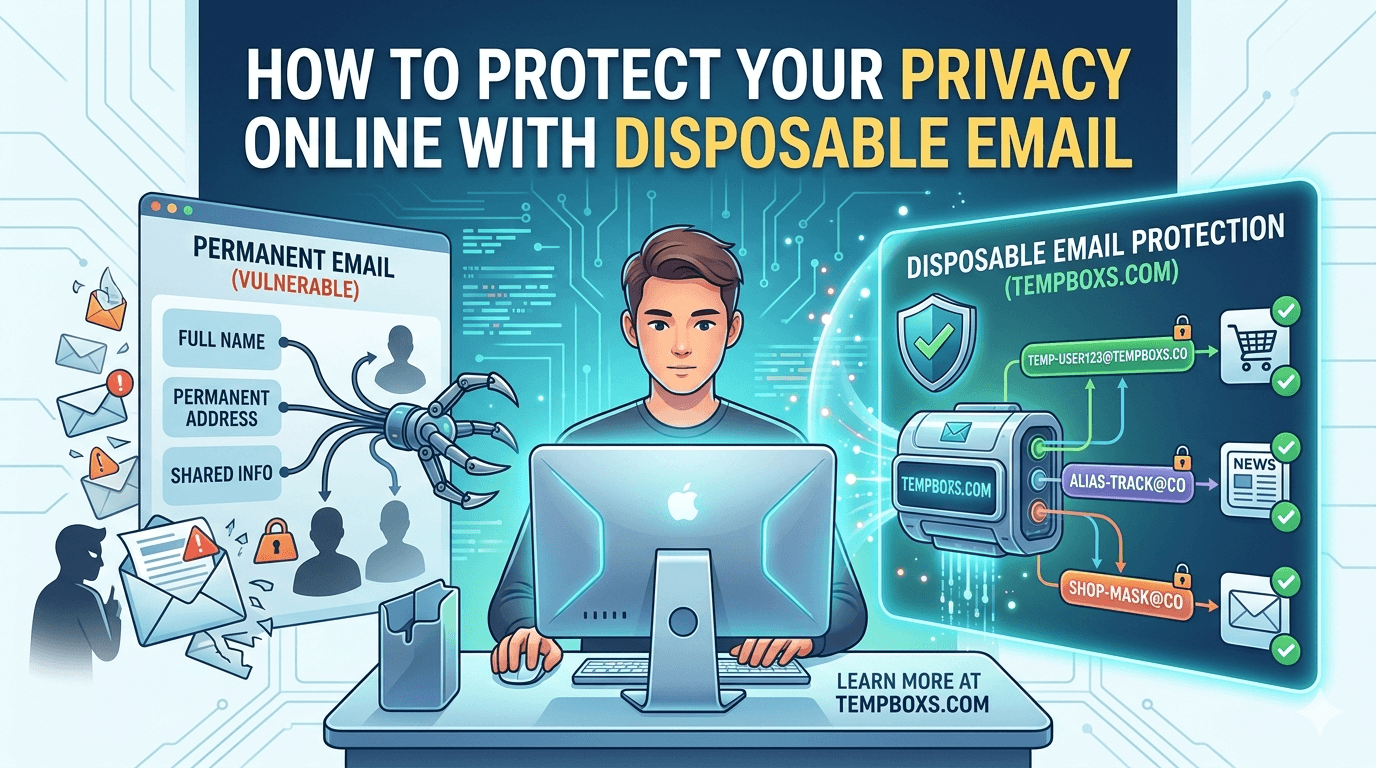
A toolkit works better than one habit
Online signups create several privacy and security decisions at once. You choose which email address to reveal, which password to create, whether a link looks trustworthy, and whether follow-up messages include tracking or suspicious sender clues.
A single tool helps with one decision. A simple toolkit helps you move through the whole flow with less guesswork, especially when the site is unfamiliar, temporary, or low trust.
Step 1: separate low-trust signups from your main inbox
Use your permanent email for accounts that need long-term recovery: banking, healthcare, government services, work systems, and your password manager. For one-off trials, downloads, demos, newsletters, or forms you only need once, a disposable inbox can reduce spam and tracking tied to your real address.
This does not make a signup anonymous, and it is not a replacement for careful account recovery. It is a compartmentalization habit: keep low-stakes mail away from the identity you rely on every day.
- Use tempboxs for low-stakes signup verification.
- Use your permanent inbox for accounts you must recover months or years later.
- Delete or let temporary inboxes expire when the task is finished.
Step 2: create a unique password before the form asks
A disposable email address reduces inbox exposure, but password reuse can still turn one weak signup into a bigger account-takeover risk. Generate a unique password for every account, including accounts that feel unimportant.
If the account is worth keeping, save the generated password in a trusted password manager. If the account is truly temporary, avoid reusing any password that protects something else.
Step 3: clean links before sharing or opening them
Many links include attribution parameters, ad click IDs, newsletter identifiers, or redirect wrappers. Those tags can travel when you paste the link into a chat, document, support ticket, or public page.
Cleaning a URL keeps the useful destination while reducing unnecessary tracking baggage. It is not a malware scan, so you still need to inspect the hostname and avoid unexpected login prompts.
- Remove common UTM tags and ad click IDs before sharing links.
- Review unwrapped redirect destinations before opening them.
- Keep original links when a site uses query parameters for real page state.
Step 4: inspect suspicious email signals
After a signup, review suspicious messages before clicking. Raw headers can show From, Reply-To, Return-Path, authentication results, and delivery hops. Email HTML can reveal remote images, tiny pixels, and marketing links that load when images are displayed.
Headers and tracking pixels are clues, not verdicts. Legitimate newsletters can use remote images and complex mail systems, while malicious messages can look technically clean. Use the clues to slow down and verify the sender through a trusted route.
A practical tempboxs workflow
Start with a temporary inbox when a signup is low stakes. Generate a unique password if the form needs credentials. Clean links before sharing them. If follow-up email looks suspicious, inspect the raw headers and pasted HTML locally before trusting links or remote images.
The tempboxs tools are browser-only by design. The password checker, URL cleaner, header analyzer, tracking-pixel checker, and hash generator process your input locally instead of uploading the values to tempboxs.
When this workflow is not enough
Do not use disposable email for critical accounts, legal mailboxes, healthcare portals, financial services, or identity recovery. Those accounts need a durable email address, strong two-factor authentication, and a recovery plan you control.
For downloads and files, compare checksums from trusted publishers. For accounts that matter, use a password manager, passkeys or two-factor authentication when available, and direct navigation to official websites instead of links from unexpected messages.
Related tempboxs tools
Put the guide into practice with browser-only utilities that keep pasted values on your device.