SPF, DKIM and DMARC Explained, with Real Examples
What SPF, DKIM and DMARC each check, how alignment ties them to the From address, how to read pass/fail results, and a safe order to roll them out.
A free disposable inbox for signups you don't trust, plus the tools to check what those emails are doing: headers, trackers, links and passwords. No account needed.
Creating your address and loading the mailbox. This only takes a moment.
tempboxs (spelled with an s) is an independent, free privacy toolkit built around a temporary inbox. Here is what it includes and where each part runs.
Every email address on the public internet ultimately connects to a mail server that speaks SMTP: senders look up your domain’s DNS records, find the MX (mail exchange) hosts, and deliver the message. A disposable email service works the same way at the network layer: it advertises one or more domains, accepts inbound mail for addresses it has issued, and shows that mail in a web app instead of a traditional mailbox like Outlook or Gmail.
What changes is identity and storage. A provider like tempboxs mints a short-lived address tied to a browser session: your inbox is created without a password, and the same page can display new messages as they arrive. Behind the scenes, the service stores message bodies and metadata only for the lifetime of that inbox, then deletes them on expiry. That is different from “forwarding” services: nothing is sent to your personal account unless you copy a message yourself.
Security is not an afterthought. Unknown HTML in email is a common vector for scripts, tracking pixels, and phishing links. tempboxs sanitizes message HTML before you see it, strips remote images that could phone home when opened, and keeps link handling predictable so you can review content without loading hidden assets. That design matches how security-minded users expect a throwaway reader to behave in 2026: minimal attack surface, no silent network calls from the message body.
While the tab is open, the app checks for new mail on a short interval so you do not have to refresh constantly. That is a lightweight pattern that balances freshness with server load, and it fits a tool whose job is to display a few timely messages rather than mirror an enterprise mailbox archive.
Regulators and customers have both raised the bar. Large-scale breaches, AI-assisted phishing, and cross-site tracking have made the personal email address a high-value key: it unlocks password resets, loyalty programs, and marketing graphs. Every extra signup is another place your address can leak, be sold, or be used to stitch together a profile. Temporary email is a practical way to break that chain for low-stakes signups, trials, and one-off verifications where you do not need a long-term relationship with the sender.
Disposable inboxes are not a replacement for a hardened primary account with two-factor authentication. They are a layering tool. Use a permanent, protected address for banking, healthcare, work, and any account you might need to recover in five years. Use a temporary address when the only goal is to receive a code, confirm a box, or read a promotion once. That split habit alone cuts spam, reduces breach exposure, and keeps your real inbox closer to “signal” than “noise.”
Consent and transparency matter too. When analytics or advertising tags load on a site, you should know what is optional and what is essential. tempboxs surfaces choices through a consent flow when those tools are enabled, and we describe cookies, Google Analytics, and AdSense in plain language in the privacy policy so you are not left guessing what runs in the background.
Follow these steps whenever you need a one-off mailbox. For more background on spam and identity, the tempboxs blog has longer guides; the short version is that you are renting an address, not a relationship.
Temporary email is the lead workflow. The rest of tempboxs helps you read message headers, spot tracking pixels, clean links, check credentials, and inspect the data you meet while debugging a signup flow.
Writing automated tests for signup or password reset emails? Join the waitlist for private test inboxes.
Three starting points that connect the tools and articles on this site. See all guides with their articles and tools.
Open the site, copy your temp address, read messages as they land, and close the tab. No account to create.
Use a disposable address for signups so your real inbox stays private and spam-free.
Email HTML is sanitized and remote images are stripped to reduce tracking and malicious content.
No login, no signup. Inboxes expire automatically and you can dispose them anytime.
Create random passwords, memorable passwords, and PINs in your browser.
Open password generatortempboxs is an independently maintained privacy tool. Every day, millions of people hand over their real email address to websites they will never visit again, resulting in flooded inboxes, aggressive marketing, and personal data sitting in databases that may be breached. We built tempboxs to fix that. We provide a disposable email address in seconds, with no signup and no personal details asked for. We do not sell data or build profiles. Analytics and advertising cookies are used only if you accept them, as the privacy policy explains.
A disposable address is a short-lived inbox for signups and verification codes, not a replacement for your main email. The detailed technical overview, 2026 privacy context, and step list are in Understanding temporary email. Quick uses: one-off signups, OTPs, free trials, developer testing, and shopping checkouts that would otherwise fill your real inbox.
Short posts on privacy, Gmail tricks, testing signups, and cutting down spam.
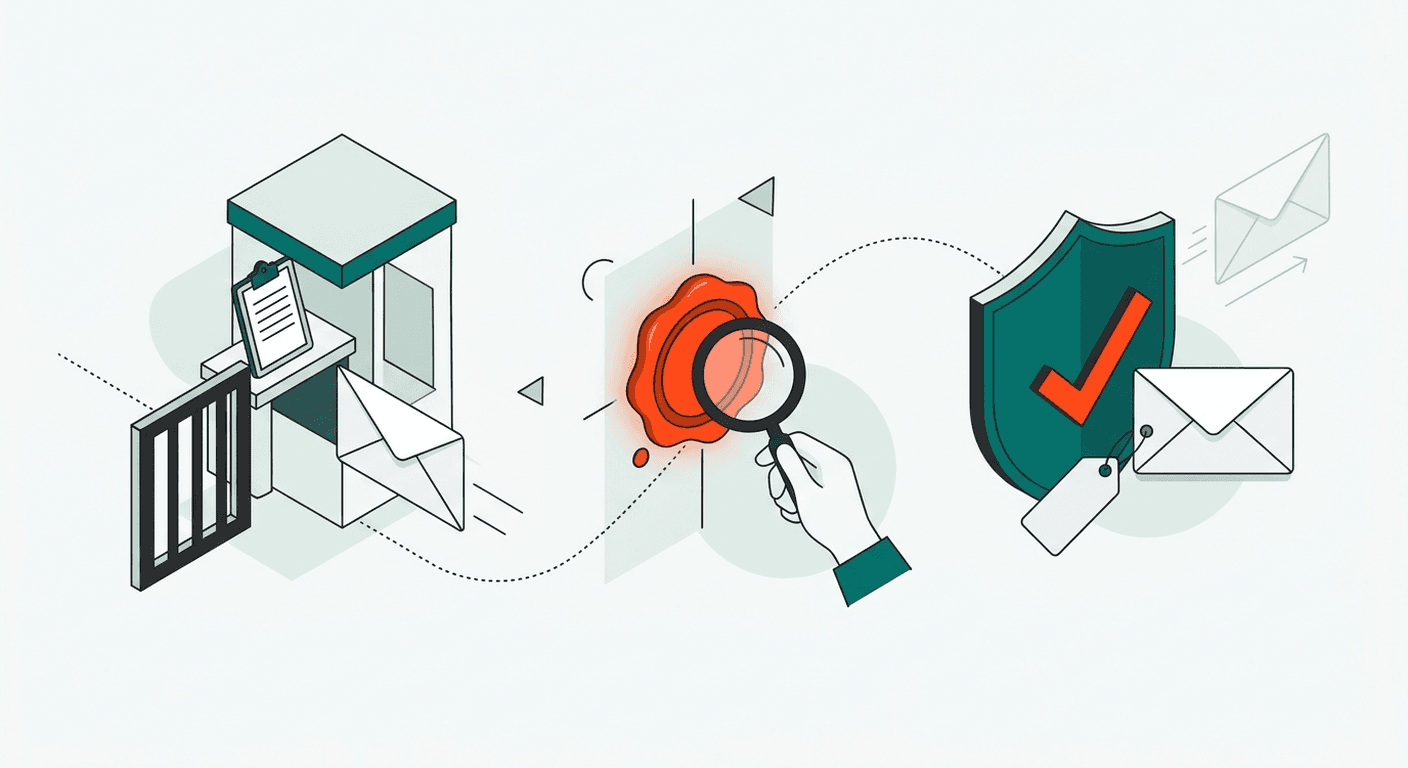
What SPF, DKIM and DMARC each check, how alignment ties them to the From address, how to read pass/fail results, and a safe order to roll them out.
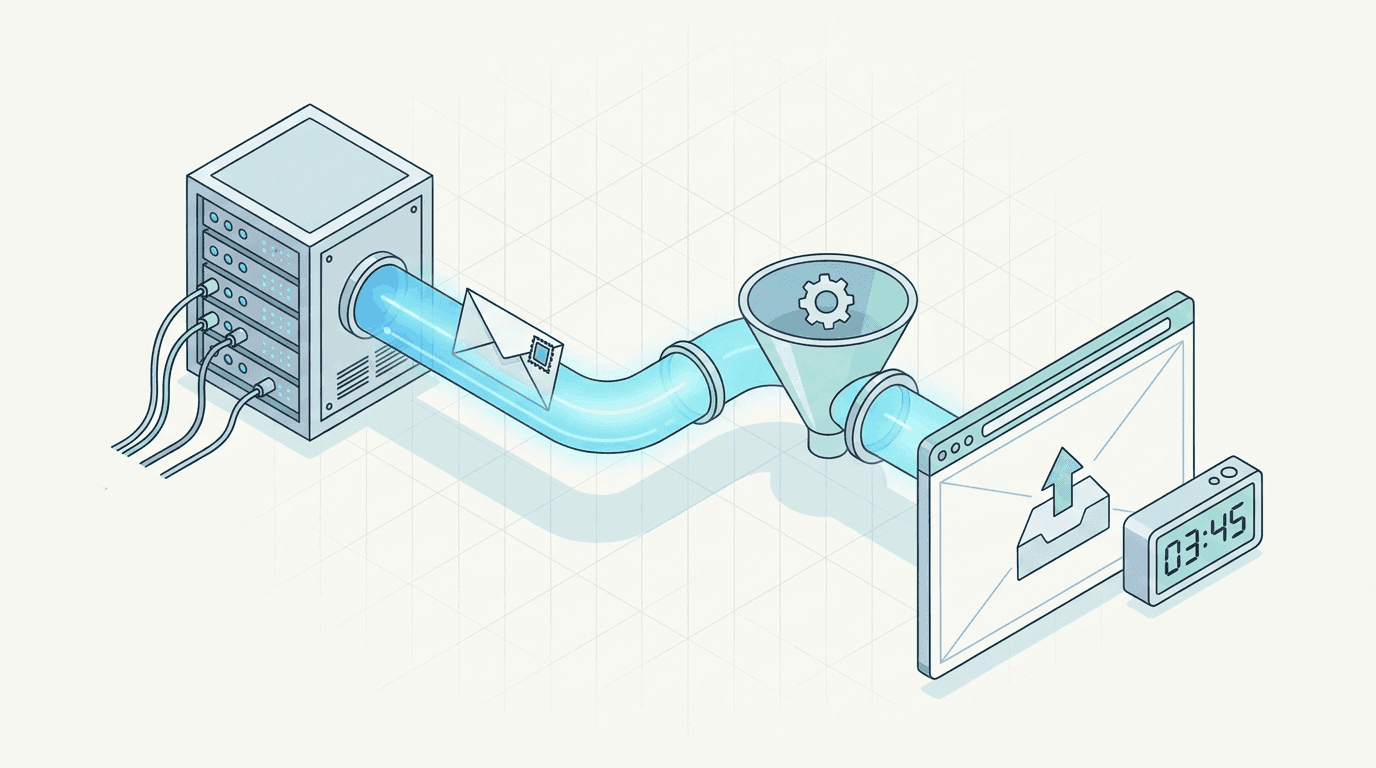
A walk through the real pipeline behind a tempboxs inbox: how an address is created, how mail is received and cleaned, where it is stored, when it is deleted, and what the service cannot do.
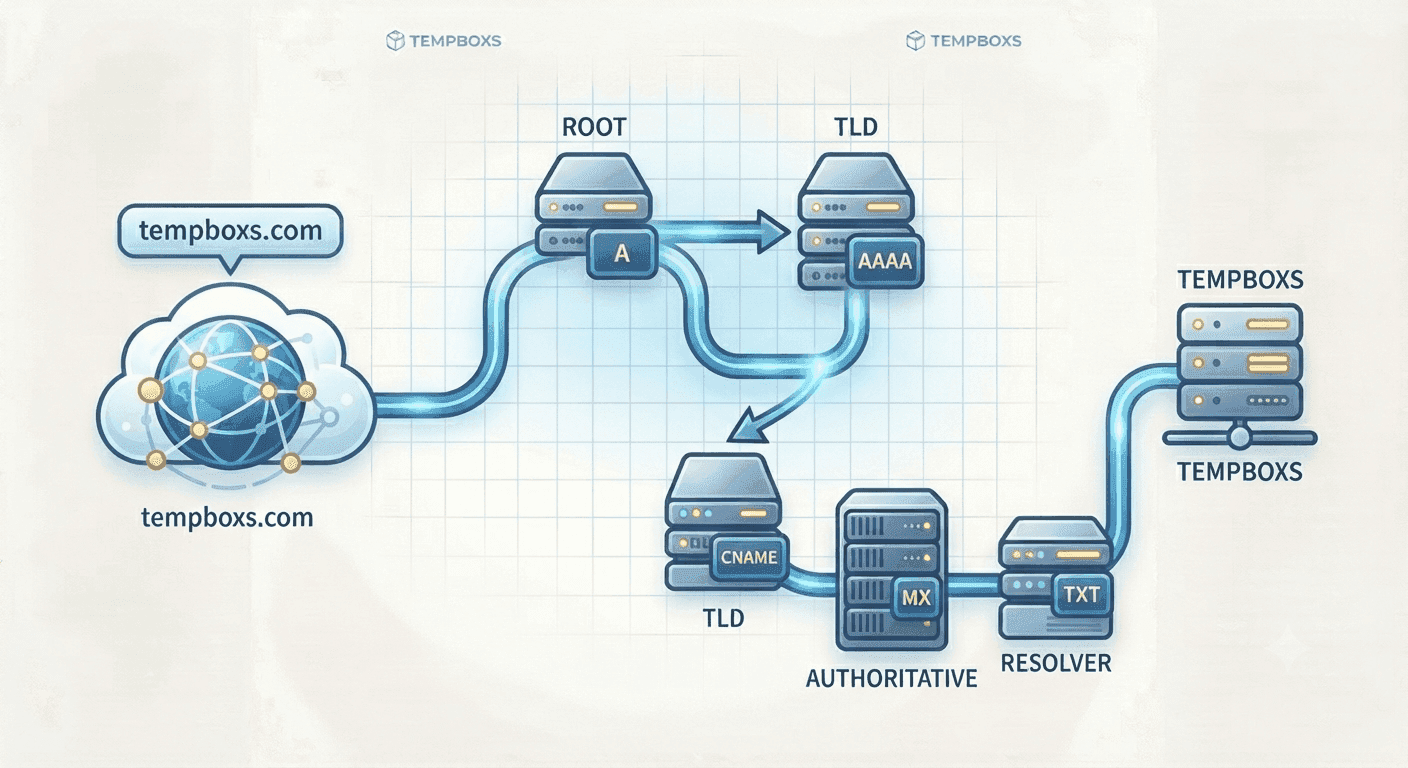
What each DNS record type does, how the three email records fit together, the mistakes that most often stop mail from arriving, and how to check a live domain yourself.
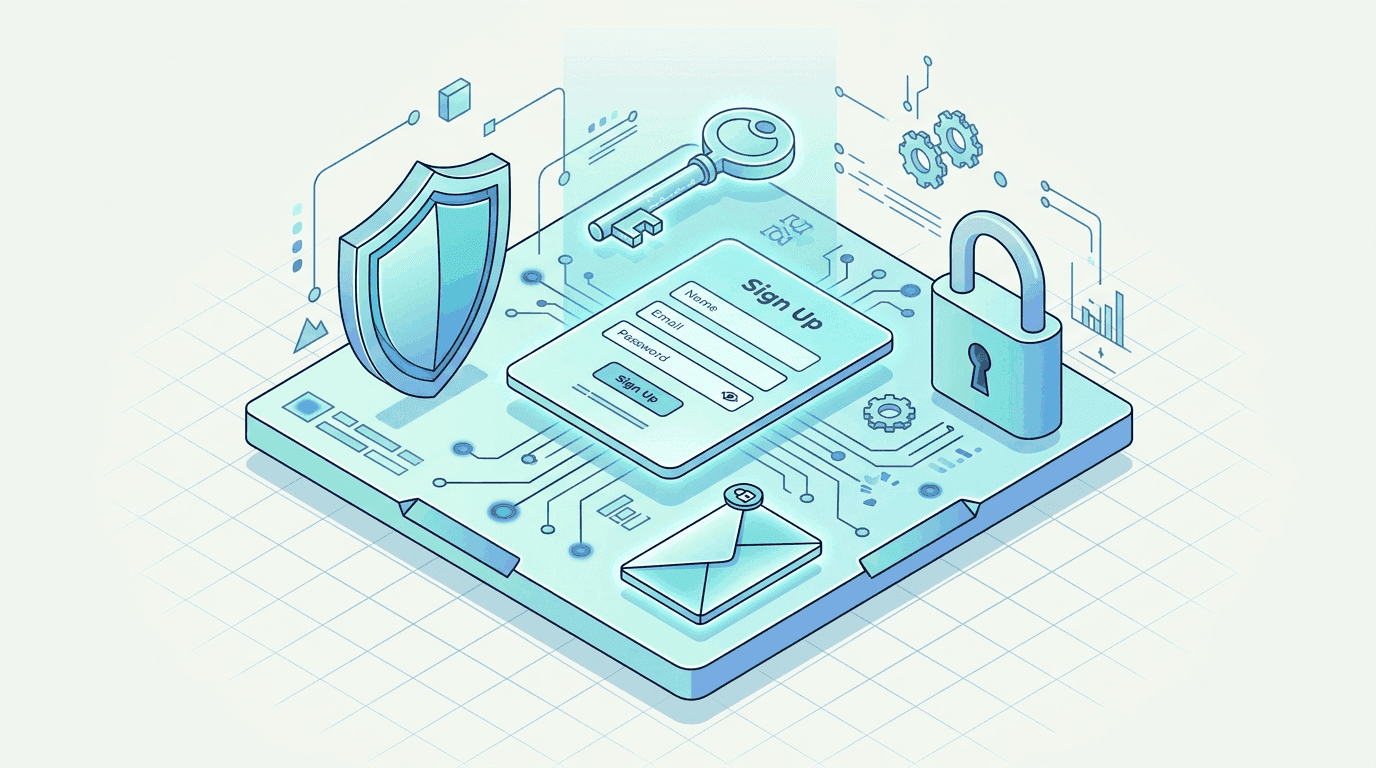
Build a practical browser-only workflow with temporary email, generated passwords, URL cleaning, header review, and tracking-pixel checks.
tempboxs (spelled with an s) is an independent website at tempboxs.com that offers a free temporary email inbox and a set of browser-based privacy and developer tools. It is not affiliated with other products or apps that use similar names, such as TempBox.
Yes. The temporary inbox and all the tools are free to use with no account. The site may show ads, and analytics and advertising cookies are used only if you accept them. Private test inboxes for developers are planned as a separate service.
Alongside the temporary inbox there is an email header analyzer, an email tracking pixel checker, a URL cleaner, a password generator and strength checker, a DNS lookup, and developer tools for JSON, JWTs, Base64, regular expressions, hashes, Unix timestamps and UUIDs. All tools are listed on the tools page.
Open the site: we create a disposable inbox and show the address right away. Copy it and paste it wherever you need a signup or verification email, and keep the tab open so new messages appear in your list. Open a message to read sanitized content safely. When you are done, delete the inbox or let it expire automatically.
Messages exist only while your temporary inbox is active. Inboxes are short-lived on purpose: your inbox and all messages inside it expire automatically after the time shown in the app (for example the countdown or timer). You can also delete the inbox yourself when you are done, which removes associated messages according to our retention rules in the privacy policy.
They are safe for their intended use: receiving signups and codes without exposing your real address. tempboxs sanitizes HTML and removes remote images to reduce tracking and malicious content, and links open in a new tab. You should still treat a disposable inbox like a public mailbox: do not use it for banking, medical records, or anything highly sensitive.
Anyone with the same browser session or knowledge of the secret link could theoretically open that inbox, so you should not treat it as private messaging. Use it for low-sensitivity signups. Do not reuse temp mail for accounts that need confidentiality.
No. tempboxs creates a temporary email inbox in your browser with no login or signup.
We sanitize HTML and remove remote images to cut down tracking and risky content. Links open in a new tab so you stay in control.
Using a temporary address is legal in general, but each website sets its own rules. Some services block known disposable domains to reduce abuse. If a site rejects your address, that is their policy—use your real email only where you accept their terms and want a lasting account.
An alias (or “plus” address) usually forwards to your main mailbox, so you still read everything in one place. A disposable inbox is separate: mail stays in the throwaway box until it expires, which keeps marketing and low-trust signups out of your primary account entirely.
Not in this version. Custom domains and long-term storage are possible later if we add them.
Yes. The password generator at /password-generator creates random passwords, memorable passphrases, or PINs entirely in your browser. Nothing you generate is sent to or stored on tempboxs servers. Save unique passwords in a trusted password manager.