
What Happens to an Email Sent to a tempboxs Address, Step by Step
A walk through the real pipeline behind a tempboxs inbox: how an address is created, how mail is received and cleaned, where it is stored, when it is deleted, and what the service cannot do.
Why we are writing this down
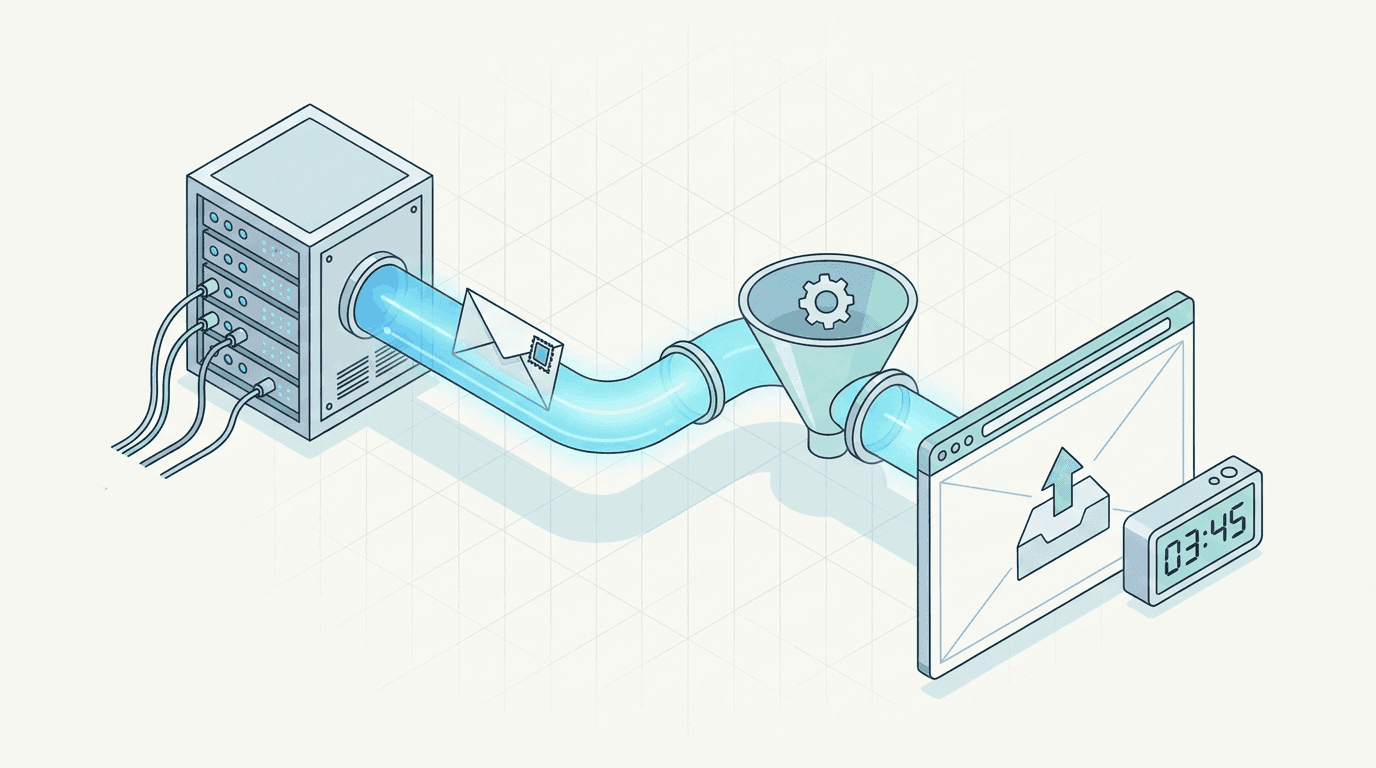
Most temporary email sites ask you to trust a sentence like "we delete everything" without saying what "everything" is or how deletion happens. This post describes what tempboxs actually does with a message, in the order it happens, including the limits we set and the things the service deliberately does not do.
Nothing here is a promise about the future. It is a description of how the system works today. If we change a step, we will update this page.
1. Opening the page creates an inbox, not an account
When you load the homepage, your browser asks the server for an inbox. The server generates three random values: a ten-letter address, an internal inbox ID, and a 32-character secret. It stores them in a Redis database with an expiry timer, and sends the address and the secret back to your browser.
The secret is what proves the inbox is yours. Your browser keeps it in session storage and sends it with every request to read mail. There is no email, password, or name attached to it, because none is collected.
Two practical consequences follow from that design. Knowing someone's temporary address is not enough to read their mail, because reading requires the secret. And because session storage is tied to the browser tab, closing the tab discards the secret: the inbox cannot be reopened afterwards, by you or by us.
2. The timer starts immediately
Every inbox has a lifetime, shown as the countdown above the message list. The default is 30 minutes. That expiry is set on the database records themselves at the moment they are written, so deletion does not depend on a clean-up job running on schedule. When the timer ends, the database drops the address, the secret, and the inbox record.
Using Change name gives the same inbox a new address. The old address stops accepting mail straight away. Dispose inbox removes the address, the secret, the inbox record, and the stored messages without waiting for the timer.
3. Mail arrives at Cloudflare first
The domain's MX records point at Cloudflare's email routing service, so a sender's mail server delivers the message there, not to our web servers. A small Worker script receives the raw message and parses it: sender, recipient, subject, date, Message-ID, the plain-text body, and the HTML body.
The Worker then forwards only those fields to the tempboxs application over HTTPS, signed with a shared secret so that nothing else on the internet can inject messages into inboxes.
- Attachments are not forwarded. They are dropped at this step and never stored, which is why you cannot receive files at a tempboxs address.
- The raw message, including its full header block, is not kept.
4. The application decides whether to keep it
Before storing anything, the application runs a series of checks. A request without the correct shared secret is rejected. Requests are rate limited. A message larger than about 2.6 MB in total, or with an HTML body over two million characters, is refused.
Then it looks up the recipient address. If no live inbox has that address, because it expired, was disposed, or never existed, the message is acknowledged and thrown away. Nothing is stored and no bounce is sent to the sender. This is the most common reason an expected email "never arrived": the inbox had already expired.
Finally, the Message-ID is checked against recent deliveries to the same inbox, so that a retry from the sending server does not show up as a duplicate.
5. The HTML is cleaned before it is stored
Email HTML is hostile territory: it is where tracking pixels, disguised links, and script injection attempts live. So the HTML body is sanitized on the server before it is written to the database. The original HTML is never stored, which means there is no unsafe copy that a later bug could expose.
The sanitizer works from an allow-list. Only basic formatting elements survive: paragraphs, headings, lists, tables, links, and simple text styling. Everything else is removed.
- Images are removed entirely, including 1x1 tracking pixels. A sender cannot tell that you opened the message.
- Scripts, forms, iframes, embedded objects, and style sheets are removed.
- Inline styles are limited to text formatting such as colour, size, and alignment. Styles that could load a remote file or move content over the page are dropped.
- Links are kept only if they use http, https, or mailto. They open in a new tab without passing a referrer, so the destination site does not learn you came from tempboxs.
What cleaning does not do
Sanitizing protects you while you read. It does not make a link safe to click. A link in a phishing email still goes where the sender pointed it, and once you click, that site sees your IP address like any other. If a message looks suspicious, the plain-text view and the sender address are more trustworthy than the formatted version.
Because images are removed, some marketing emails look bare, and a verification email that puts its code inside an image will not show the code. Codes sent as text, which is almost all of them, are unaffected.
6. Storage is short and capped
The cleaned message is stored in Redis with the same expiry as the inbox. An inbox holds at most 75 messages; when a 76th arrives, the oldest is deleted to make room.
There is no archive, no backup of message contents kept for later, and no search index. Once the timer has run out there is nothing we can retrieve, which is also our honest answer to "can you recover my inbox?": no.
7. Your browser checks for new mail
While the tab is open and visible, the page asks the server for new messages every four seconds, sending the inbox secret each time. When the tab is in the background it stops asking, and resumes when you return. That is why a message can appear a few seconds after it was sent, and why Refresh inbox is there if you do not want to wait.
Individual message pages are marked noindex and excluded in robots.txt, and they carry no advertising. A message URL contains a random ID, but the secret is still required to load its contents.
What this design is good for, and what it is not
The pipeline is built for one job: receiving a short-lived message, usually a verification code or confirmation link, without handing over your permanent address. It suits newsletter previews, free trials, one-off downloads, and testing your own signup flow.
It is the wrong tool for anything you need to keep. You cannot send mail, receive attachments, or get back into an inbox after it expires. If the account matters, such as banking, health, work, or anything with a password reset you may need next year, use an address you control.
It is also not end-to-end encrypted. Mail on the internet travels between servers that can read it, and during an inbox's lifetime the message is stored in our database in readable form. The protection on offer is a short lifetime, a small footprint, and no identity attached, not secrecy from the service itself. Do not have anything confidential sent to a temporary address, here or anywhere else.
Check it yourself
You do not have to take the image-removal claim on trust. Send a marketing email to a tempboxs address and note that no images load. Then paste the same email's HTML source, from your normal mailbox, into the Tracking Pixel Checker to see the hidden images that would otherwise have reported your open.
To see what a sender publishes about itself, look up its domain in the DNS Record Lookup, or paste a message's headers into the Email Header Analyzer to read the SPF, DKIM, and DMARC results.
Related tempboxs tools
Put the guide into practice with browser-only utilities that keep pasted values on your device.